
Thinking about a smart home but not sure where to start? You’re not alone. Many people hear about voice assistants, smart lights, and security cameras and wonder if it’s worth the hassle. The good news is you can add useful tech piece by piece, keep costs low, and still enjoy real benefits like convenience, safety, and energy savings.
Start with devices that give the biggest bang for your buck. A smart plug lets you control a lamp or coffee maker from your phone, and it costs less than £10. A smart thermostat learns your schedule and can cut heating bills by up to 15 %. Those two upgrades already make daily life smoother without a big investment.
Next, consider a voice assistant – Amazon Echo or Google Nest. It lets you dim lights, lock doors, or ask for the weather hands‑free. If you’re worried about privacy, you can mute the microphone when you’re not using it. Most assistants also let you review and delete voice recordings, keeping control in your hands.
Security worries are real. Smart locks, cameras, and doorbells can make your home safer, but they also create new entry points for hackers. Use strong, unique passwords for every device, enable two‑factor authentication where possible, and keep firmware updated. A quick check of each device’s settings can reveal if data is being shared with third parties – turn off any unnecessary permissions.
Don’t forget the network side. A dedicated guest Wi‑Fi for smart gadgets isolates them from your main computers and phones. If you notice any device slowing down or acting oddly, a simple reboot often clears issues without needing a tech support call.
Now that you have the basics covered, you can branch out. Smart lighting strips add ambiance, smart blinds automate sunrise and sunset, and a smart fridge can track groceries. Each new gadget should solve a problem you actually have – don’t add tech just for the sake of it.
Budget‑friendly smart homes are possible. Look for sales on popular brands, check out refurbished units, or buy older models that still get software updates. Over time, the energy savings from smarter heating and lighting often offset the initial spend.
Finally, enjoy the convenience. Set a “Good Night” routine that turns off lights, locks doors, and lowers the thermostat with one tap. Use voice commands to start the washing machine while you’re cooking dinner. These small actions add up to a home that works for you, not the other way around.
Ready to start? Pick one device, set it up, and see how it changes your day. Then add another, and before you know it, your house will feel like it’s reading your mind – in a good, secure way.
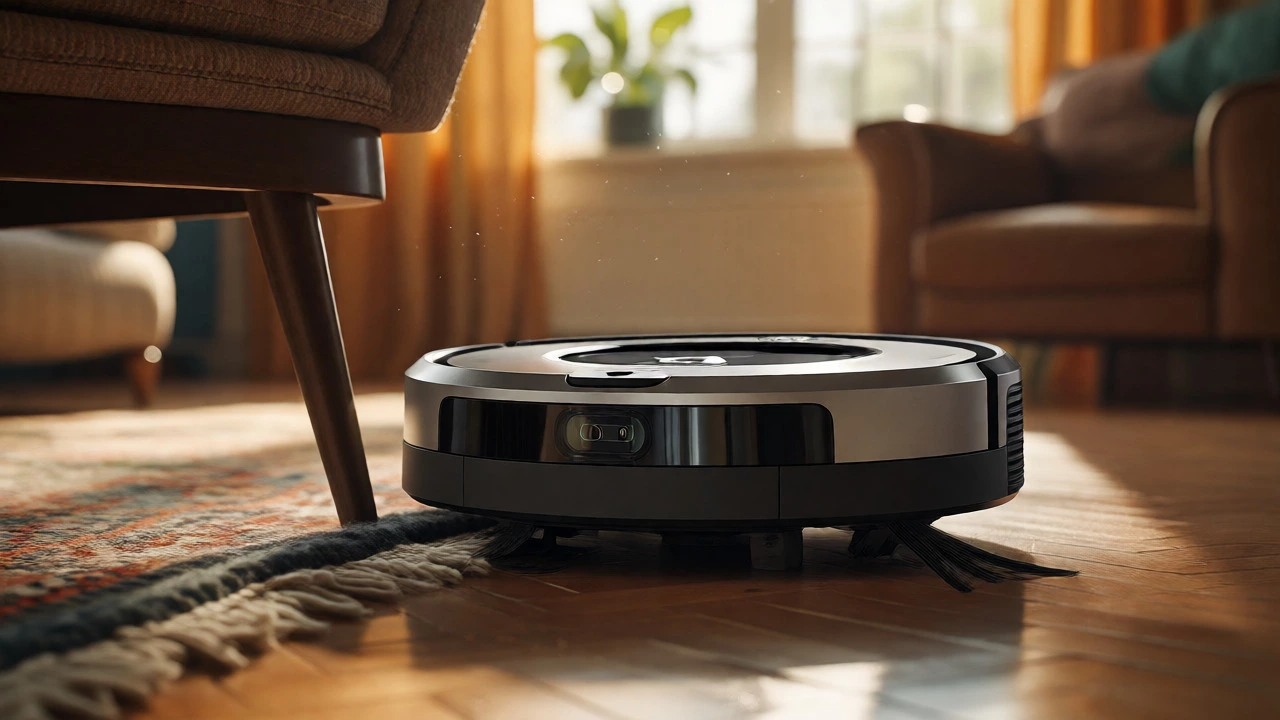
Discover how long it takes for a Roomba to map your home. We break down the timeline by model, explain why clutter slows it down, and share tips to speed up the learning process.
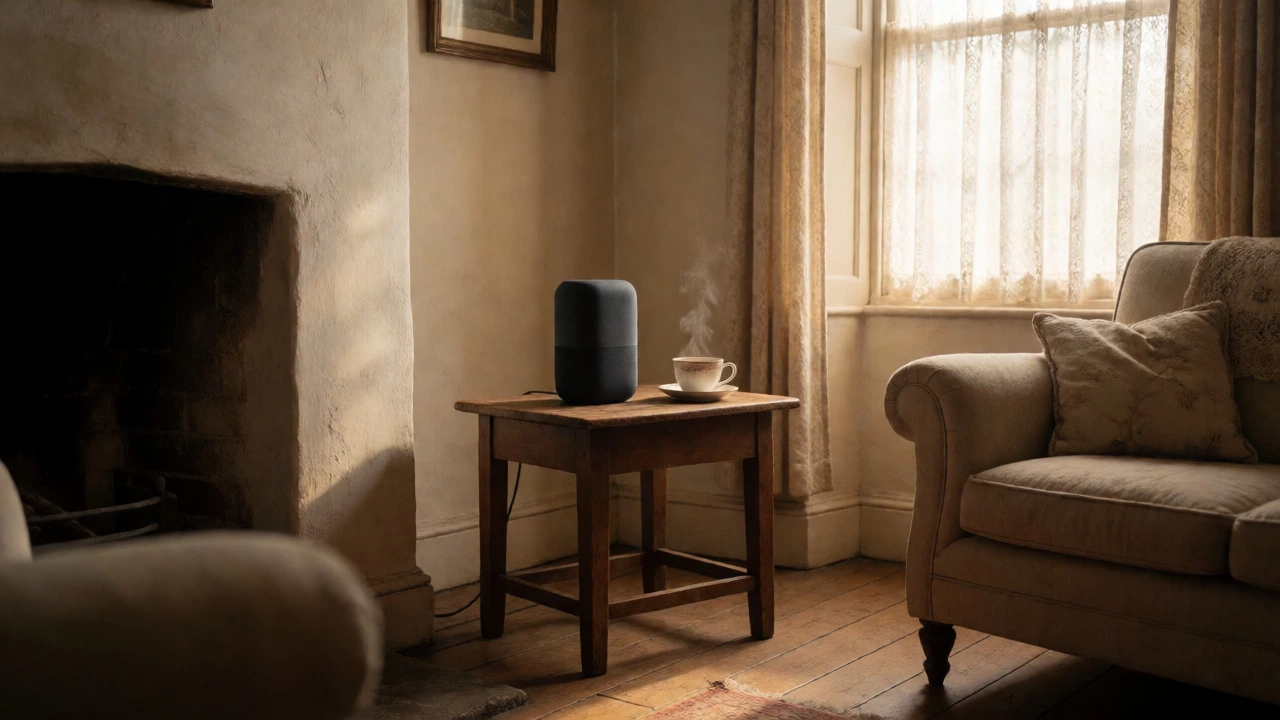
Transform your legacy house into a modern smart home without expensive renovations. Discover how to choose the right ecosystem, install non-invasive lighting and security, and overcome connectivity issues in older buildings.
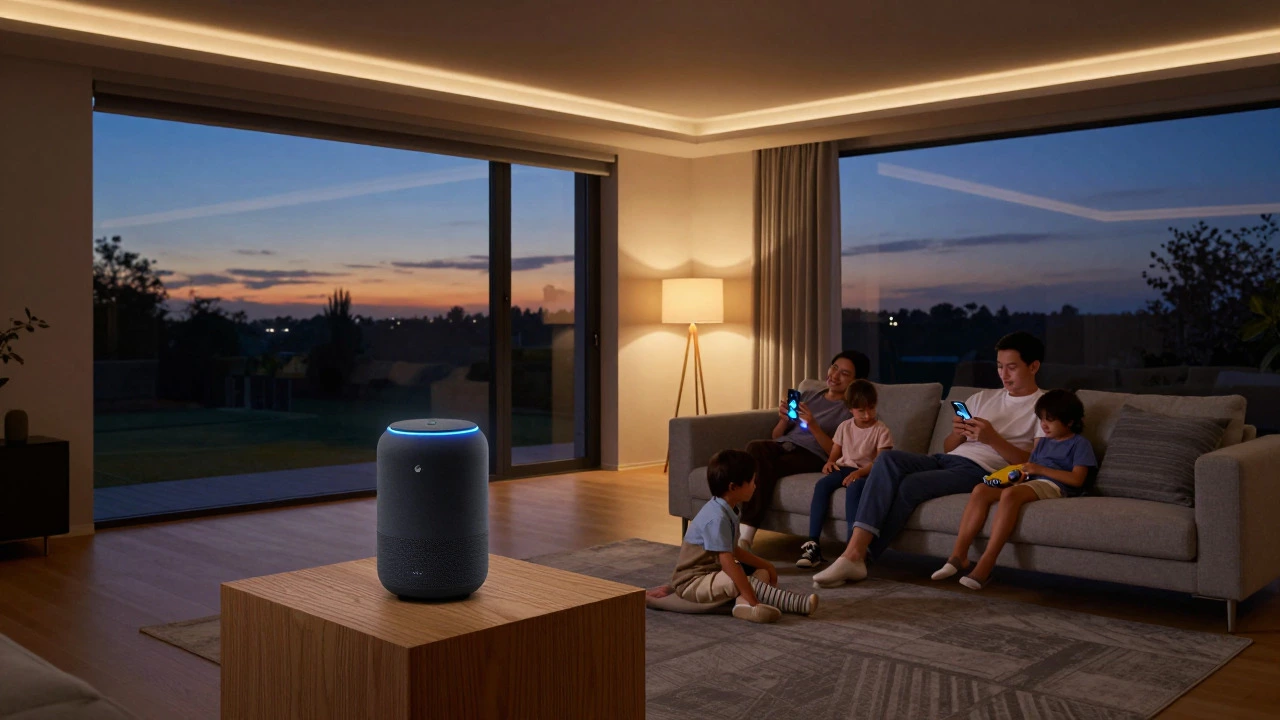
Confused by the terms? We break down the real differences between smart home ecosystems and home automation systems, including costs, tech requirements, and which one fits your lifestyle best.
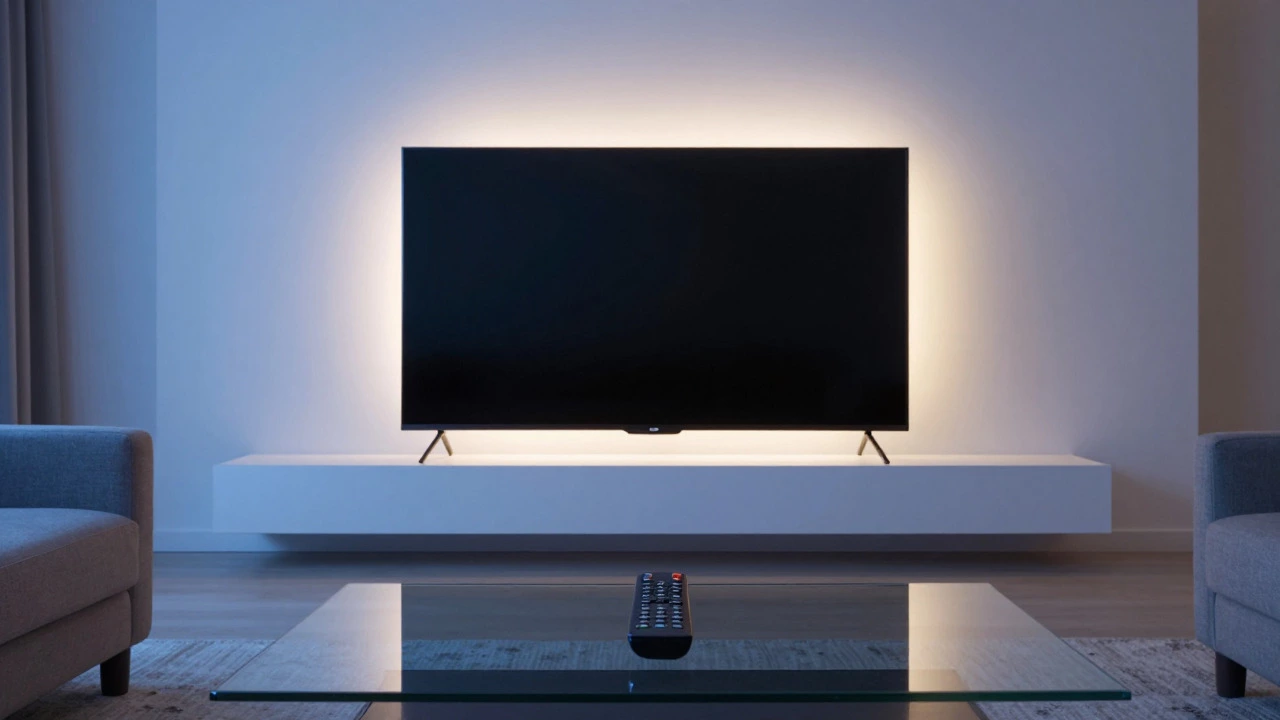
Discover if your smart TV counts as a true smart home device. We explore its role as a central hub, the impact of Matter protocol, and practical tips to maximize its automation potential.
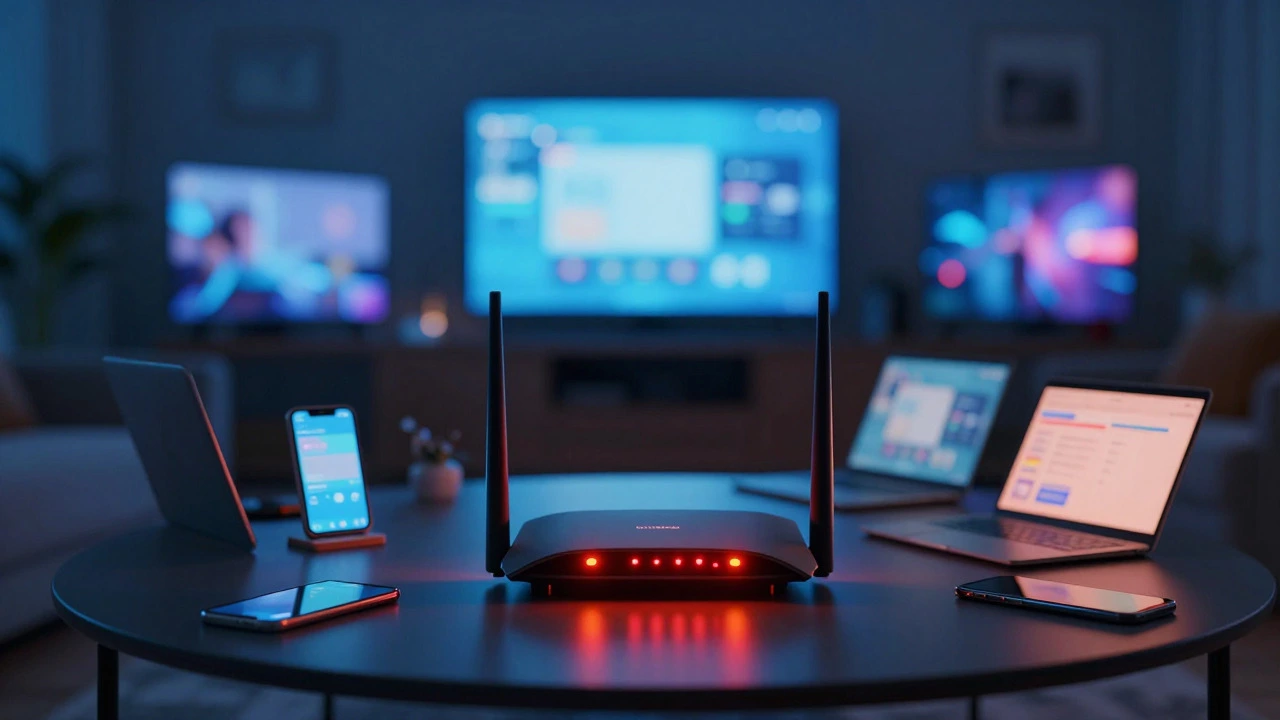
Discover the real limit of devices on home Wi-Fi. Learn why 30-50 active devices is the sweet spot, how router hardware affects capacity, and tips to optimize your smart home network for 2026.
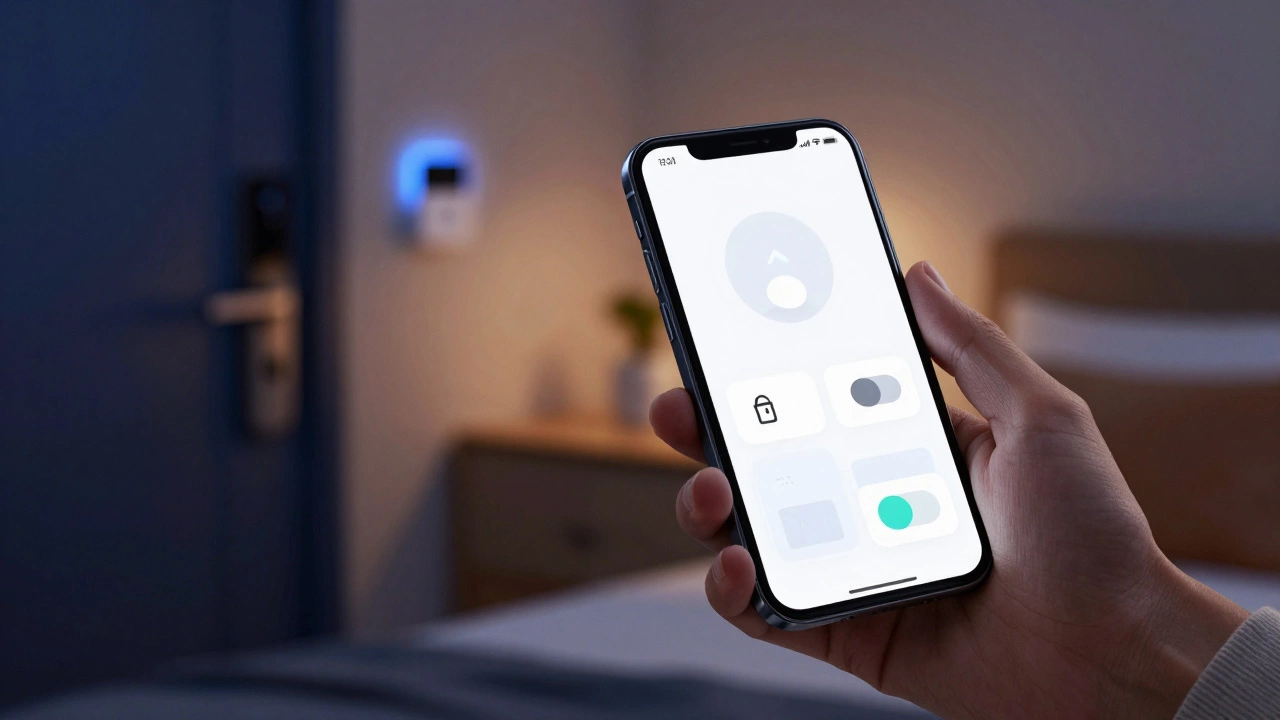
Discover if one app can truly control all your smart home devices in 2026. We explore Matter protocol, ecosystem hubs like Apple Home and Google Home, and third-party options for a unified experience.
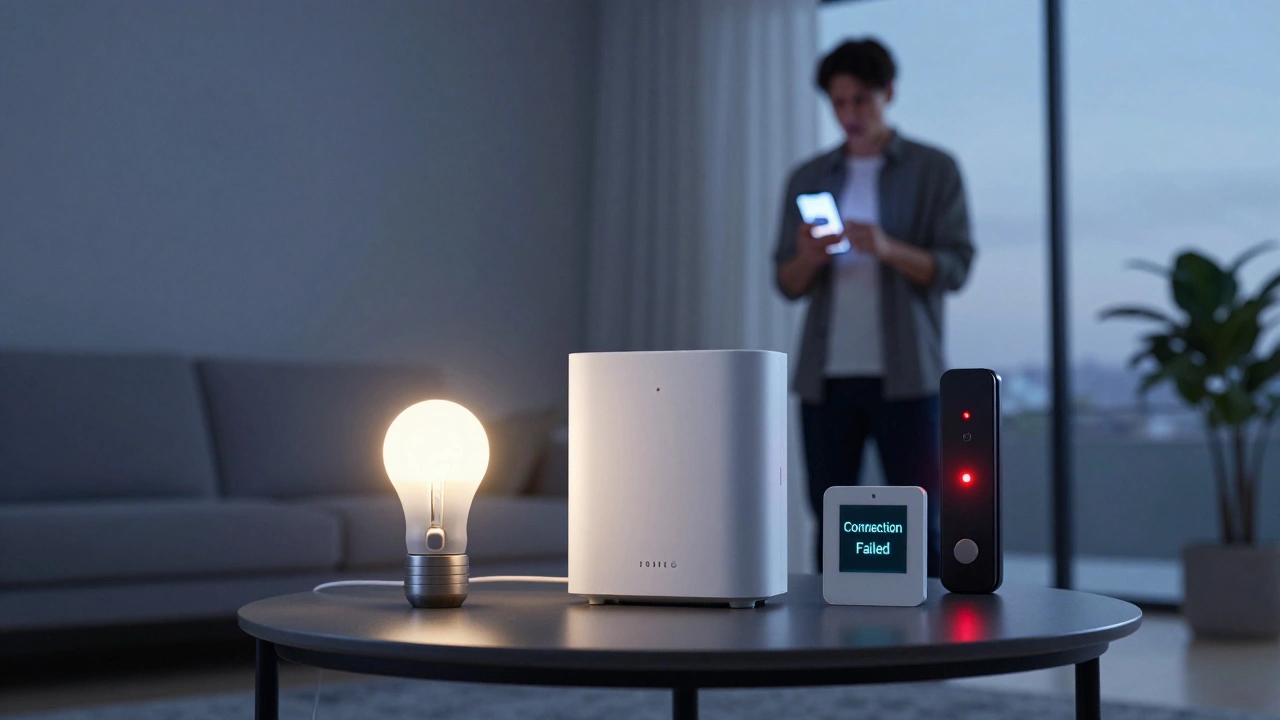
Explore the real problems with smart homes in 2026: security risks, compatibility issues, and privacy concerns. Learn how to mitigate these challenges for a safer, more reliable connected home.
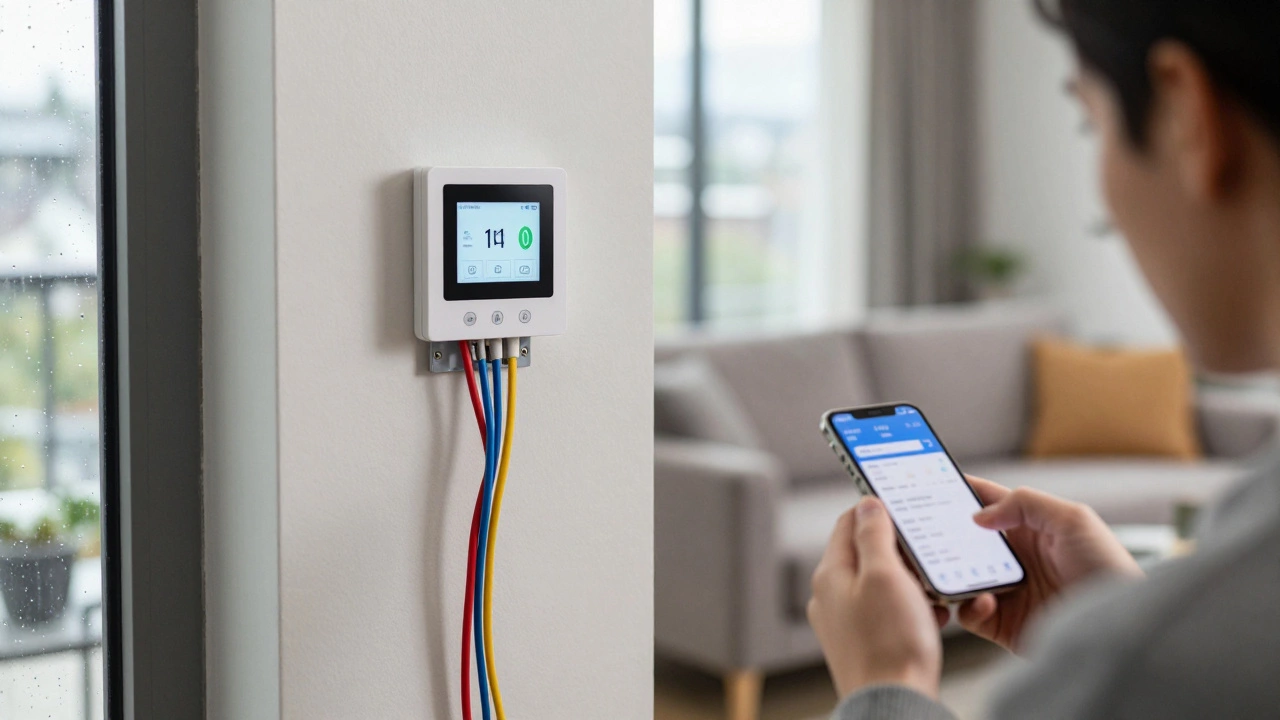
Discover which smart home devices you can install yourself and when to call an electrician. Learn about wiring requirements, safety risks, and costs in Vancouver.
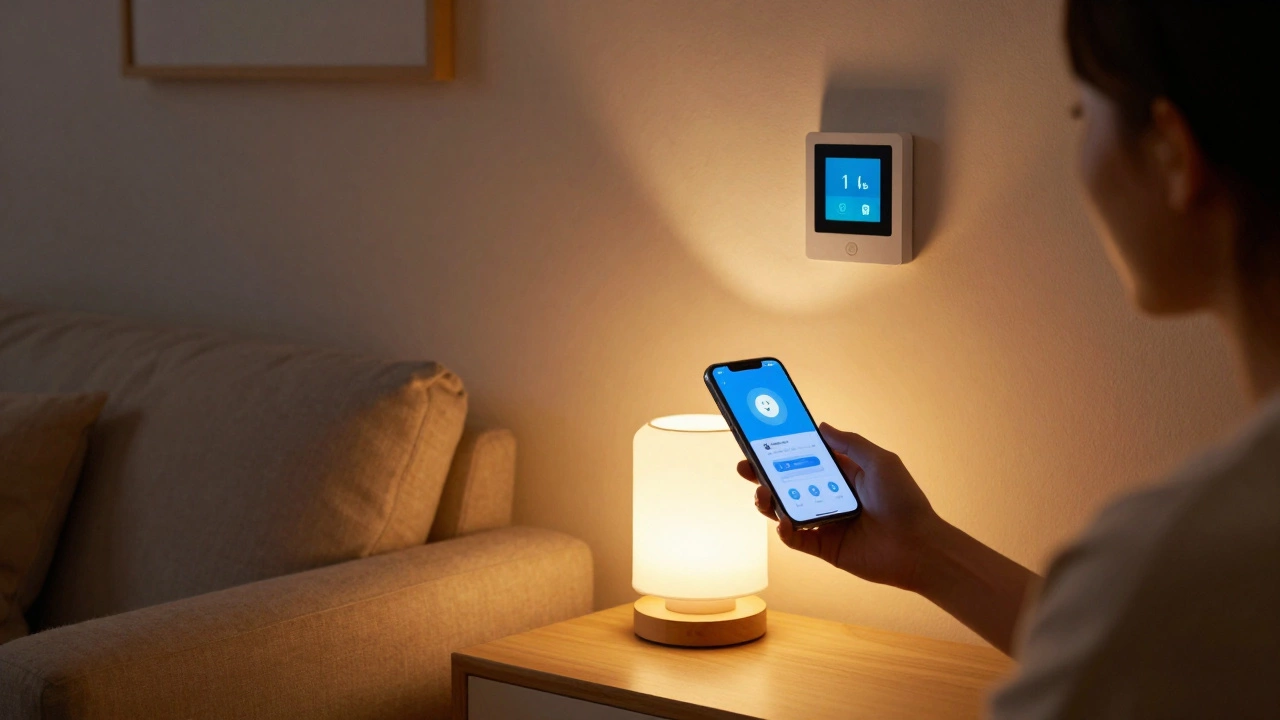
A smart home device connects to your Wi-Fi and lets you control lights, locks, thermostats, and more from your phone or voice. Learn what they are, how they work, and how to start using them without overspending.
Smart home is the common term, but automated home, connected home, and intelligent home are also used. Each reflects different tech approaches - from simple routines to AI learning. Knowing the difference helps you choose the right system.
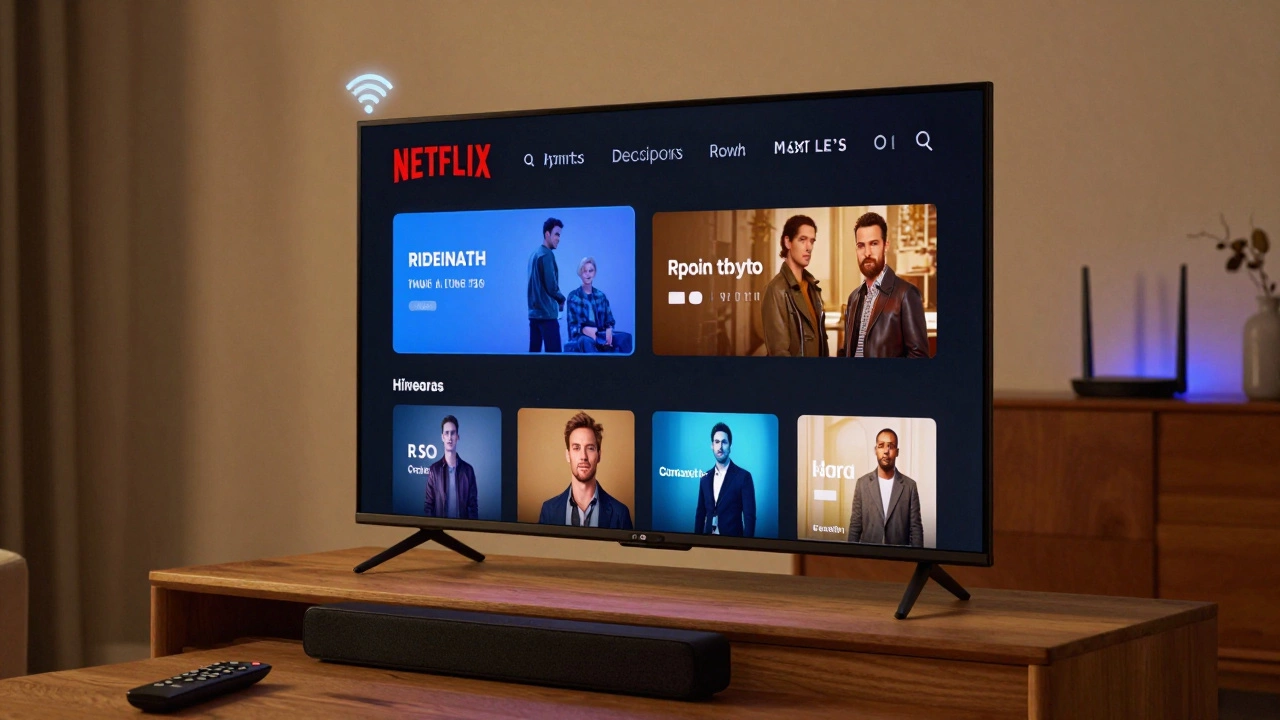
A smart TV needs to be connected to your router via Wi-Fi or Ethernet to access streaming apps, updates, and smart features. Without this connection, it functions like a basic TV with limited use.
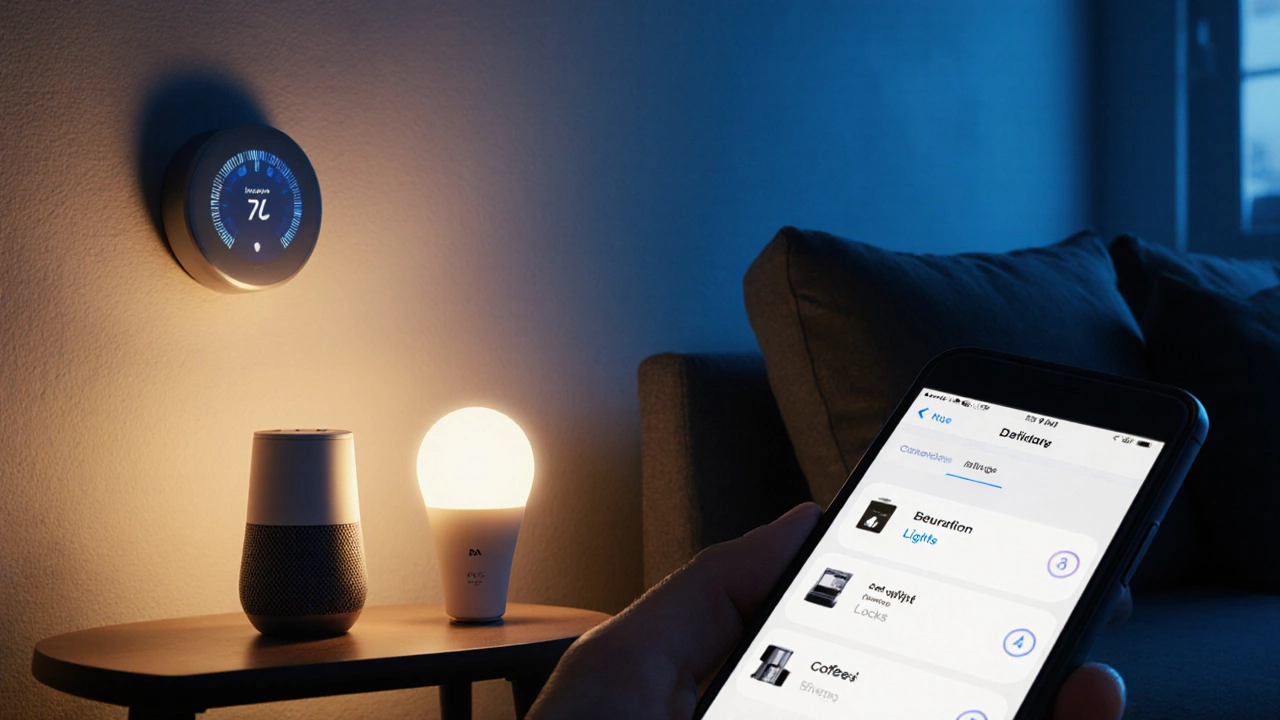
Smart home, connected home, automated home-what’s the difference? Learn the real meanings behind common terms for smart homes and which one fits your setup.