
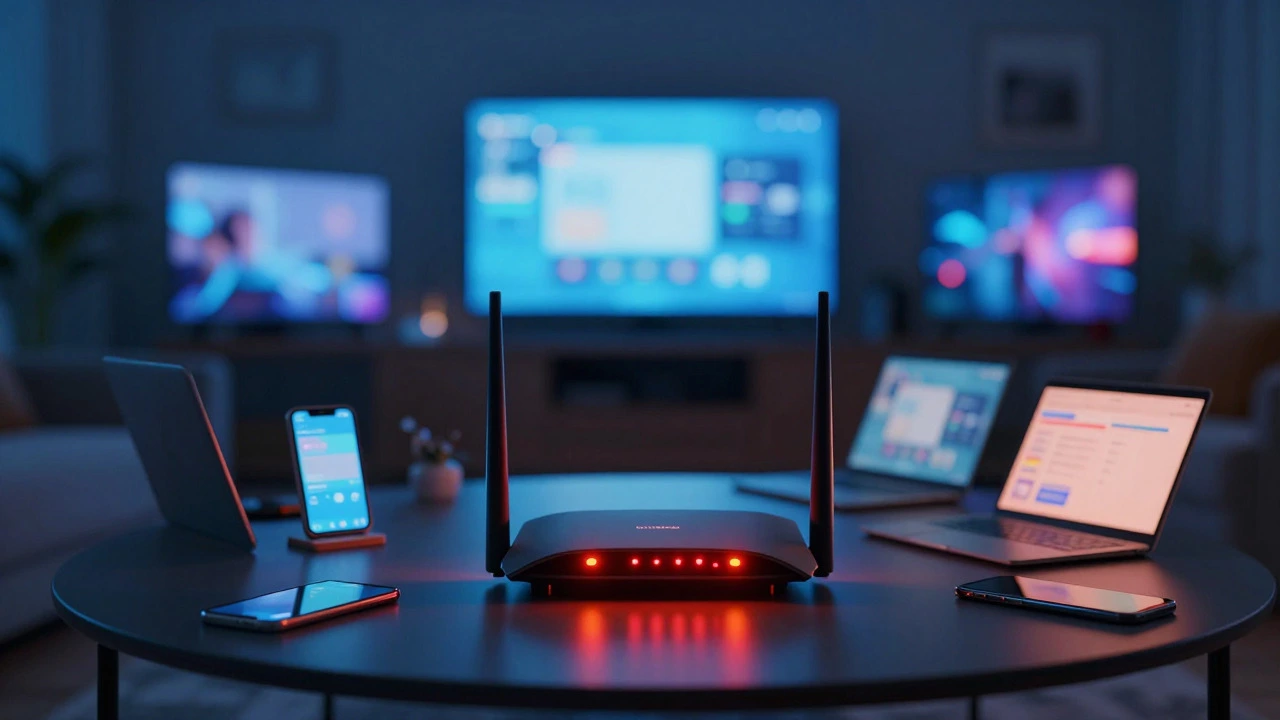
Home Wi-Fi Device Load Calculator
Select Your Router & Devices
Adjust the counts to match your active household devices.
4K TVs, Consoles, Workstations
Phones, Tablets, Notebooks
Bulbs, Thermostats, Plugs, Sensors
Security Cameras, NVRs, Always-on Servers
Configure your devices and click analyze to see your network status.
Router Capacity: 0 units
You’ve probably heard the rule of thumb: your home router can handle "50 devices." But here’s the thing-your 2024 budget router and a high-end enterprise system don’t play by the same rules. If you’re juggling smartphones, laptops, smart fridges, security cameras, and voice assistants, you might be wondering if you’ve hit the ceiling. The short answer? It depends less on the raw number and more on what those devices are actually doing.
For most households in 2026, the sweet spot is between 30 to 50 active devices. Go beyond that without upgrading your hardware or optimizing your setup, and you’ll likely start seeing dropped video calls, buffering streams, and unresponsive smart lights. Let’s break down why this happens and how to keep your network running smoothly.
What is the actual limit of devices on a home router?
Most modern consumer routers support 100+ connected devices via their MAC address table. However, practical usability drops significantly after 30-50 simultaneous active connections due to CPU limitations, memory constraints, and wireless airtime contention.
The Difference Between Connected and Active Devices
First, let’s clear up a common misconception. Just because a device shows as "connected" in your router app doesn’t mean it’s hogging bandwidth. Your smart thermostat might check in once every 15 minutes. Your fridge sends a tiny packet of data when the door opens. These are "low-churn" devices. They take up a slot in the router’s client list but barely touch the processing power.
Now, compare that to a 4K streamer, a PC gaming over Ethernet, or a laptop uploading large files to the cloud. These are "high-bandwidth" devices. They demand constant, low-latency communication. A single 4K Netflix stream can consume 25 Mbps continuously. If you have three of those running while someone tries to join a Zoom call, you’re not hitting a device limit-you’re hitting a bandwidth bottleneck.
Think of your Wi-Fi like a highway. Having 50 cars parked on the shoulder (idle devices) doesn’t cause traffic jams. But if 10 trucks (high-bandwidth users) are all trying to merge onto the same two-lane road at rush hour, things grind to a halt. The key metric isn’t total devices; it’s concurrent active sessions.
Why Your Router Chokes Before It Breaks
Routers aren’t just plug-and-play boxes; they’re small computers. Inside, there’s a CPU, RAM, and radios. When you connect too many devices, especially ones that talk frequently, you strain these components.
- CPU Overload: Every packet sent or received needs processing. Encryption (WPA3), Quality of Service (QoS) rules, and firewall checks eat up CPU cycles. Cheap routers often use dual-core processors that max out around 30-40 active clients.
- RAM Exhaustion: Each connection requires memory to track its state. If the router runs out of RAM, it starts dropping connections or becomes unresponsive to admin changes.
- Airtime Contention: Wi-Fi is half-duplex, meaning devices take turns talking. With 50 devices fighting for airtime, the overhead of coordination increases. This leads to higher latency, even if you have gigabit internet speeds coming into the house.
In my experience testing setups in Vancouver apartments, I’ve seen mid-range routers lag noticeably when more than 25 IoT devices were actively polling sensors simultaneously. The solution wasn’t always faster internet-it was better hardware management.
Hardware Matters: What Kind of Router Do You Have?
Not all routers are created equal. The type of hardware you own dictates your realistic device capacity.
| Router Type | Typical Max Connections | Best For | Weaknesses |
|---|---|---|---|
| Budget ISP Router | 15-25 active | Singles, light usage | Low CPU/RAM, poor heat dissipation |
| Mid-Range Consumer | 30-50 active | Families, moderate smart homes | Can struggle with heavy streaming + gaming |
| High-End Gaming/Prosumer | 50-100+ active | Gamers, content creators | Expensive, complex setup |
| Mesh Wi-Fi System | 100-200+ active | Large homes, dense IoT networks | Inter-node latency, cost |
If you’re still using the router your ISP gave you five years ago, it’s likely choking under today’s loads. Modern Wi-Fi 6 (802.11ax) and Wi-Fi 6E routers handle multiple devices much better thanks to OFDMA (Orthogonal Frequency-Division Multiple Access). This technology allows the router to send data to multiple devices simultaneously within the same channel, rather than waiting for one to finish before starting the next.
The Smart Home Factor: Why IoT Devices Are Different
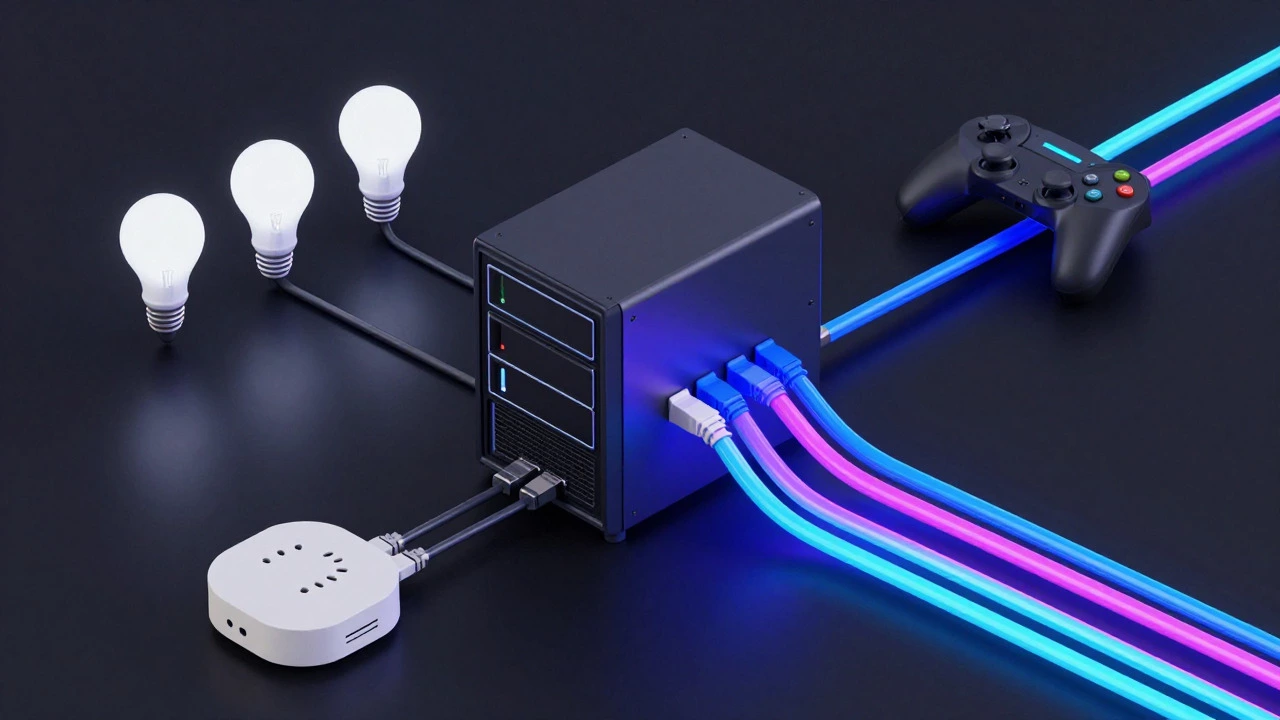
Smart home devices behave differently than traditional gadgets. A smartphone connects, uses data heavily, then goes idle. A smart bulb, however, might stay connected forever, occasionally sending status updates. Security cameras are worse-they stream video 24/7.
Here’s where Zigbee and Z-Wave come in. These protocols create a separate mesh network for your smart plugs, locks, and sensors. They don’t rely on your Wi-Fi router at all. Instead, they connect to a dedicated hub. Offloading these devices from your Wi-Fi network frees up significant resources for your phones and laptops.
If you’re building a new smart home, prioritize non-Wi-Fi protocols for static devices. Keep Wi-Fi reserved for mobile, high-bandwidth needs like streaming and browsing.
Signs You’ve Hit Your Limit
How do you know if you have too many devices? Watch for these red flags:
- Inconsistent Speeds: Your speed test shows 100 Mbps, but your phone only gets 10 Mbps during peak hours.
- High Latency/Ping: Online games feel sluggish, or video calls freeze randomly.
- Dropped Connections: Devices disconnect and reconnect repeatedly, especially those far from the router.
- Router Overheating: The box feels hot to the touch, or fans run constantly. Heat degrades performance and lifespan.
- Admin Panel Lag: Trying to log into your router settings takes forever or times out.
If you’re experiencing two or more of these issues, you’re likely exceeding your router’s practical capacity.
How to Fix a Crowded Network
Before buying new gear, try these optimization steps:
- Separate Bands: Use 5 GHz for high-bandwidth devices (streaming, gaming) and 2.4 GHz for IoT devices (smart bulbs, thermostats). 5 GHz is faster but has shorter range. 2.4 GHz penetrates walls better but is slower and more crowded.
- Update Firmware: Manufacturers release updates that improve stability and security. Check your router app regularly.
- Enable QoS: Quality of Service lets you prioritize certain traffic. Set your work laptop or gaming console to high priority so background updates don’t slow them down.
- Remove Ghost Devices: Check your connected devices list. Delete old phones, tablets, or guests’ devices that no longer need access. This frees up RAM and reduces clutter.
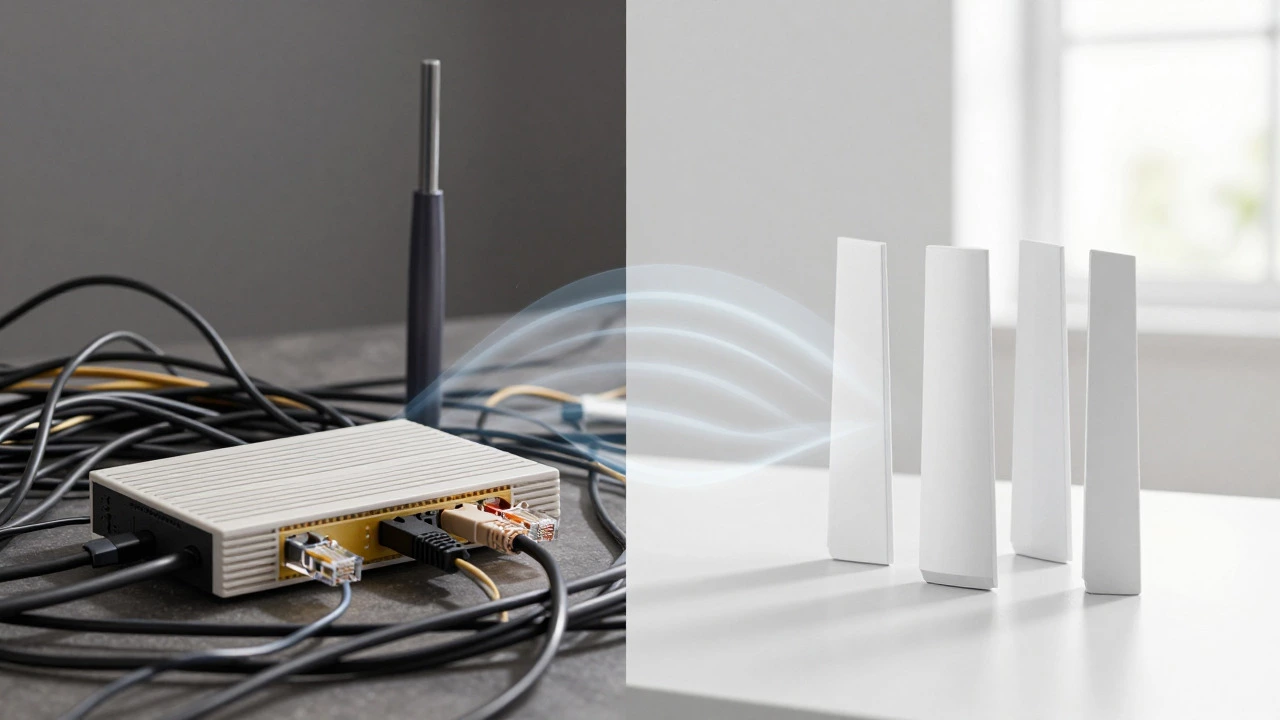
- Use Ethernet Where Possible: Hardwire your TV, PC, and game consoles. This removes them from the Wi-Fi airtime competition entirely.
If these steps don’t help, it’s time to upgrade. Consider a mesh Wi-Fi system for larger homes or high-density environments. Mesh nodes distribute the load across multiple points, reducing congestion on any single radio.
Future-Proofing Your Network
As we move further into 2026, devices are getting smarter and hungrier. AI-powered assistants, 8K streaming, and AR glasses will push demands even higher. Investing in Wi-Fi 6E or Wi-Fi 7 ready equipment now can save you headaches later. These standards offer wider channels and better handling of dense environments.
Also, consider your internet plan. If your router handles 100 devices fine, but your ISP only gives you 50 Mbps upload speed, you’ll still face bottlenecks when everyone tries to upload at once. Balance your hardware capabilities with your service tier.
Conclusion: It’s About Management, Not Just Numbers
There’s no magic number that works for every home. A family of four with two smart TVs, four phones, and a few smart speakers might struggle on a basic router. A tech enthusiast with 50 IoT devices might fly through it on a prosumer setup. Focus on active usage patterns, optimize your band separation, and choose hardware that matches your lifestyle. Your Wi-Fi should serve you, not stress you out.