
Smart Home Energy Savings Calculator
Estimate how much you could save on heating and cooling costs with a smart thermostat. Based on U.S. Department of Energy data showing 10-15% average savings.
Your Savings Estimate
Monthly Savings:
Annual Savings:
With a smart thermostat, you could save approximately 12.5% on your heating and cooling costs. This calculation is based on U.S. Department of Energy data showing 10-15% average energy savings.
Note: Actual savings will vary based on climate, home insulation, and thermostat settings.
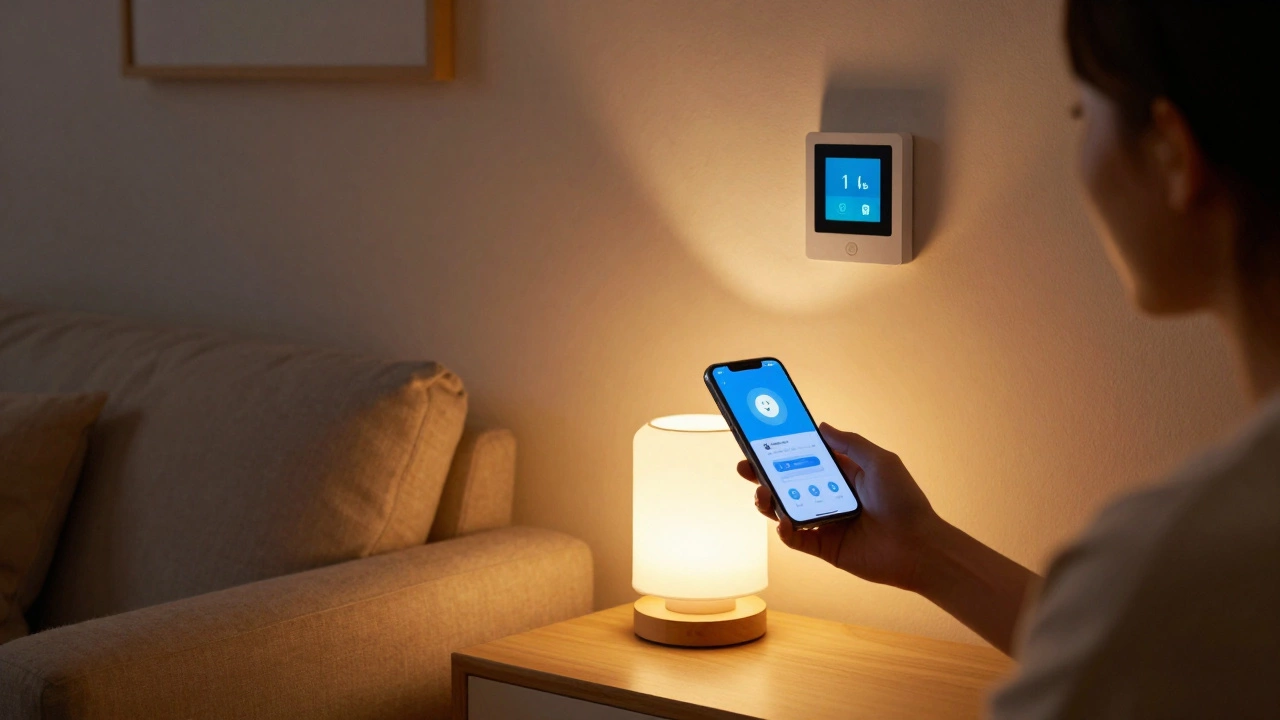
A smart home device isn’t just another gadget that plugs into the wall. It’s something that talks to other things in your house - and sometimes even to you. You might already be using one without realizing it. That voice-controlled light bulb? That’s a smart home device. The thermostat that learns your schedule? Also one. These aren’t futuristic toys anymore - they’re everyday tools that make life easier, safer, and a little more efficient.
What Exactly Counts as a Smart Home Device?
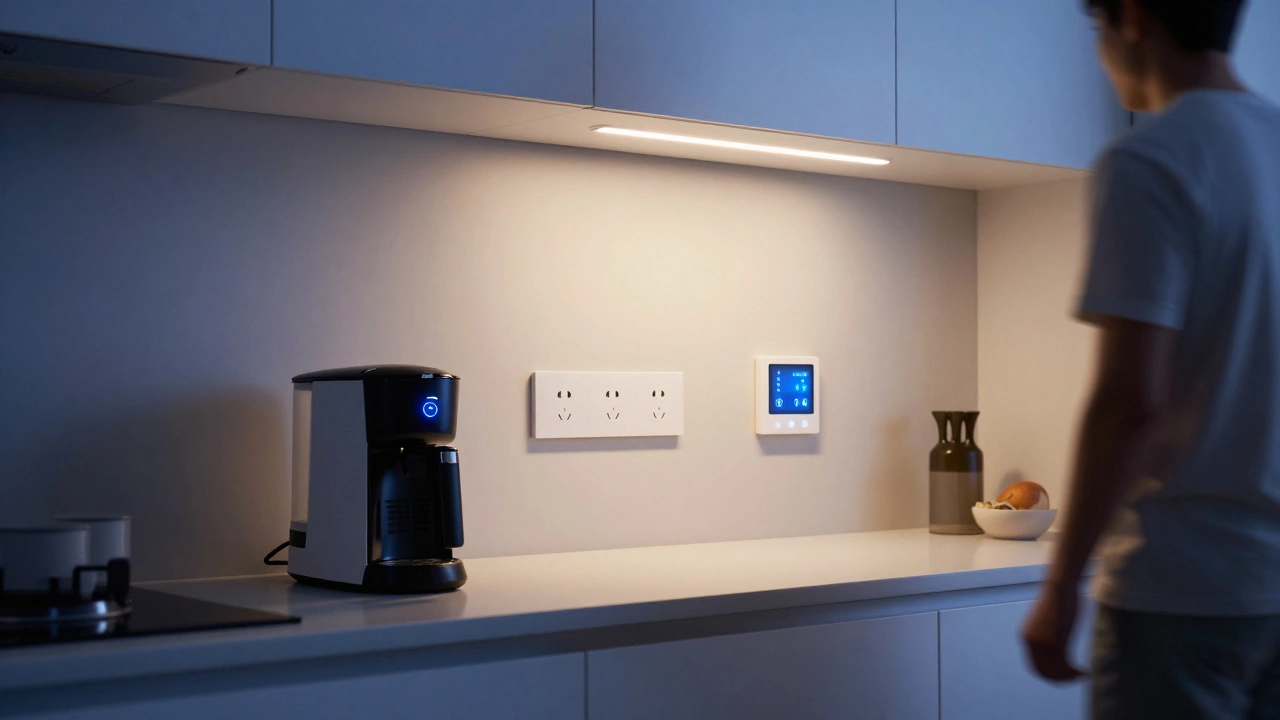
A smart home device is any piece of hardware that connects to your home Wi-Fi and can be controlled remotely, usually through an app, voice command, or automation rules. It doesn’t need to be fancy. A simple smart plug that turns your coffee maker on at 7 a.m. counts. So does a full security system with cameras, motion sensors, and door locks.
Here’s the basic rule: if it can be turned on or off from your phone while you’re at work, or if it responds to "Hey Google, turn off the living room lights," then it’s a smart home device. The key ingredients are connectivity, remote control, and automation.
Common types include:
- Smart speakers (like Amazon Echo or Google Nest)
- Smart thermostats (like Nest or Ecobee)
- Smart lights (Philips Hue, LIFX)
- Smart door locks (August, Yale)
- Smart cameras and doorbells (Ring, Arlo)
- Smart plugs and power strips
- Smart sensors (for water leaks, motion, smoke)
- Smart appliances (refrigerators that order milk, washers that text you when done)
Not all smart devices are created equal. Some need a hub. Others work directly with your phone. Some only work with one voice assistant. That’s okay - you don’t need to buy them all at once.
How Do Smart Home Devices Actually Work?
Think of your smart home like a small network. Each device has a brain - usually a tiny computer - that connects to your home Wi-Fi. That’s how it talks to your phone, your voice assistant, or even other devices.
For example: You say, "Alexa, turn on the kitchen light." Your voice assistant hears that, sends a signal over the internet to the smart bulb, and the bulb turns on. All of this happens in under a second.
Some devices use Wi-Fi. Others use Bluetooth, Zigbee, or Z-Wave - these are wireless protocols designed for low-power, reliable communication between gadgets. You might hear these terms if you’re shopping around. Don’t panic. Most modern devices handle this for you. Just make sure your router is working and your phone has the right app.
The real power comes from automation. You can set rules like:
- "Turn on the porch light when it gets dark."
- "Lock the front door at 11 p.m. every night."
- "If the smoke alarm goes off, turn off the gas valve and send me a text."
These aren’t sci-fi fantasies. They’re standard features on devices sold today. In Vancouver, where winters are long and dark, many people set their smart lights to mimic sunrise in the morning. It helps with seasonal mood swings. That’s practical, not gimmicky.
Why Do People Use Smart Home Devices?
People don’t buy these things because they’re cool. They buy them because they solve real problems.
- Convenience: No more fumbling for light switches in the dark. Your lights come on automatically when you walk into the room.
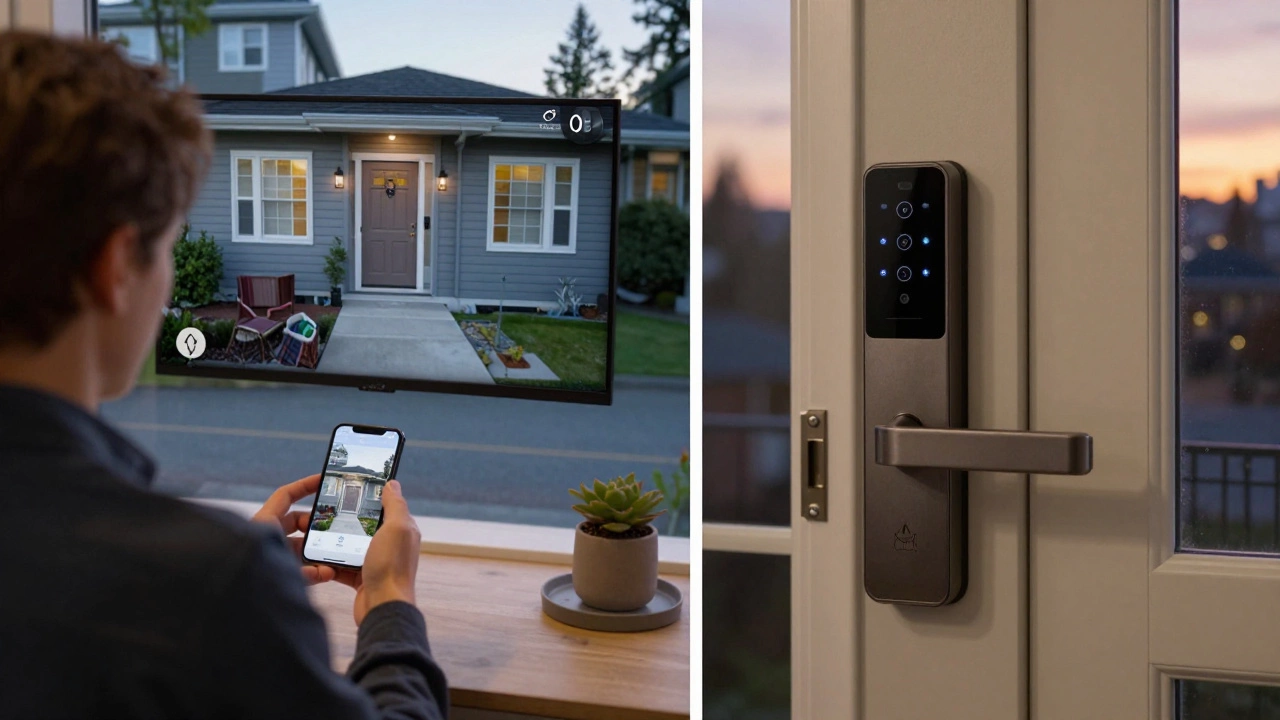
- Security: You can see who’s at the door from your phone, even if you’re on vacation. Some systems alert you if a window opens unexpectedly.
- Energy savings: Smart thermostats cut heating and cooling costs by 10-15% on average, according to the U.S. Department of Energy. That’s real money over time.
- Accessibility: For older adults or people with mobility issues, voice control can mean the difference between independence and needing help.
- Peace of mind: Knowing your water heater didn’t leak while you were away? Priceless.
It’s not about having the fanciest setup. It’s about making your home work for you. A single smart plug that turns off your space heater when you leave the house? That’s enough to justify the cost.
What You Need to Get Started
You don’t need a full home automation system to begin. Start small.
Here’s what you actually need:
- A reliable Wi-Fi network. Most smart devices need 2.4 GHz. Some newer ones also use 5 GHz. Check your router specs.
- A smartphone. You’ll use it to set up devices and control them.
- A voice assistant (optional but helpful). Amazon Alexa, Google Assistant, or Apple Siri all work. Pick one and stick with it.
- One smart device to start. A smart plug is the cheapest and easiest entry point. Try it with a lamp or fan.
Don’t rush into buying a $500 security system. Test the waters first. Many devices offer free trials or 30-day returns. In Vancouver, where homes are often older and less insulated, starting with a smart thermostat makes sense. You’ll see your energy bill drop within a month.
Common Mistakes to Avoid
Smart home devices are simple - until they’re not. Here’s what trips people up:
- Buying too many brands. Mixing Philips Hue, Lutron, and Samsung SmartThings can cause chaos. Stick to one ecosystem if possible. Apple HomeKit, Google Home, or Amazon Alexa - choose one and build around it.
- Ignoring security. Every smart device is a potential entry point for hackers. Change default passwords. Enable two-factor authentication. Update firmware regularly.
- Assuming everything works together. Not all smart locks work with Alexa. Not all cameras save footage to Google Drive. Read the fine print before buying.
- Forgetting about power. Smart devices still need electricity. If the power goes out, most will stop working - unless they have a battery backup. Think ahead.
One real-world example: A homeowner in North Vancouver bought five smart devices from three different brands. They couldn’t control them from one app. They got frustrated and unplugged everything. Start simple. Build slowly.
What’s Next for Smart Home Devices?
The market is growing fast. By 2026, over 700 million smart home devices are expected to be in use worldwide. Newer devices are getting smarter - they don’t just respond to commands. They learn.
For example, a smart thermostat now notices when you leave the house for work every day and automatically lowers the heat. A smart fridge tracks when you’re running low on milk and orders more. Some lights adjust color temperature to match the time of day, helping your body stay in rhythm.
But the biggest shift? Integration. Devices are no longer standalone. They’re part of a system. Your doorbell camera can trigger your smart lights to turn on. Your smoke detector can shut off your HVAC to stop smoke from spreading. These connections are what make smart homes feel alive.
Final Thought: It’s Not About Tech - It’s About Comfort
A smart home device doesn’t need to be high-tech. It just needs to make your life better. That’s the whole point.
You don’t need to control every light in your house. But if you can come home to a warm house, with the porch light already on, and your favorite music playing - that’s magic. And it’s all possible with one smart plug, one app, and a little curiosity.
Start with one thing. See how it feels. Then add another. You’ll be surprised how quickly your home starts working for you - without you lifting a finger.
Can smart home devices work without Wi-Fi?
Most smart home devices need Wi-Fi to connect to your phone or voice assistant. However, some can still function locally - for example, a smart light might turn on with a physical switch even if the internet is down. But remote control, automation, and alerts require an internet connection. If your Wi-Fi goes out, you lose those features.
Are smart home devices safe from hackers?
They can be, if you take basic steps. Many devices come with default passwords that are easy to guess. Always change them. Enable two-factor authentication when available. Keep firmware updated - manufacturers release patches for security holes. Avoid cheap, no-name brands that don’t update their software. Stick with well-known brands like Google, Amazon, Apple, or Philips.
Do I need a hub to use smart home devices?
Not always. Many devices connect directly to Wi-Fi and work with your phone or voice assistant without extra hardware. But some - especially those using Zigbee or Z-Wave - need a hub to communicate with your network. Examples include Philips Hue (needs a bridge) or Samsung SmartThings (needs a hub). Check the product specs before buying.
Can I control smart devices when I’m away from home?
Yes, as long as the device is connected to your home Wi-Fi and your phone has internet access. Most apps let you control devices remotely. For example, you can turn on your heater from work, or check your front door camera while on vacation. Just make sure your home network is stable and your device is online.
How much do smart home devices cost?
Prices vary widely. A basic smart plug costs around $20. A smart light bulb runs $15-$30. A smart thermostat is $150-$250. Security systems can run $300-$1,000. You don’t need to spend a lot to start. Many people begin with one $25 smart plug and expand over time. Look for sales during Black Friday or Amazon Prime Day.