
📺 Smart TV Role Assessor
Select the features available on your current television to determine its role in your ecosystem.
Configure your device settings and click "Assess TV Role" to see where it fits in your smart home hierarchy.
Role Title
Description goes here.
- ...
- ...
Most people assume that if it has Wi-Fi and an app, it’s part of the smart home. But is your living room screen actually doing more than just streaming Netflix? The short answer is yes, but with a major catch. A smart TV is less of a standalone controller and more of a sophisticated display terminal. It connects to your ecosystem, but it rarely runs the show on its own.
Think of it this way: your thermostat adjusts the temperature automatically based on weather data. Your lights turn off when you leave the house. These are true autonomous actions. Now look at your TV. Does it change channels by itself? No. You have to press a button or say a command. So, where does that leave it in the hierarchy of household tech?
The Definition Gap: What Makes a Device "Smart"?
To settle this debate, we need to look at how industry standards define these terms. In the world of IoT (Internet of Things), a device is generally considered "smart" if it can sense, act, and communicate without constant human input. This involves sensors, processors, and connectivity protocols like Zigbee, Z-Wave, or Matter.
A standard smart TV lacks most of these core autonomy features. It doesn’t have motion sensors to detect if you’re watching. It doesn’t adjust brightness based on ambient light unless you manually enable specific settings. However, modern models have blurred these lines significantly. They now include voice assistants, local processing power, and integration capabilities that make them function as a primary interface for other smart devices.
So, while it might not be a "controller" in the strictest engineering sense, it is undeniably a "connected node." It sits at the intersection of entertainment and utility. If you define a smart home as a collection of networked appliances, the TV belongs there. If you define it as an automated system that manages itself, the TV is just a passenger.
The Role of the TV as a Central Hub
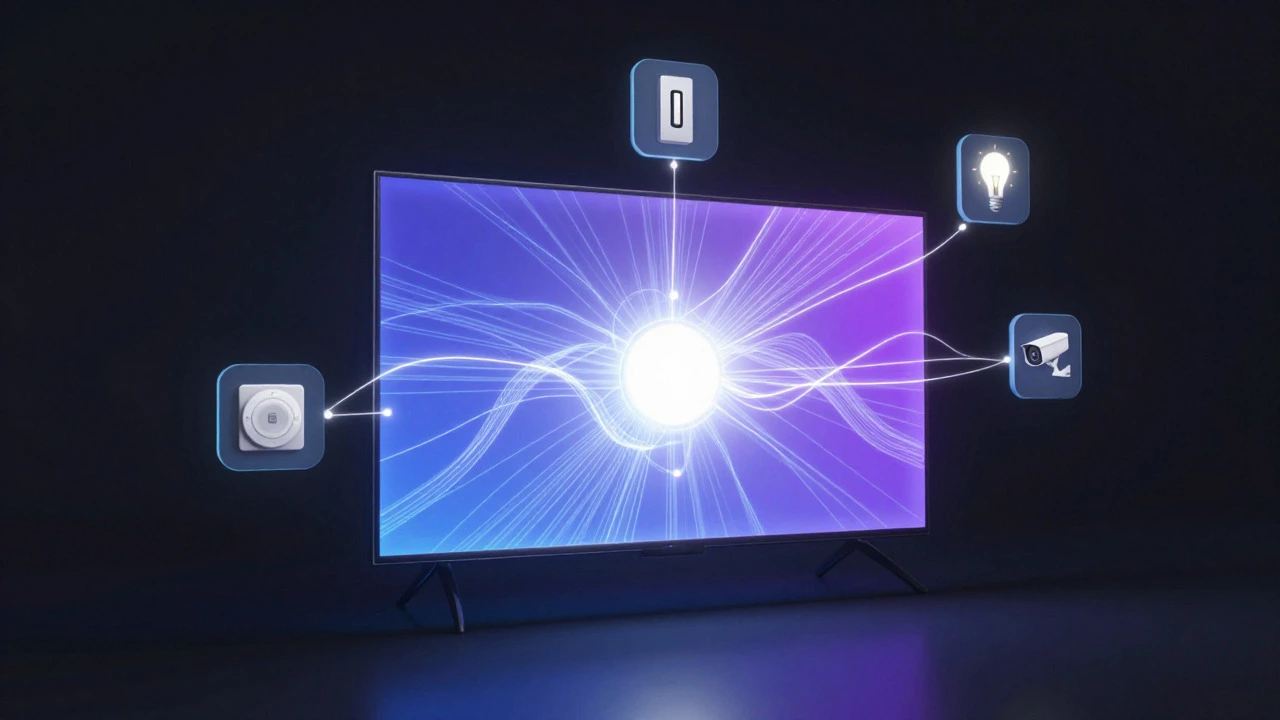
Here is where the TV earns its keep. In many households, the TV is the largest screen available. That makes it the natural dashboard for your entire home. Instead of checking five different apps on your phone to see if the garage door is open, the security cameras are recording, or the dishwasher is finished, you can view all of this on the big screen.
Major manufacturers have leaned into this role. Samsung, for instance, integrates its SmartThings platform directly into the Tizen OS found in their TVs. This means the TV isn't just displaying content; it's running a lightweight version of the smart home operating system. You can control compatible bulbs, plugs, and sensors directly from the remote. Similarly, LG’s webOS includes ThinQ integration, allowing users to manage LG-branded appliances without leaving the couch.
This functionality transforms the TV from a passive viewer into an active participant. It becomes the visual anchor for your home automation. When you ask Alexa or Google Assistant to "show me the front door camera," the command often routes through the TV because it offers the best user experience for video feeds.
Connectivity Protocols: How the TV Talks to Your Home
For a device to be truly useful in a smart home, it needs to speak the same language as everything else. Historically, this was a mess. Some devices used Wi-Fi, others used Bluetooth, and some relied on proprietary hubs. This fragmentation made integration painful.
The introduction of the Matter protocol changed the game. Matter is a universal standard designed to let all smart home devices work together, regardless of brand. Most new smart TVs released after 2023 support Matter natively. This means your TV can talk directly to your Philips Hue lights, your Sonos speakers, and your Ring doorbell without needing a separate bridge or hub in many cases.
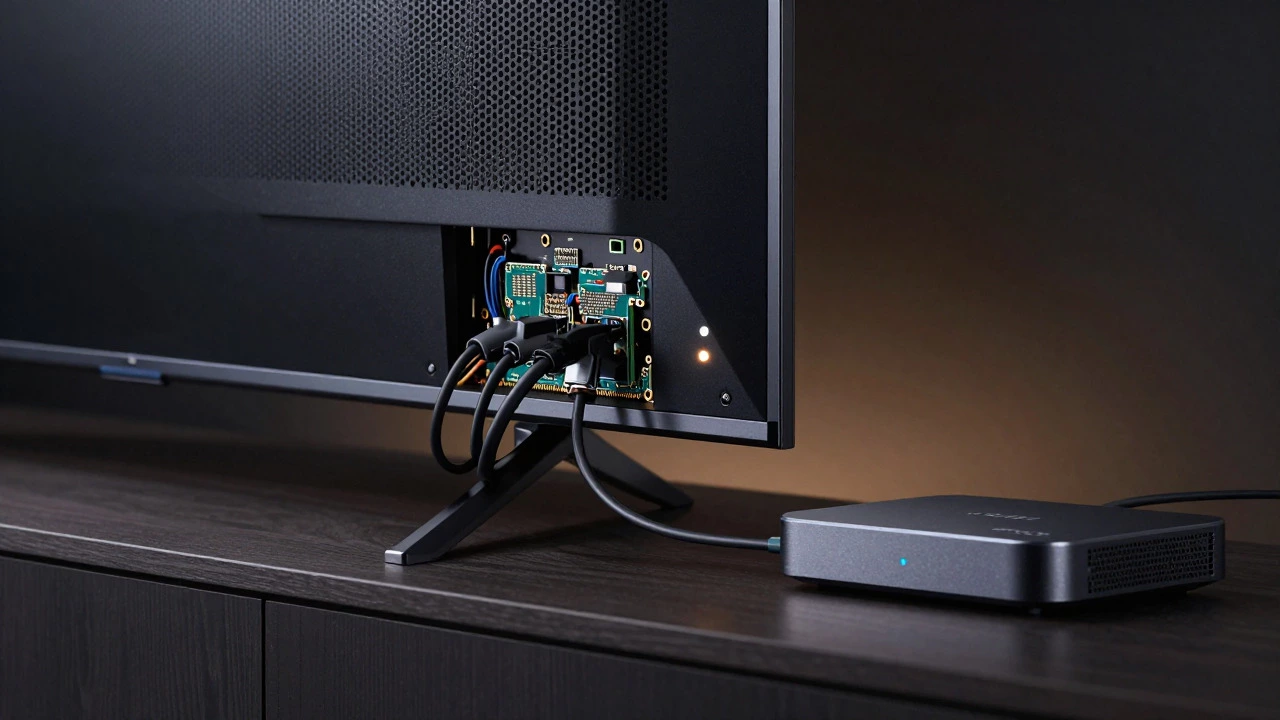
However, not all connections are created equal. While Wi-Fi handles the heavy lifting for video streaming, low-power protocols like Thread are becoming increasingly important for background tasks. Some high-end TVs now include Thread border routers, which allow them to connect to mesh networks of small sensors. This is a subtle but significant shift. It means the TV is starting to handle the infrastructure that keeps your smaller smart devices online.
| Feature | Basic Smart TV | Advanced Smart TV (Matter/Thread) | Dedicated Smart Hub |
|---|---|---|---|
| Primary Function | Media Display | Media + Control Interface | System Controller |
| Autonomy Level | Low (Requires User Input) | Medium (Automated Scenes) | High (Full Automation) |
| Protocol Support | Wi-Fi, Bluetooth | Wi-Fi, BT, Matter, Thread | All Major Protocols |
| User Interface | Remote/App | Remote/Voice/Dashboard | App/Web Portal |
| Best For | Streaming Only | Centralized Monitoring | Complex Automations |
Limitations: Why the TV Isn't a Full Replacement for a Hub
Don’t get too excited yet. Just because your TV can control your lights doesn’t mean you can ditch your dedicated smart home hub entirely. There are practical limitations that keep the TV in the supporting role.
First, reliability. A smart hub is usually a small box plugged into your router 24/7. It never turns off. Your TV, on the other hand, goes into sleep mode. If you rely on your TV to run critical automations-like locking doors when you leave-what happens if the TV is turned off? The connection drops. While newer firmware updates are addressing this with "always-on" modes, it’s still not as robust as a dedicated hardware hub.
Second, processing power. Running complex logic chains-such as "if the motion sensor detects movement AND the time is after 10 PM AND the TV is off, then turn on the porch light"-requires consistent processing. A TV’s processor is optimized for decoding video streams, not running continuous background scripts. Dedicated hubs are built specifically for this kind of low-latency, high-reliability task management.
Finally, ecosystem lock-in. While Matter helps, many advanced features are still proprietary. If you buy a Samsung TV, you’ll get the smoothest experience with Samsung appliances. If you mix brands heavily, you might find that the TV’s native controls are limited compared to what you can achieve with a third-party hub like HomeKit or Home Assistant.
Practical Tips: Maximizing Your TV’s Smart Home Potential
If you want to leverage your TV as a key part of your smart home setup, here are a few ways to get the most out of it without buying extra hardware.
- Enable Voice Control Integration: Pair your TV with your preferred assistant (Alexa, Google, Siri). This allows you to use voice commands to check device status without navigating menus. For example, asking "What’s the temperature outside?" can pull data from your smart weather station directly onto the screen.
- Set Up Ambient Lighting Scenes: Use your TV’s color matching feature. Many modern TVs can sync with smart bulbs to match the on-screen colors. This creates an immersive viewing experience and doubles as a lighting scene trigger. When you start a movie, the room dims and shifts hue automatically.
- Use the TV as a Security Monitor: Install the apps for your doorbells and cameras. Create a "Security Dashboard" widget on your home screen. This lets you glance at who’s at the door or what’s happening in the backyard without reaching for your phone.
- Check for Thread Border Router Capability: If you have Thread-enabled devices (like certain sensors or speakers), check if your TV supports acting as a border router. This reduces the need for a separate hub for those specific devices.
The Future: Convergence of Entertainment and Utility
We are moving toward a future where the line between media and utility disappears completely. Imagine a TV that not only shows you a cooking show but also preheats your oven and sets the timer based on the recipe being demonstrated. This level of contextual awareness is already emerging in beta versions of major operating systems.
As AI gets better at understanding context, your TV will likely become smarter about *when* to intervene. It won’t just wait for a command; it will anticipate needs. If it detects that you’ve been sitting still for ten minutes, it might suggest a break or dim the lights to reduce eye strain. These are small steps, but they point to a reality where the TV is no longer just a screen-it’s a companion in your daily routine.
So, is a smart TV a smart home device? Yes. But it’s a specific type. It’s the face of your smart home, not the brain. It provides the visibility and the interface, while the actual muscle comes from the network of sensors and controllers working behind the scenes. Understanding this distinction helps you build a system that feels seamless rather than fragmented.
Can I control my smart home entirely from my TV?
You can control most basic functions like lights, plugs, and thermostats from your TV using voice commands or the built-in app dashboards. However, for complex automations or managing devices from incompatible brands, you may still need a dedicated smart home hub or mobile app for full control.
Does my TV need to be on to control smart devices?
Generally, yes. If the TV is in standby or powered off, its ability to act as a controller or display for smart home features is limited. Newer models with 'Always On' or 'Ambient Mode' may maintain some connectivity, but a dedicated hub is more reliable for 24/7 automation.
What is the difference between Matter and Wi-Fi in a smart TV?
Wi-Fi is used for high-bandwidth tasks like streaming video and connecting to the internet. Matter is a communication protocol that allows different smart home devices to talk to each other seamlessly. Your TV uses Wi-Fi to stay connected to your network, and Matter to ensure compatibility with various brands of lights, plugs, and sensors.
Which smart TV brand has the best smart home integration?
Samsung and LG currently lead in native integration due to their large ecosystems (SmartThings and ThinQ). However, if you use Apple products, LG’s AirPlay 2 and HomeKit support might offer a smoother experience. Ultimately, the best choice depends on which brand dominates your existing device lineup.
Will a smart TV replace my smartphone for home control?
Not completely. Your smartphone remains essential for setting up new devices, receiving notifications when away from home, and accessing detailed analytics. The TV is best used as a stationary dashboard for monitoring and quick adjustments while you are at home.