
Smart Home vs. Automation Scenario Analyzer
Select the scenarios that match your daily life to see which system fits you best.
Select Options Above
Check the boxes that describe your needs to get a personalized recommendation.
You’ve probably seen the terms smart home and home automation used interchangeably in ads or tech blogs. But if you’re trying to decide which setup fits your lifestyle, the distinction matters more than you might think. One is about connecting individual gadgets; the other is about making your entire house work together without you lifting a finger. Understanding this difference saves you from buying incompatible devices and helps you build a system that actually serves your daily routine.
Quick Summary / Key Takeaways
- Home Automation is a system where devices perform pre-set tasks based on triggers like time or sensors, often operating independently of user input.
- Smart Home is an ecosystem of interconnected devices that allow for manual control, remote access, and adaptive learning via a central hub.
- Automation focuses on efficiency and removing repetitive actions, while smart homes focus on connectivity and user interaction.
- A true smart home usually includes automation features, but a basic automation system does not necessarily require a full smart home ecosystem.
- The core difference lies in the level of intelligence: automation follows rules; smart homes adapt to behavior and context.
Defining the Core Concepts
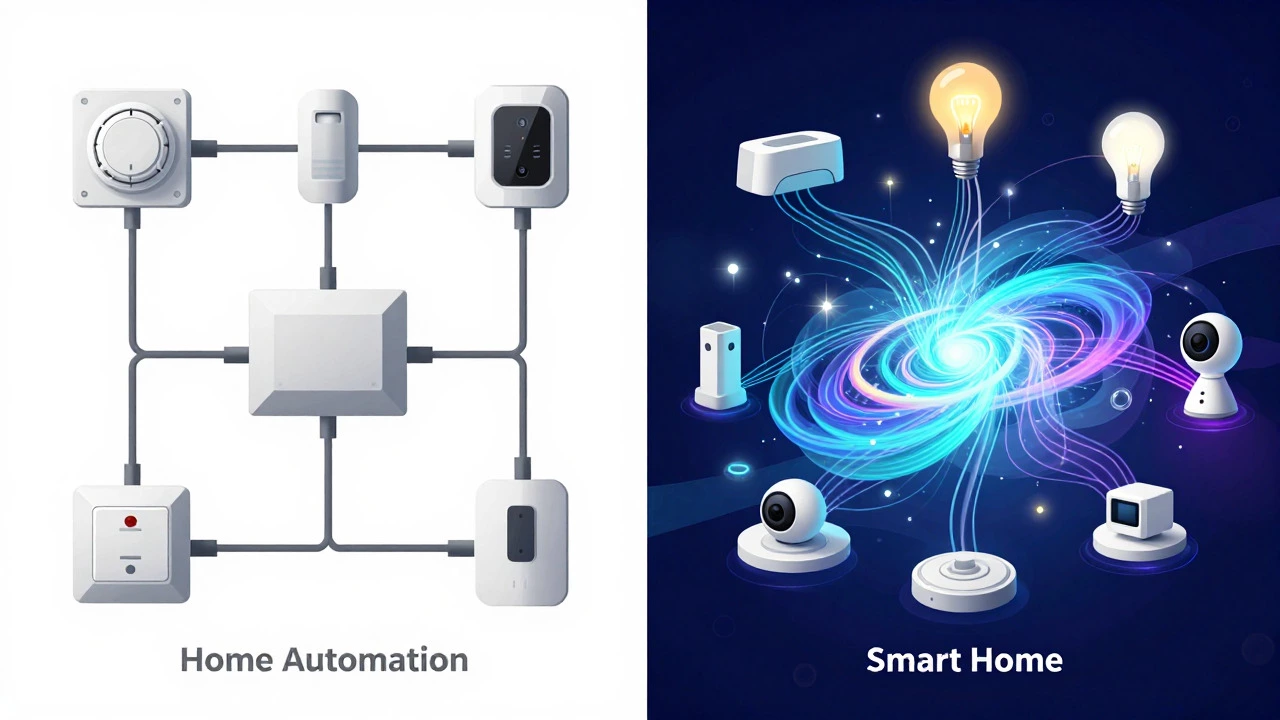
To clear up the confusion, let’s look at what each term actually means in practice. Home Automation is the use of technology to control household functions automatically, such as lighting, heating, or security, based on specific conditions. Think of it as a series of “if-then” statements. If the motion sensor detects movement, then the porch light turns on. If the thermostat reads below 68°F, then the furnace kicks on. These systems have been around since the 1970s with early digital timers and relays, but modern versions use Wi-Fi and Zigbee protocols to communicate.
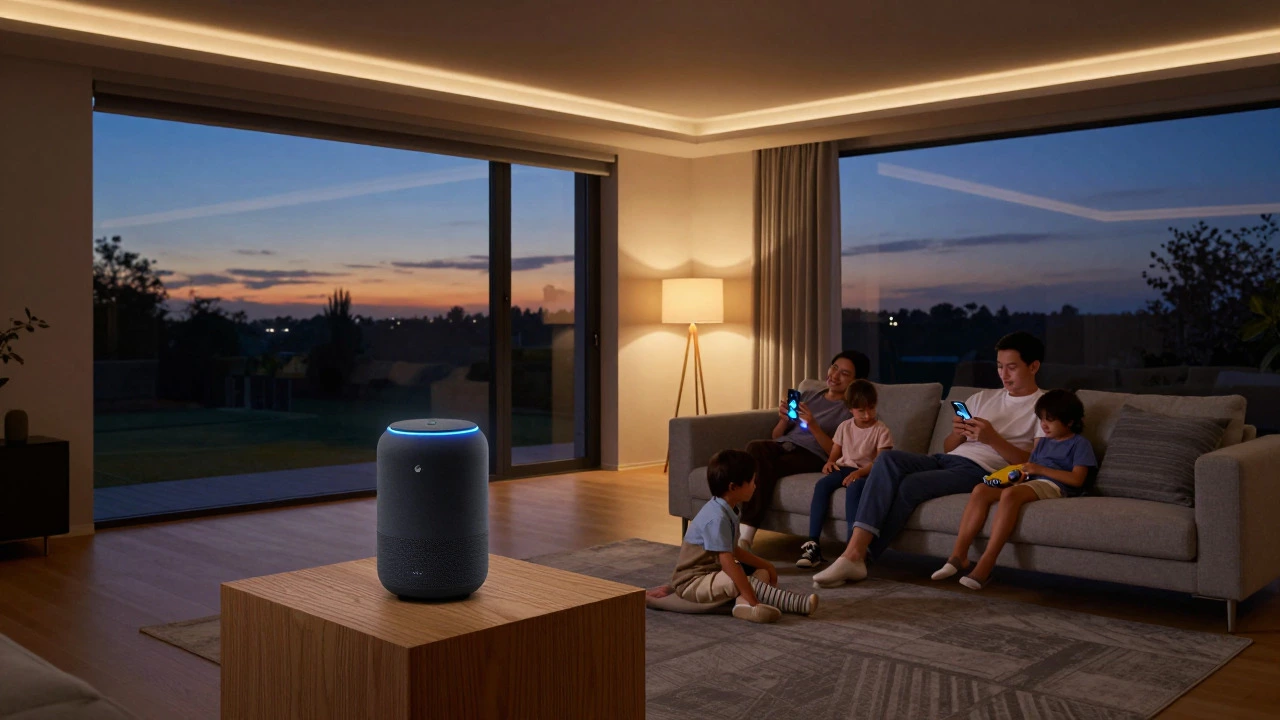
In contrast, a Smart Home is a broader concept involving a network of intelligent devices that can be controlled remotely, interact with each other, and often learn from user habits. It requires a central brain, usually a Smart Hub like an Amazon Echo or Apple TV, which acts as the command center. This hub connects to various IoT Devices (Internet of Things), allowing them to share data. For example, your smart speaker doesn’t just play music; it can tell your lights to dim when you say “movie mode,” coordinating multiple devices into a single action.
How They Operate: Rules vs. Ecosystems
The operational difference comes down to how commands are processed. In a pure home automation setup, devices often talk directly to their controllers or operate on local schedules. You don’t necessarily need an internet connection for basic automation to work. A traditional garage door opener with a timer is a form of automation. It opens at 7 AM because you told it to. It doesn’t care if you’re actually home or if it’s raining.
Smart home systems rely heavily on cloud connectivity and app-based interfaces. The intelligence isn’t just in the device; it’s in the software platform. When you set up a routine in a smart home app, you’re creating complex logic chains. For instance, a “Good Morning” routine might check the weather forecast, adjust the blinds based on sunlight intensity, start the coffee maker, and play news updates-all triggered by one voice command or a single tap on a phone. This interdependence is what separates a smart home from isolated automated tools.
| Feature | Home Automation | Smart Home |
|---|---|---|
| Primary Control Method | Pre-set timers, sensors, local switches | Voice assistants, mobile apps, central hubs |
| Connectivity Requirement | Often works offline/local networks | Requires stable Wi-Fi/cloud for full functionality |
| User Interaction | Minimal; sets and forgets | High; constant monitoring and adjustment |
| Device Interoperability | Limited; devices may not talk to each other | High; devices share data via common protocols |
| Adaptability | Static; follows fixed rules | Dynamic; learns preferences over time |
| Typical Cost Entry Point | $50 - $200 (basic sensors/timers) | $300 - $1,000+ (hub + multiple connected devices) |
Key Technologies Driving Each System
Both concepts rely on similar underlying hardware, but they leverage different software architectures. Home automation heavily utilizes Z-Wave and Zigbee protocols. These low-power wireless standards are designed for short-range communication between small devices. They are reliable for simple tasks like turning on a light switch or opening a window blind because they create a mesh network where each device helps relay signals to others. This makes them robust even if one node fails.
Smart homes, however, lean more on Wi-Fi and Matter Protocol. Matter is a newer standard developed by major tech companies to ensure that devices from different brands can work together seamlessly. Before Matter, if you bought a Samsung refrigerator and a Google Nest thermostat, they might not have played nice. Now, thanks to standardized APIs, your smart home ecosystem can integrate these disparate products. The shift toward Matter is crucial because it reduces the fragmentation that has historically hindered the smart home experience.
Real-World Scenarios: Which Do You Need?
Let’s apply this to real life. Imagine you live alone and want to save energy. You install a smart thermostat that lowers the heat when no motion is detected. This is a blend of both, but primarily leans toward automation because the primary goal is efficient execution of a rule (no motion = lower temp). You don’t need to talk to it or check an app every day. It just works.
Now imagine a family with two kids and a dog. They want the front door lock to unlock only when the parents’ phones are within 50 feet of the house. They also want the lights to turn on automatically when someone enters the hallway at night, but only if the bedroom lights are off. They want to check the camera feed from their office job. This complexity requires a smart home ecosystem. The geofencing feature relies on cloud data, the camera needs high-bandwidth Wi-Fi, and the logic involves multiple interacting variables. A simple automation timer wouldn’t handle the conditional logic of “only if bedroom lights are off.”
Common Misconceptions and Pitfalls
One big mistake people make is assuming that buying a few smart bulbs makes them have a smart home. Those bulbs are smart devices, yes, but without a hub or a defined routine, they are just standalone gadgets. You’re manually turning them on and off via an app. That’s convenience, not intelligence.
Another pitfall is ignoring compatibility. If you buy a device that uses a proprietary protocol not supported by your main hub, you’ll end up with an orphaned device. Always check if your new purchase supports Matter, Thread, or the specific protocol your hub uses. Also, consider privacy. Automated systems that stay local are generally more private than cloud-dependent smart home systems that send data to third-party servers. If privacy is a top concern, a hybrid approach-using local processing for critical tasks like locks and cameras-might be better.
Building Your Setup: A Practical Guide
If you’re starting from scratch, here is a logical path to take:
- Identify your pain points. Do you waste energy? Do you forget to lock doors? Do you want entertainment integrated? List three things you hate doing manually.
- Choose a central platform. Decide if you prefer Apple HomeKit, Amazon Alexa, or Google Home. Stick to one ecosystem initially to avoid integration headaches.
- Start with automation basics. Install smart plugs for lamps or a smart thermostat. Set up simple routines like “turn off all lights at 11 PM.” This gives you immediate value without high cost.
- Add sensing capabilities. Introduce motion sensors and door/window sensors. This allows your system to react to physical changes in your environment, moving you from time-based to event-based control.
- Expand to multi-device scenes. Once the basics work, create scenes that involve multiple rooms. For example, a “Movie Night” scene that dims lights, closes curtains, and sets the TV to the right input.
- Optimize and refine. After a month, review which automations you actually use. Delete the ones you ignore. Adjust timings and triggers to fit your actual rhythm, not just what seems logical on paper.
Future Trends and Evolution
The line between these two concepts is blurring rapidly. As Artificial Intelligence becomes more embedded in edge devices, even simple automation tools will start to exhibit smart home-like behaviors. We are moving toward predictive maintenance, where your washing machine alerts you to a potential pump failure before it breaks, or your HVAC system adjusts airflow based on air quality sensors in different rooms. The future isn’t about choosing one over the other; it’s about a seamless continuum where every device contributes to a holistic, responsive living environment.
Frequently Asked Questions
Do I need Wi-Fi for home automation?
Not always. Many basic automation systems use Z-Wave or Zigbee, which operate on local radio frequencies. However, most modern setups still use Wi-Fi for initial setup and remote access, even if the daily operation happens locally.
Is a smart home more expensive than home automation?
Generally, yes. A smart home requires a central hub and multiple interconnected devices, increasing the upfront cost. Basic automation can be achieved with a single smart plug or timer for under $20, whereas a comprehensive smart home setup often starts at several hundred dollars.
Can I convert a home automation system into a smart home?
Yes. Most automation devices are compatible with smart home hubs. By adding a hub like an Amazon Echo or Apple TV and installing the corresponding app, you can bring existing devices into a unified ecosystem, enabling voice control and complex routines.
What is the role of Matter in smart homes?
Matter is a universal standard that allows devices from different manufacturers to communicate with each other. It solves the interoperability problem, ensuring that a Philips Hue bulb works seamlessly with an Apple HomePod, regardless of brand loyalty.
Which is better for seniors: automation or smart home?
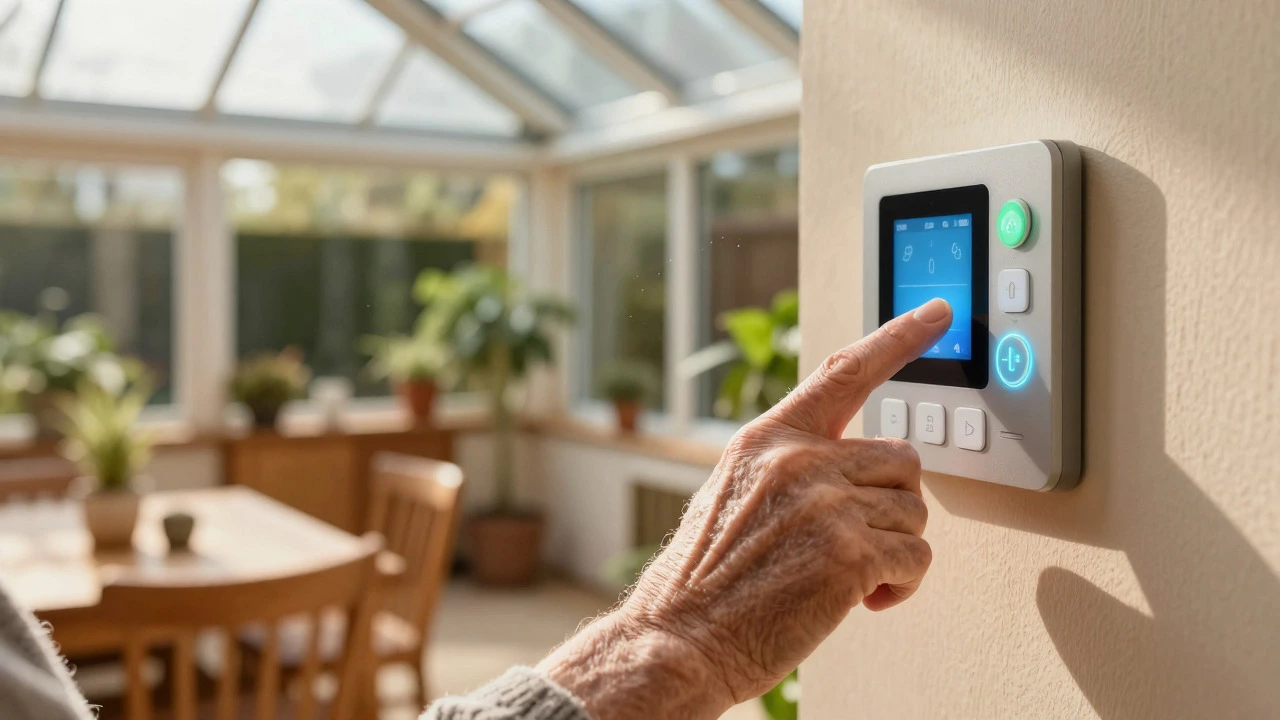
Simple automation is often better for seniors who may find complex apps confusing. Systems that run automatically without requiring daily interaction, such as automatic lighting and temperature control, provide safety and comfort without a steep learning curve. Voice-controlled smart homes can also work well if the interface is simplified.