
Smart Home Retrofit Cost Estimator
Plan your upgrade from a legacy home to a connected hub. Select your preferred ecosystem and the devices you wish to install to get a realistic cost estimate and setup difficulty rating.
1. Choose Your Ecosystem
2. Select Devices to Install
Total Hardware Cost
Setup Difficulty
Est. Time Required
Recommendation
Start with one room to test connectivity before expanding.
Ever walked into a friend's house and watched them say "Alexa, turn on the lights" while sipping coffee? It looks effortless. But if you live in a house built before 2010, you might feel stuck. Your wiring is old, your switches are boring, and you assume upgrading means ripping out walls or hiring an electrician for three days. Here is the truth: you don't need to renovate to get smart home benefits. You can retrofit almost any older property with plug-and-play gadgets that do the heavy lifting without touching a single wire.
This guide breaks down how to transform a legacy home into a connected hub using non-invasive tech. We will cover the essential starting points, how to handle tricky old-school fixtures, and which ecosystems actually work together. Forget the hype about flying refrigerators; we are talking about practical upgrades that save energy, boost security, and make life slightly less annoying.
Start With the Brain: Choosing Your Hub
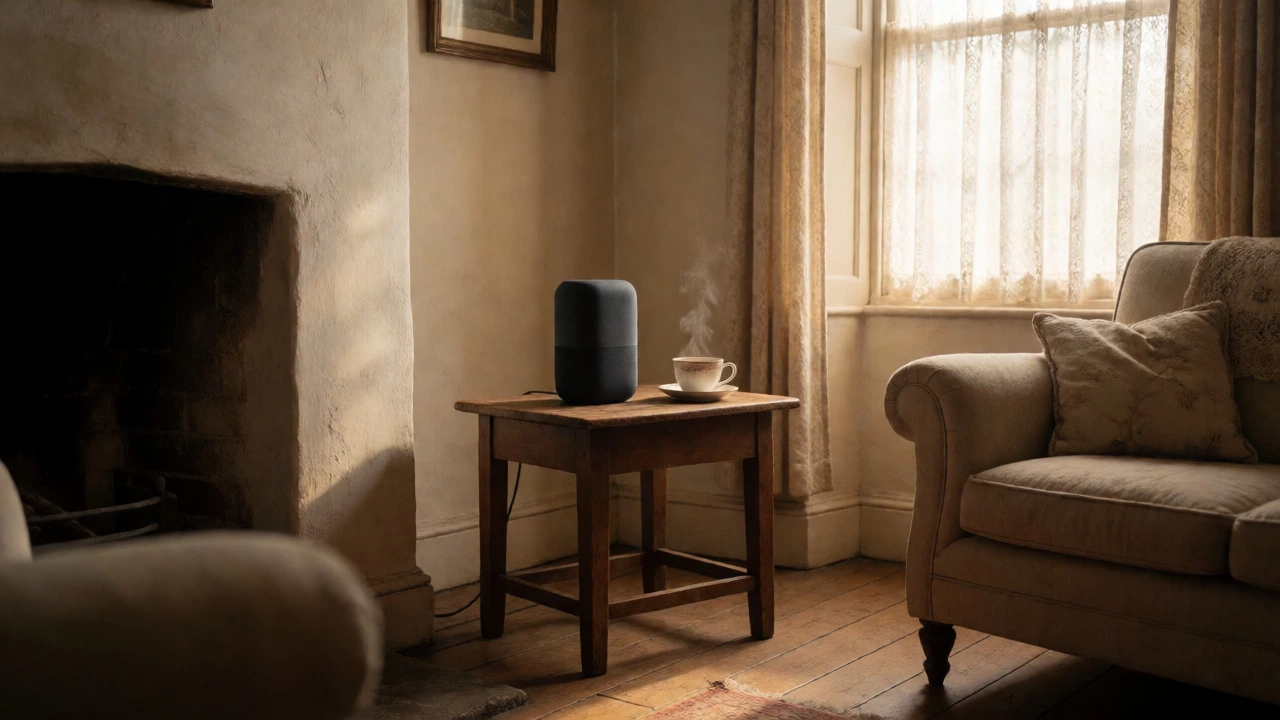
Before buying bulbs or locks, you need a controller. Think of this as the brain of your operation. In 2026, the market has settled into a few clear winners, but compatibility is still the biggest headache for beginners. If you have an iPhone, Apple HomeKit is seamless but expensive. If you use Android, Google Home offers better integration with cheaper devices. Amazon Alexa remains the most versatile middle ground because it supports the widest range of third-party hardware.
For an older home, I recommend starting with a dedicated smart speaker or display rather than relying solely on your phone. Why? Because voice control needs to be reliable from across the room. If your Wi-Fi router is in the basement and your kitchen is on the second floor, your phone might struggle, but a plugged-in Echo Dot or Nest Hub acts as a local repeater for Bluetooth and Zigbee signals. This creates a stable foundation before you add ten other devices.
| Ecosystem | Best For | Device Cost | Setup Difficulty |
|---|---|---|---|
| Amazon Alexa | Compatibility & Voice Control | Low to Medium | Easy |
| Google Home | Android Users & Search Integration | Medium | Easy |
| Apple HomeKit | iOS Users & Privacy Focus | High | Moderate |
| Home Assistant | Tech-Savvy DIYers & Local Control | Variable (Hardware) | Hard |
Lighting: The Easiest Win Without Rewiring
Old homes often have incandescent or basic LED bulbs in fixed fixtures. Swapping these for smart bulbs is the fastest way to see results. Brands like Philips Hue, LIFX, and Sengled offer bulbs that connect directly to your Wi-Fi or via a small bridge. You screw them in, download the app, and name the room. Done.
But here is the catch: standard light switches. If you flip the physical switch off, the bulb loses power and goes offline. You cannot control it via voice or app until you physically turn the switch back on. This frustrates many new users. There are two fixes. First, buy "always-on" smart switches that replace your old toggle but keep power flowing to the bulb. Second, use smart bulbs with a companion remote or wall dimmer that sends a signal instead of cutting power. For renters or those avoiding electrical work, the second option is safer. Just remember to tell guests not to use the wall switch.
Climate Control: Taming Old Thermostats
If your house uses a traditional analog dial thermostat, upgrading to a digital one like the Ecobee or Nest Learning Thermostat is a game-changer. These devices learn your schedule and adjust heating based on occupancy. They also integrate with weather data to pre-cool or pre-heat your home before you arrive.
However, older homes often have incompatible wiring. Many legacy systems lack a C-wire (common wire), which provides constant power to smart thermostats. If you open your thermostat and see only two or three wires, do not panic. Most major brands now include a "power adapter kit" or a separate relay box that solves this issue without calling an electrician. Check your furnace type first. High-voltage line thermostats (common in baseboard heaters) require specific models like the Mysa Smart Thermostat, which handles 120V/240V loads safely. Buying the wrong model can fry your unit, so verify voltage before purchasing.
Security: Locks and Cameras That Don’t Require Drilling
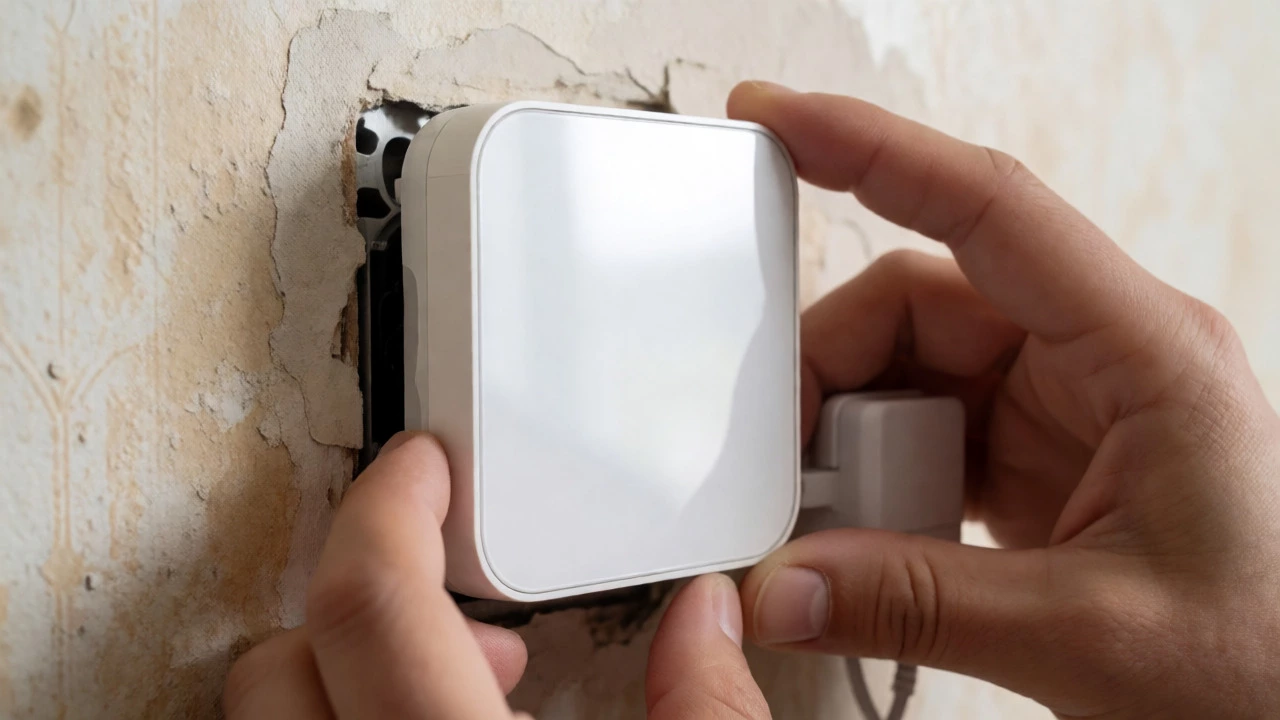
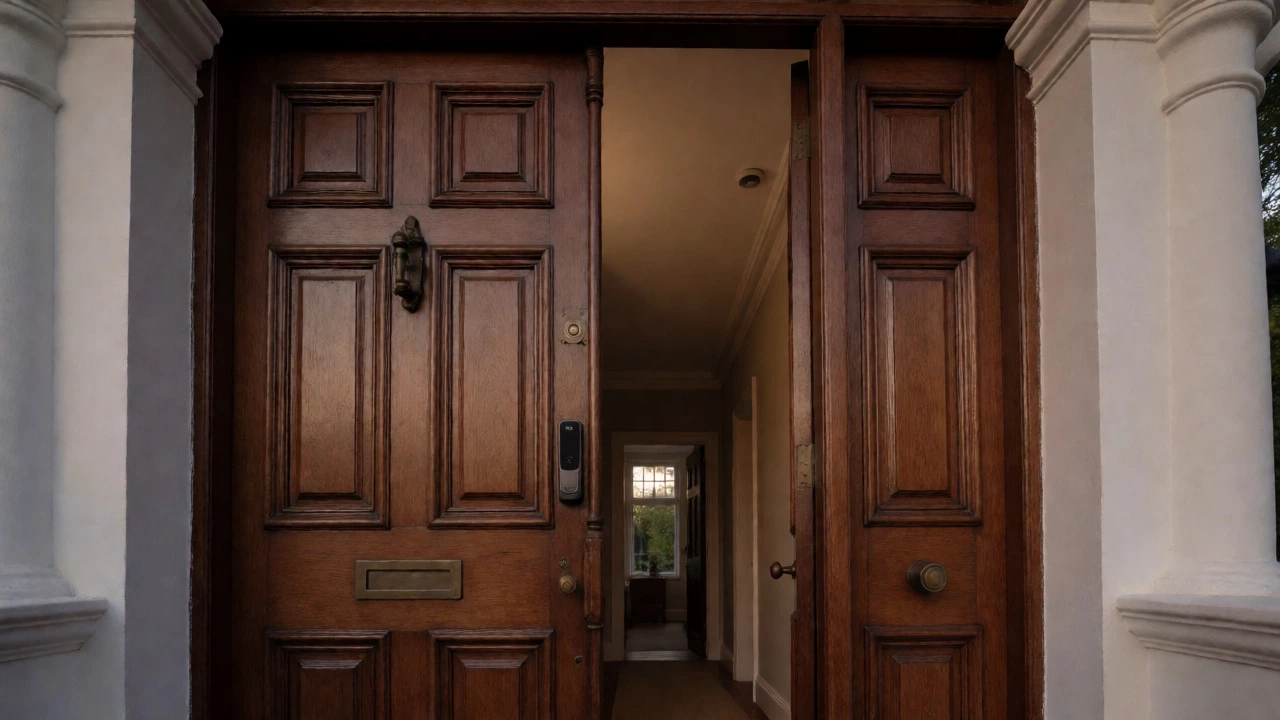
Replacing deadbolts with smart locks used to mean drilling new holes in solid wood doors. Modern options like the August Wi-Fi Smart Lock or Yale Assure Line are designed to fit over existing deadbolts. They attach to the interior side of the door, leaving the exterior hardware untouched. This preserves the aesthetic of historic doors while adding keyless entry and auto-lock features.
For cameras, wireless battery-powered models from Ring, Arlo, or Eufy are ideal for retrofits. They mount with adhesive strips or simple screws, requiring no running of cables through brick or plaster. Place them at eye level near entry points. Note that video quality drops in low light, so choose models with color night vision. Also, consider local storage options. Cloud subscriptions add up, and some homeowners prefer storing footage on a microSD card or a local Network Video Recorder (NVR) for privacy reasons.
Plugs and Sensors: Automating the Invisible Tasks
You do not need smart appliances to make dumb ones smart. Smart plugs are inexpensive ($15-$30) and let you control lamps, fans, space heaters, or Christmas trees via app or voice. Set schedules so your porch light turns on at sunset automatically. This mimics occupancy when you are away, deterring potential intruders.
Sensors are the secret sauce of true automation. Motion sensors detect movement and trigger lights or alerts. Door/window contact sensors notify you if a window is left open during rain. Leak detectors placed under sinks or near water heaters send alerts to your phone the moment moisture is detected. In Vancouver’s damp climate, humidity sensors in basements can trigger dehumidifiers automatically, preventing mold growth before it becomes visible. These small devices cost little but prevent costly damage.
Connectivity Challenges in Older Homes
Thick plaster walls, lath, and multiple floors can block Wi-Fi signals. If your smart devices disconnect frequently, your network is likely the bottleneck. Upgrading to a mesh Wi-Fi system like Eero, Orbi, or TP-Link Deco helps blanket the house with consistent coverage. Unlike extenders, mesh nodes talk to each other intelligently, handing off devices as you move through the house.
Also, check your IP address capacity. Older routers sometimes struggle with more than 20-30 connected devices. A modern router handles hundreds easily. If you plan to add dozens of bulbs, plugs, and sensors, ensure your router firmware is updated. For critical devices like security cameras, consider creating a separate guest network to isolate IoT traffic from your personal computers and phones. This improves performance and adds a layer of security against hacked smart fridges accessing your banking info.
Phasing Your Upgrade: A Realistic Timeline
Do not try to buy everything at once. Start with one room, like the living room. Install smart bulbs, a smart plug for the TV, and a voice assistant. Live with it for a month. Learn what automations you actually use versus what sounds cool in ads. You might find you never use voice control for lights but love scheduling them for bedtime.
Next, tackle the entrance. Add a smart lock and a video doorbell. This increases security and convenience immediately. Finally, move to HVAC and safety sensors. By spreading costs over six months, you avoid buyer’s remorse and ensure each device integrates well with the previous ones. Test compatibility between brands early. While Matter protocol aims to unify standards, glitches still happen. Reading recent user reviews on forums can save you weeks of troubleshooting.
Can I install smart switches myself in an old house?
Yes, if you are comfortable working with electricity. Turn off the breaker, remove the faceplate, and match wires according to the manual. However, if your wiring is aluminum (common in homes built in the 1960s-70s) or lacks a neutral wire, you may need special compatible switches or professional help to avoid fire hazards.
Will smart devices work if my internet goes down?
It depends on the device. Wi-Fi devices usually stop responding to remote commands but may still work locally via Bluetooth or Zigbee hubs. Hardwired or local-hub-based systems (like Home Assistant or certain Zigbee setups) continue functioning entirely offline. Battery-powered locks and sensors typically operate independently of the cloud.
What is the Matter protocol and why should I care?
Matter is a new universal standard allowing devices from different brands to communicate seamlessly. Before Matter, a Philips Hue bulb might not work with a Samsung SmartThings hub without extra bridges. Now, newer devices labeled "Works with Matter" promise easier cross-brand integration, reducing vendor lock-in and simplifying setup for future upgrades.
Are smart home devices safe from hackers?
No device is 100% immune, but risk can be minimized. Use strong, unique passwords for your Wi-Fi and smart home apps. Enable two-factor authentication where available. Keep device firmware updated. Avoid cheap, unbranded devices that lack security updates. Placing IoT devices on a separate VLAN or guest network prevents a compromised lightbulb from accessing your main computer files.
How much does it cost to smartify an entire old home?
A basic starter kit (hub, two bulbs, one plug) costs under $100. A comprehensive upgrade including smart locks, thermostats, cameras, and lighting throughout a 3-bedroom house typically ranges from $800 to $2,500 depending on brand choices and whether you hire professionals for installation. DIY installation significantly reduces labor costs.