
Smart Home Ecosystem Selector
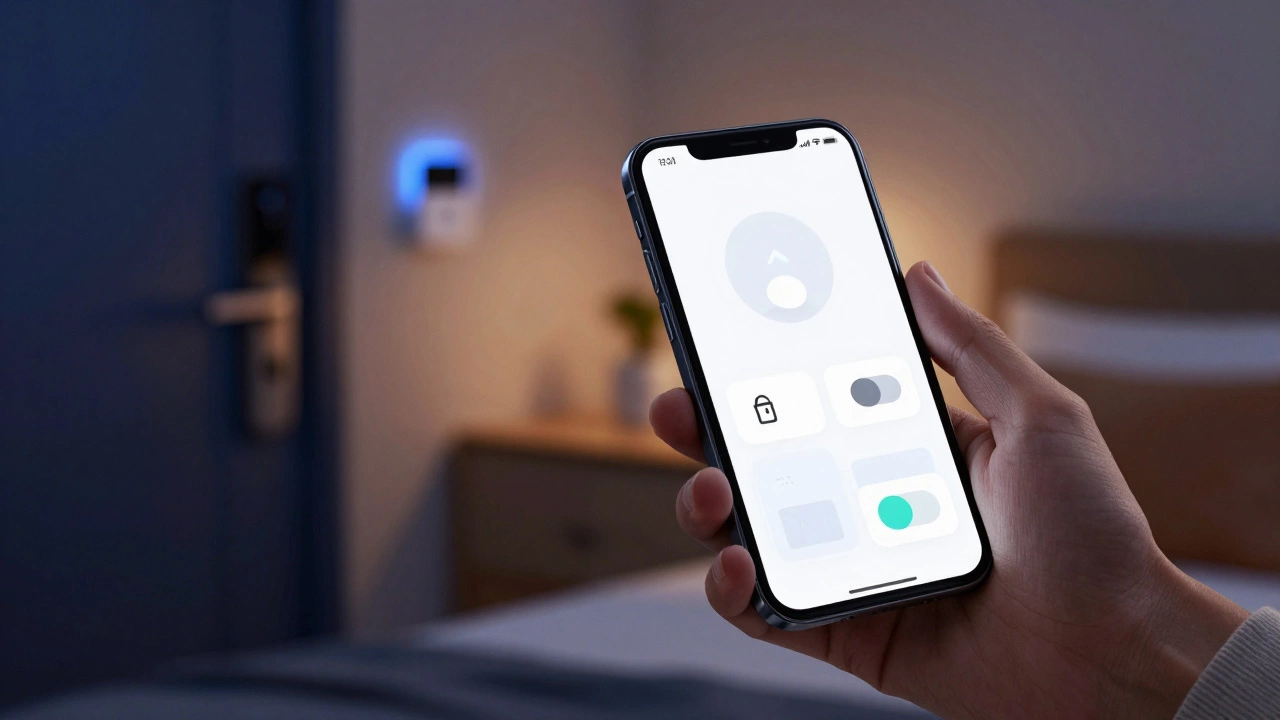
Picture this: You’re lying in bed, ready to sleep. You reach for your phone to turn off the lights, lock the door, and lower the thermostat. But wait-do you open the Philips Hue app? The Nest app? Or the Ring app? If you have more than two brands of smart devices, you probably know the frustration of juggling multiple apps just to manage your own house.
The short answer to "Is there an app to control all smart home devices?" is yes, but it’s not as simple as downloading one magic button. In 2026, we are finally seeing a shift toward true interoperability, thanks largely to a standard called Matter. However, legacy devices, brand loyalty, and ecosystem walls still make a single-app solution tricky for many households.
Can I really control everything with one app?
Yes, if your devices support the Matter protocol or belong to the same ecosystem (like Apple HomeKit or Google Home). For older or proprietary devices, you may need a bridge or a third-party hub like Home Assistant.
The Rise of Matter: The Universal Language
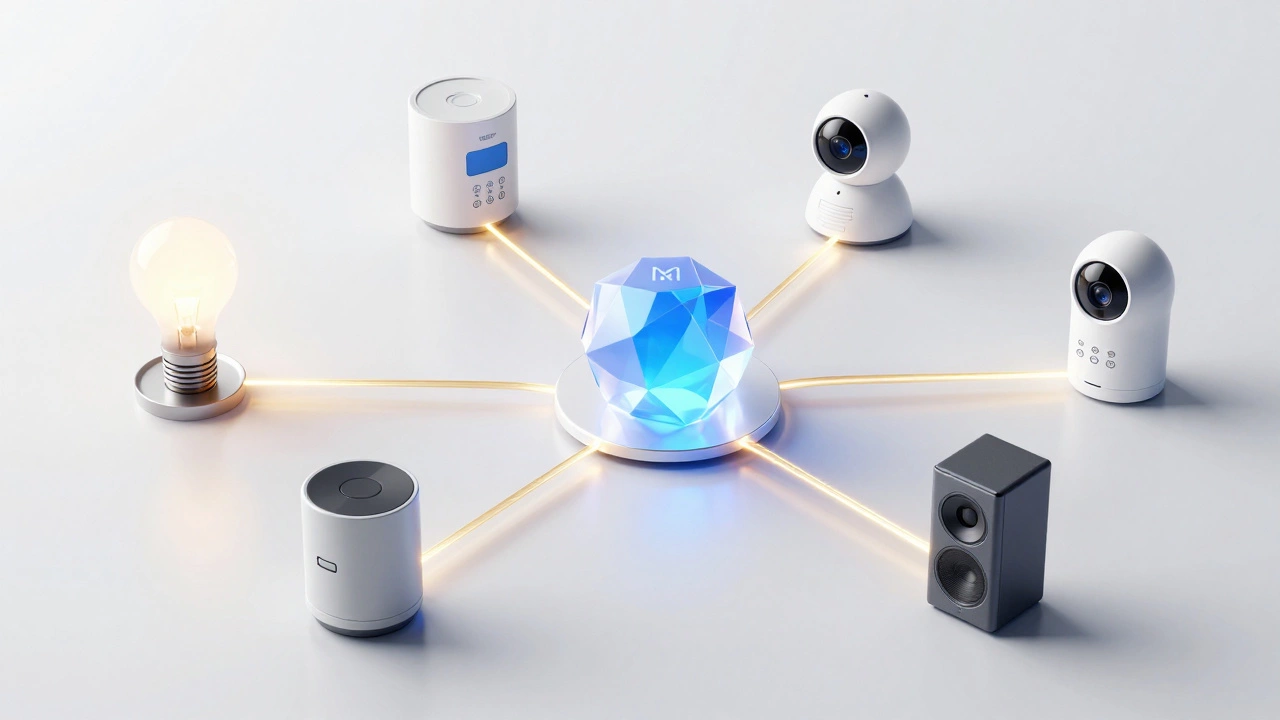
For years, the smart home industry was a mess of incompatible standards. Zigbee, Z-Wave, Wi-Fi, Bluetooth LE-they all spoke different languages. Then came Matter. Launched by the Connectivity Standards Alliance (CSA), Matter is designed to be the TCP/IP of the smart home. It allows devices from different manufacturers to communicate seamlessly with any major smart home platform.
If you buy a new light bulb in 2026 that has the Matter logo, you can add it to Apple Home, Google Home, Amazon Alexa, or Samsung SmartThings without needing a specific manufacturer app. This is the closest thing we have to a "universal remote" for your house. Matter runs on IP networks, which means it uses your existing Wi-Fi infrastructure, making setup significantly easier than older protocols.
However, Matter isn’t a silver bullet. It requires a compatible controller (your phone, tablet, or smart speaker) and a working internet connection. While local control is improving, some advanced features still rely on cloud services, which can introduce latency or downtime if your ISP has issues.
Ecosystem Hubs: The Big Three Contenders
Most people don’t want to configure complex networks; they want an app that works out of the box. This is where the major ecosystem hubs come in. These platforms act as the central brain for your smart home.
- Apple Home: Best for iPhone users who prioritize privacy and simplicity. The Home app integrates deeply with iOS and Siri. With Matter support, it now accepts devices from non-Apple brands easily.
- Google Home: Ideal for Android users and those who love voice commands. Google’s AI is excellent at understanding context, such as "Hey Google, good morning," which can trigger a series of automations.
- Amazon Alexa: The most extensive skill library and device compatibility. If you have older devices or niche gadgets, Alexa often has a "skill" (plugin) to connect them.
Each of these apps serves as a unified interface. Once you add your devices to the ecosystem, you rarely need to open the individual manufacturer apps again. For example, you can control your Samsung TV, Philips Hue lights, and Ecobee thermostat all from the Google Home app.
Third-Party Powerhouses: Home Assistant and SmartThings
If the big three ecosystems don’t cut it, or if you have a mix of very old and very new devices, third-party hubs offer more flexibility. Home Assistant is the gold standard for enthusiasts. It’s an open-source platform that can integrate with virtually any smart home device, regardless of whether it supports Matter.
Home Assistant runs on local hardware, like a Raspberry Pi or a dedicated mini-PC. This means your automations work even if the internet goes down. The downside? It has a steep learning curve. You’ll need to understand YAML configuration files and network settings. It’s not for the faint of heart, but it offers unparalleled control.
On the other hand, Samsung SmartThings bridges the gap between consumer-friendly and pro-level. It supports a wide range of Zigbee and Z-Wave devices directly through its hub, while also integrating with Matter-compatible products. The SmartThings app is intuitive enough for beginners but powerful enough for complex routines.
| Platform | Best For | Matter Support | Learning Curve | Privacy Focus |
|---|---|---|---|---|
| Apple Home | iOS Users | Yes | Low | High |
| Google Home | Android/AI Fans | Yes | Low | Medium |
| Amazon Alexa | Device Variety | Yes | Low | Low |
| Home Assistant | Tech Enthusiasts | Yes | High | Very High |
| SmartThings | Hybrid Homes | Yes | Medium | Medium |
The Problem with Legacy Devices
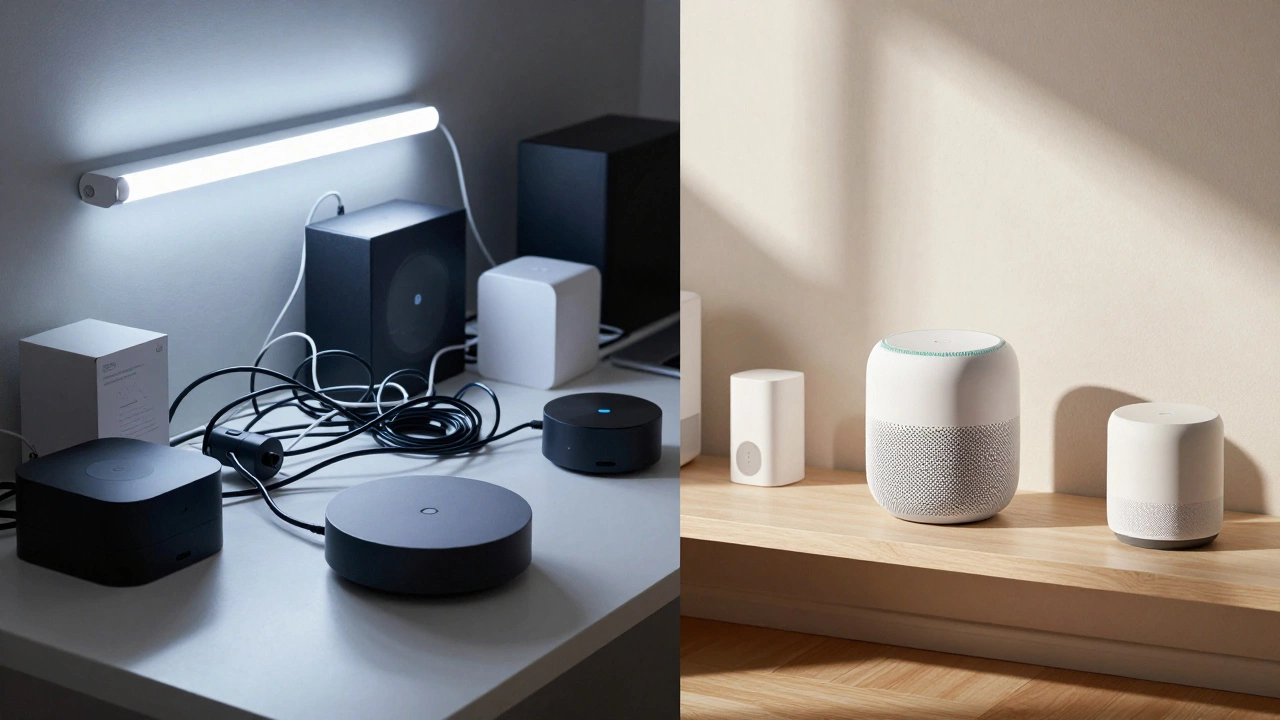
Here’s the catch: Not every device in your home is new. That smart plug you bought in 2019 might only speak Wi-Fi and require the manufacturer’s app. That security camera might use a proprietary protocol that doesn’t support Matter yet.
To control these "legacy" devices alongside your new Matter-enabled ones, you often need a workaround. Some solutions include:
- Virtual Assistants: Linking your manufacturer account to Alexa or Google Home. This allows you to control the device via voice or the assistant’s app, even if it doesn’t natively support the ecosystem.
- Bridges and Hubs: Using a dedicated hub (like a Hue Bridge) to translate the device’s language into something your main app understands.
- Cloud Integrations: Third-party services like IFTTT (If This Then That) can connect apps that don’t normally talk to each other. For example, you can set up a rule so that when your front door unlocks (via Ring), your living room lights turn on (via Philips Hue).
While these methods work, they add complexity. Each linked account is another point of failure. If the manufacturer changes their API or shuts down their service, your integration breaks. This is why prioritizing Matter-compatible devices for new purchases is crucial.
How to Choose Your Central App
Selecting the right app depends on your current setup and future plans. Ask yourself these questions:
- What phone do you use? If you’re deep in the Apple ecosystem, stick with Apple Home. It’s seamless and secure. Android users will find Google Home more natural.
- Do you value privacy? Apple Home and Home Assistant keep data local. Google and Amazon send more data to the cloud for processing.
- How technical are you? If you want plug-and-play, avoid Home Assistant. If you want total control and don’t mind tinkering, go for it.
- What devices do you already own? Check if your existing gadgets support Matter or can be linked to your preferred ecosystem. If you have a lot of Samsung appliances, SmartThings might be the easiest choice.
In Vancouver, where many homes are older and wiring can be challenging, wireless reliability is key. A hub-based system like SmartThings or a Thread border router (often built into newer Echo or HomePod devices) can provide more stable connections than relying solely on Wi-Fi.
Future-Proofing Your Smart Home
The landscape is shifting rapidly. By 2027, most new smart home products will be Matter-only. Manufacturers are dropping support for older protocols to reduce costs and simplify development. This means that investing in Matter-compatible devices today is the best way to ensure long-term compatibility.
Additionally, look for devices that support Thread. Thread is a low-power, mesh networking protocol that works alongside Matter. It creates a robust network where devices communicate directly with each other, reducing reliance on your Wi-Fi router. This results in faster response times and better reliability, especially in larger homes.
As you build your smart home, aim for a hybrid approach. Use a primary ecosystem app (like Google Home or Apple Home) for daily control, and consider a secondary hub (like Home Assistant) for advanced automations and legacy device management. This gives you the best of both worlds: ease of use and deep customization.
Does Matter work offline?
Yes, Matter supports local control. If your device and controller are on the same local network, they can communicate without an internet connection. However, initial setup and some cloud-dependent features still require internet access.
Can I switch from Google Home to Apple Home?
It’s possible but not seamless. You’ll need to remove devices from Google Home and re-add them to Apple Home using their Matter codes or manufacturer apps. Automations and scenes will need to be recreated manually.
Is Home Assistant free?
The core software is free and open-source. However, you’ll need to pay for hardware (like a Raspberry Pi or NUC) to run it. There are also paid addons and cloud services available for remote access and backups.
What is the difference between Matter and Thread?
Matter is the application layer that defines how devices communicate and behave. Thread is the transport layer that handles the actual data transmission over a mesh network. They work together to create reliable, low-power smart home connections.
Do I need a hub for Matter devices?
Not necessarily. Many modern smart speakers and displays (like the Echo Show or HomePod) act as Matter controllers. However, a dedicated hub can improve reliability and allow for more complex automations.