
Android Update Status Checker
Check Your Device Eligibility
Result will appear here
Select your details above to see if your device supports Android 14.
You’ve probably seen the banner ads or heard friends bragging about smoother scrolling and new privacy toggles. The question on everyone’s mind right now is simple: Is Android 14 out? If you are holding your breath waiting for that notification to pop up on your screen, take a deep breath. You can exhale. Android 14 has been available for nearly two years.
It officially launched in October 2023. By June 2026, it isn’t just "out"-it is the established standard for millions of devices worldwide. However, the story doesn't end with a simple yes. Depending on which phone you own, you might be running Android 14, you might have already upgraded to Android 15, or you might still be stuck on an older version because your device never qualified for the update in the first place.
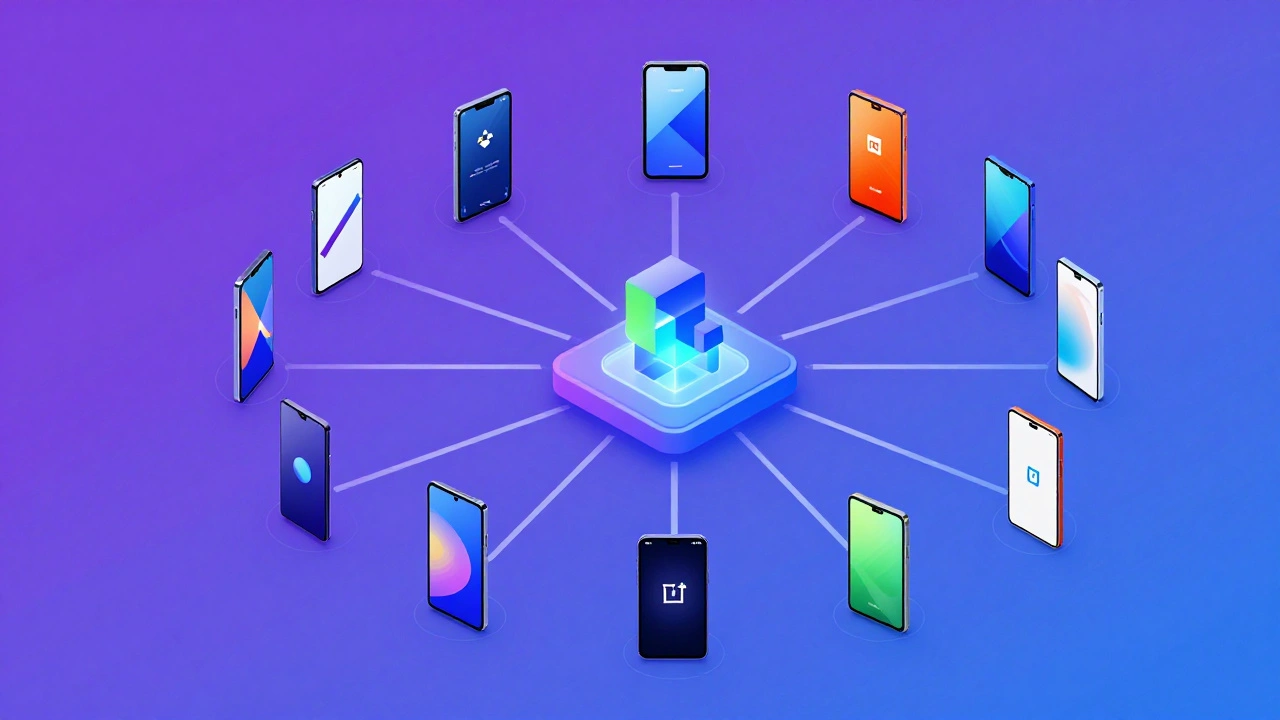
Navigating the Android update ecosystem can feel like trying to read a map drawn by three different cartographers. Google releases the core code, but manufacturers like Samsung, Xiaomi, and OnePlus wrap it in their own software skins, test it for months, and then roll it out in batches. This guide cuts through the noise. We will look at exactly which phones got the update, what changed under the hood, and whether you should even care if you haven’t updated yet.
The Timeline: When Did It Actually Arrive?
To understand where things stand today, we need to rewind slightly. Google announced Android 14 during its annual I/O developer conference in May 2023. But announcements don’t mean availability. For most users, the real milestone was October 4, 2023. That was the day Google Pixel phones-the company’s flagship hardware line-received the stable build over-the-air.
If you owned a Pixel 7, Pixel 8, or even the older Pixel 6 series, you likely saw the update prompt within days. These devices were the gold standard for timely updates. However, the rest of the Android world moved at a slower pace. Manufacturers had to adapt the new OS to their specific interfaces. Samsung called theirs One UI 6.0, while Motorola used My UX, and Xiaomi branded it as HyperOS (in some regions) or MIUI 14.5.
By early 2024, major flagships from Samsung Galaxy S23/S24 series, OnePlus 11/12, and Sony Xperia models had received their stable builds. Mid-range phones took longer, often trickling out updates between March and August 2024. Budget devices sometimes waited until late 2024 or early 2025, if they received the update at all.
So, if you are checking your settings menu today in mid-2026, here is the reality check: Your phone either has Android 14 installed, it has moved on to Android 15, or it will never get Android 14. There is no waiting period left.
Which Phones Got the Update?
Not every Android phone runs Android 14. Google sets minimum hardware requirements, and manufacturers decide how long they support each device. Generally, phones released in 2021 or later were eligible. Older devices, like the Galaxy S20 or Pixel 4, were left behind due to aging hardware components that couldn’t handle the new security protocols and graphical demands.
Here is a breakdown of who made the cut:
- Google Pixel Series: Pixel 6, 6a, 6 Pro, 7, 7a, 7 Pro, 8, 8 Pro, and Fold/Flip models. These were the first to receive the update and served as the reference implementation for other brands.
- Samsung Galaxy Series: Galaxy S21 series (via One UI 5.1), S22, S23, S24, Z Flip 4/5, Z Fold 4/5, and A-series models from 2022 onwards (A52s, A53, A54). Samsung promised four major OS updates for recent flagships, ensuring broad coverage.
- OnePlus Devices: OnePlus 9, 9 Pro, 10T, 11, 12, and Nord CE 3/4 series. Known for relatively clean OxygenOS, these rolled out quickly after the initial Pixel launch.
- Xiaomi/Redmi/Poco: Mi 11 series, Redmi Note 11 Pro+, Note 12 series, and POCO F5/X5. Updates varied significantly by region, with global versions often lagging behind Chinese domestic builds.
- Sony Xperia: Xperia 1 IV, 5 IV, 1 V, and 5 V. Sony prioritized stability, releasing updates a few months after Google but maintaining full feature parity.
| Brand | Key Models Updated | Approximate Stable Release Date |
|---|---|---|
| Pixel 6/7/8 Series | October 2023 | |
| Samsung | Galaxy S23/S24, Z Fold/Flip 4/5 | January - March 2024 |
| OnePlus | OnePlus 11/12, Nord 3/4 | December 2023 - February 2024 |
| Xiaomi | Redmi Note 12/13, POCO F5 | March - August 2024 |
| Sony | Xperia 1 V/5 V | February 2024 |
What Actually Changed in Android 14?
If you upgraded from Android 13, you might not have noticed a dramatic visual overhaul. And that is intentional. Android 14 focused less on flashy animations and more on foundational improvements: privacy, accessibility, and performance optimization. It was a "under the hood" release designed to make your phone feel snappier and safer without changing the icons you tap every day.
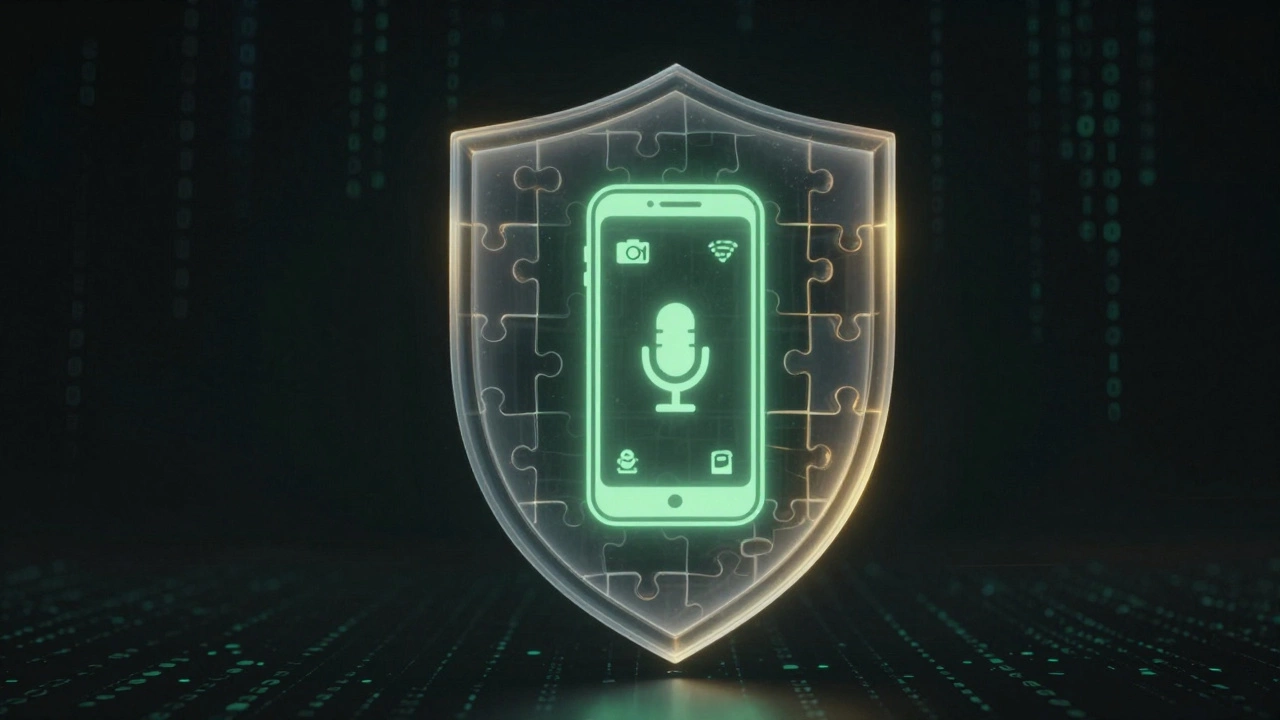
The biggest headline feature was enhanced privacy controls. Android 14 introduced stricter limits on how apps could access sensitive data. For example, if an app wanted to use your camera or microphone, the system would provide clearer indicators and temporary permissions that expired automatically. This addressed a common frustration: background apps listening when they shouldn’t be.
Another significant addition was language customization. Previously, your phone displayed content in only one primary language. With Android 14, you could set per-app languages. Imagine having your social media feeds in English but your banking app interface in Spanish. This feature catered specifically to bilingual users and expats, removing the need to toggle system-wide settings constantly.
For developers and power users, the update included better support for foldable screens and tablets. Window size classes became more robust, allowing apps to resize fluidly across different form factors. This meant fewer broken layouts when you unfolded your Galaxy Z Fold or rotated your tablet to landscape mode.
Battery life also saw subtle improvements. The OS optimized how background services ran, killing zombie processes that drained power silently. While not a magic bullet, many users reported extending their daily usage by 30-60 minutes on average, especially on mid-range devices with smaller batteries.
Should You Stay on Android 14 or Upgrade?
Since we are in June 2026, the conversation has shifted. Android 15 is likely the current latest version for flagship devices. So, should you stay on Android 14? It depends entirely on your device’s age and your tolerance for risk.
If you own a flagship phone from 2023 or 2024 (like a Pixel 8 or Galaxy S24), you probably have access to Android 15 or 16. Upgrading is generally recommended because newer versions include critical security patches. Cyber threats evolve rapidly, and staying on an older OS leaves you vulnerable to exploits that have since been fixed.
However, if you are on a mid-range or budget device, the situation is different. Manufacturers often stop providing major OS updates for these phones after two years. If your phone stopped at Android 14, that is likely its final major version. In this case, staying put is the smartest move. Chasing unofficial custom ROMs can brick your device and void warranties. Stick with the last official update and ensure you install monthly security patches if your manufacturer still provides them.
There is also the matter of app compatibility. Some newer apps may eventually require Android 15 APIs to function correctly. If you rely heavily on the latest productivity tools or games, keeping your OS current ensures you don’t hit a wall where your favorite app simply refuses to open.
Troubleshooting: Why Haven’t I Received the Update?
If you checked your settings and didn’t see Android 14 (or a newer version), don’t panic immediately. Here are the most common reasons why the update might be missing:
- Your device is ineligible. Check the official support page for your specific model number. If it’s a budget phone from 2020 or earlier, it likely won’t get Android 14. Hardware limitations prevent the OS from running smoothly.
- You are in a rollout batch. Even if your phone is eligible, manufacturers release updates in waves to catch bugs early. If you missed the first wave in 2023-2024, you might have been in a later batch. But given it is 2026, this is unlikely unless you recently bought a refurbished unit.
- Storage space is insufficient. Updates require free space to download and install. If your phone is nearly full, the system may hide the update option. Clear out old photos, cache files, or unused apps to free up at least 2-3 GB.
- Carrier restrictions. In some regions, carriers lock down updates to test them on their networks first. If you are on a locked carrier plan, contact your provider. They may have delayed the release indefinitely due to internal testing failures.
To manually check for updates, go to Settings > System > Software Update. Tap "Download and Install." If nothing appears, your journey with major Android updates has likely ended.
The Future: What Comes After Android 14?
Android 14 marked a transition point. It was the last version before Google began enforcing stricter compatibility tests for manufacturers. Starting with Android 15, Google required faster security patch delivery and better fragmentation control. This means future updates will be more uniform across brands.
As we look toward Android 16 and beyond, expect deeper AI integration directly into the OS. Features like real-time translation, predictive text, and automated task management will become native rather than relying on third-party apps. The focus will shift from basic functionality to intelligent assistance.
For now, Android 14 remains a solid, stable platform. If you are happy with your current experience, there is no urgent need to upgrade unless your device supports it and you want the latest security protections. But remember, technology moves fast. Keeping your software current is one of the easiest ways to extend the life of your smartphone.
Is Android 14 safe to use in 2026?
Yes, Android 14 is still considered secure, provided you receive monthly security patches from your manufacturer. However, if your device has stopped receiving these patches, you are vulnerable to known exploits. For maximum safety, upgrade to the latest available OS version for your device.
Will my old phone get Android 14?
If your phone was released before 2021, it is unlikely to receive Android 14. Most manufacturers limit major OS updates to 2-3 years for budget models and 4-5 years for flagships. Check your device's official support page for confirmation.
What is the difference between Android 14 and Android 15?
Android 15 introduces deeper AI features, improved battery management via predictive pre-fetching, and stricter permission controls for notifications. Android 14 focused on foundational privacy and language customization. Visually, they are similar, but Android 15 offers more intelligent automation.
How do I check my Android version?
Go to Settings, scroll down to "About Phone," and tap on "Software Information" or "System Updates." Your Android version will be listed there. If it says 14, you are on Android 14. If it says 15 or higher, you have already upgraded.
Does Android 14 improve battery life?
Indirectly, yes. Android 14 optimizes background process management, which reduces unnecessary CPU wake-ups. Users typically see a modest improvement of 5-10% in battery longevity, depending on usage patterns and app efficiency.