
Free Streaming Device Finder
Answer a few questions to find your perfect free TV setup.
What is most important to you in a free TV experience?
Your Recommended Device:
Quick Wins: Top Picks for Free Content
- Roku: The gold standard for sheer volume of free channels through the Roku Channel.
- Amazon Fire TV: Best for deep integration with Freevee and a massive app library.
- Google TV / Chromecast: Great for aggregating free content from various apps into one screen.
- Apple TV 4K: High quality, but relies more on third-party apps than its own free ecosystem.
The Heavyweight Champion of Free TV
If your main goal is to maximize free content, Roku is a specialized operating system for streaming players and smart TVs that prioritizes a neutral platform for app distribution. Known for its simplicity, Roku doesn't just host apps; it has its own powerhouse, the Roku Channel. This isn't just one app-it's a full-blown network of hundreds of linear channels that behave exactly like old-school cable.
The magic of Roku is how it handles free streaming channels. Instead of opening five different apps to find something to watch, the Roku Channel aggregates a massive amount of content. You get everything from classic movies to niche interests like "The Many Faces of Cooking" or 24/7 weather loops. Because Roku partners with so many FAST providers, they often get early access to new free channel bundles. If you want a device where you can just sit back and "surf" through channels without a credit card, this is the one.
Amazon Fire TV and the Freevee Edge
Amazon has taken a different approach with the Fire TV, which is a line of media players and smart TV integrations developed by Amazon that leverages the AWS cloud for content delivery. The centerpiece here is Freevee, Amazon's ad-supported service. Unlike some competitors, Freevee invests heavily in original programming that you can't find anywhere else for free.
While Roku might have a slightly higher number of total "linear" channels, Fire TV wins on the quality of the free on-demand library. You'll find more high-budget movies and exclusive series here. The downside? The interface is a bit more cluttered with "sponsored" content, making it slightly harder to find the truly free stuff compared to the clean layout of a Roku device. However, if you already use Amazon for everything else, the integration is seamless.
Google TV: The Content Aggregator
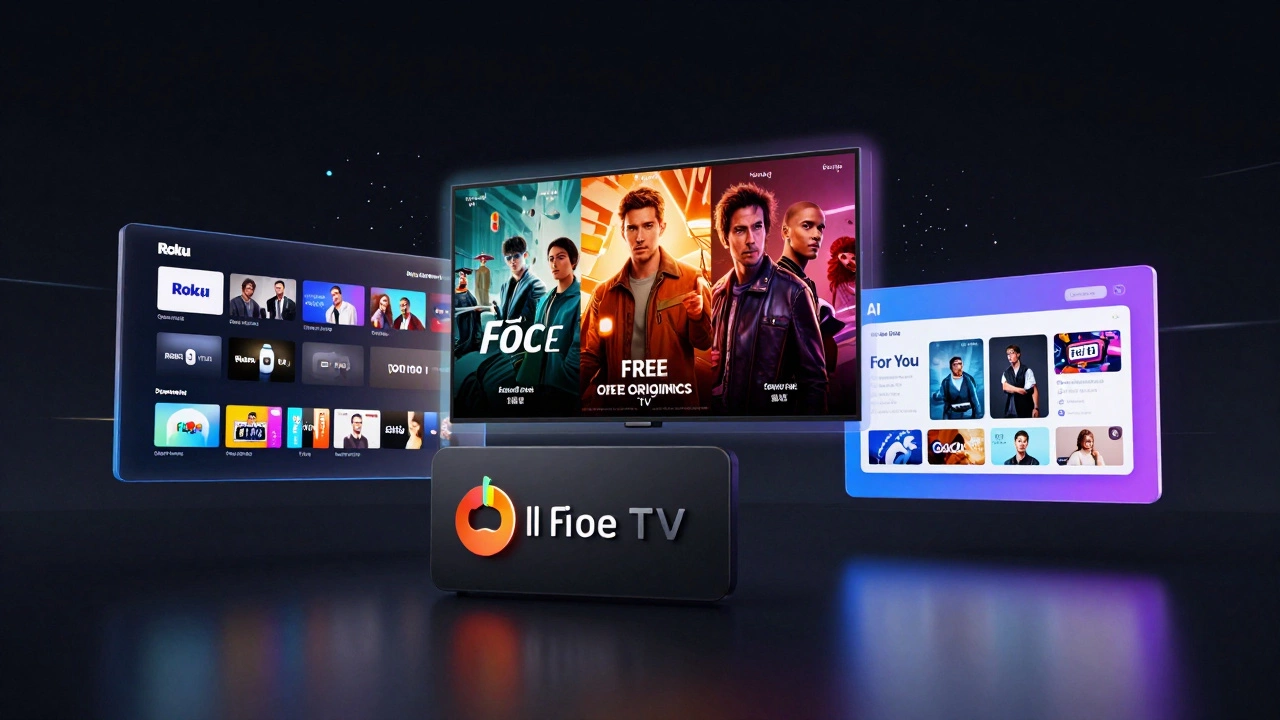
Google shifted its strategy with Google TV, which is an interface layered over Android TV that uses AI to recommend content across different streaming services. Google doesn't try to compete with Roku by building a massive internal channel list. Instead, it focuses on the "For You" tab. This tab pulls in free movies and episodes from across your installed apps-like Tubi or Pluto TV-and puts them on your home screen.
This is a huge time-saver. Instead of hunting through the Tubi app for a free horror movie, Google TV might just suggest it to you based on your search history. It effectively turns your entire device into one giant free channel guide. It’s less about having a "proprietary" list of channels and more about making the existing free internet content easier to find.
Comparing the Big Players
| Device | Primary Free Service | Channel Volume | Content Type | Ease of Use |
|---|---|---|---|---|
| Roku | The Roku Channel | Very High | Linear / Live TV | Excellent |
| Fire TV | Freevee | High | On-Demand / Originals | Moderate |
| Google TV | Google TV Hub | Moderate (Aggregated) | AI-Driven / Cross-App | High |
| Apple TV | Third Party Apps | Low (Native) | App-Based | Premium |
The Secret Sauce: FAST Services
Regardless of the hardware you buy, the real volume of free channels comes from what the industry calls FAST (Free Ad-supported Streaming TV). To get the most out of any device, you need to install the "Big Three" of free content. First, there's Pluto TV, which is basically a digital version of cable TV with a channel guide that looks exactly like the 90s. It's owned by Paramount, so you get a ton of MTV and Comedy Central style content for free.
Next is Tubi, which is the king of the "deep cut" movie library. If you're looking for a weird 80s action flick or a low-budget indie horror, Tubi has it. Finally, there's Samsung TV Plus or Vizio WatchItFirst, which are built into Smart TVs. If you have a TV from these brands, you often get these channels without needing any extra streaming stick at all.
Avoiding the "Free" Traps
Not everything that says "Free" is actually free. You'll often encounter "Free Trials" that require a credit card upfront. A truly free channel is one where you can start watching immediately without entering any billing info. Be careful with apps that promise free content but lock the best movies behind a "premium' pass." Stick to the established FAST services mentioned above to avoid the headache of surprise charges on your bank statement.
Another thing to watch out for is data usage. While the channels are free, the data they use isn't. If you're on a capped internet plan, streaming 24/7 linear channels in 4K can eat through your monthly allowance surprisingly fast. Most free channels stream in 720p or 1080p, which is a good balance, but always check your settings if you're worried about your data cap.
Which One Should You Actually Buy?
If you want the absolute highest number of free, linear channels and a simple experience, go with Roku. It’s the most straightforward path to a "cable-like" experience without the bill. If you prefer a mix of a few high-quality free originals and a massive app store, the Fire TV is your best bet. For the tech-savvy user who wants a smart assistant to tell them what to watch across five different free apps, Google TV is the winner.
Do I need an account to watch free channels on Roku?
You need a Roku account to activate the device, but you don't need a paid subscription to watch The Roku Channel or other FAST apps like Pluto TV.
Are free channels on streaming devices legal?
Yes, services like Tubi, Pluto TV, and Freevee are completely legal. They make money through advertising, which is why you'll see commercials during your shows, similar to traditional broadcast television.
Can I get free local news channels on these devices?
Many do. Apps like NewsON or the local apps for ABC, NBC, and CBS often provide free live streams of local news, though some may require you to provide your zip code.
Does a Smart TV have more free channels than a streaming stick?
It depends on the brand. Samsung and LG have their own built-in free services (like Samsung TV Plus) that are very impressive, but adding a Roku or Fire Stick usually gives you more variety because you can install more third-party apps.
Why are some channels "Free" but still have ads?
This is the FAST model (Free Ad-supported Streaming TV). The advertisers pay the content providers so that you don't have to pay a monthly subscription fee.
Next Steps for Your Setup
Once you've picked your device, start by installing the major FAST apps immediately. Don't just rely on the pre-installed channels. Go to the app store and search for "Pluto TV," "Tubi," and "Plex." These three alone will give you thousands of hours of content. If you're using a Fire TV or Google TV, spend ten minutes tweaking your "Home" settings to hide the paid recommendations and highlight the free apps. This makes your browsing experience much less frustrating and keeps you from accidentally clicking into a subscription prompt.