

Laptop Generation Cost Calculator
Get Your Savings Estimate
Find out how much you save by choosing a 2023-2024 model instead of the latest generation
Choosing the right laptop for school isn’t about buying the shiniest one on the shelf. It’s about finding something that lasts through finals week, survives a backpack full of textbooks, and doesn’t die before graduation. With new laptop models dropping every few months, it’s easy to get lost in the noise. But here’s the truth: you don’t need the absolute latest generation to do well in school. You need the right balance of power, battery life, and price.
What Does ‘Generation’ Even Mean?
When people say ‘13th-gen Intel’ or ‘M3 chip,’ they’re talking about the processor-the brain of the laptop. Each new generation brings small improvements: faster speeds, better battery life, or cooler operation. But for most students, those gains aren’t life-changing.For example, a 2023 laptop with an Intel Core i5-1335U or Apple M1 chip still runs Word, Zoom, Chrome, and Spotify without breaking a sweat. A 2025 model with an M3 or Intel Core Ultra 7 might be 15% faster, but that won’t help you finish your essay any sooner. What matters more is how long the battery lasts, how heavy it is, and whether the keyboard feels comfortable after hours of typing.
Best Generation for Most Students: 2023-2024
If you’re buying a new laptop right now, aim for models from 2023 or early 2024. Why? Because they’re the sweet spot between performance, price, and availability.Here’s what you’ll find in this range:
- Intel: 12th or 13th Gen Core i3/i5 - These chips handle multitasking well. A Core i5 with 8GB RAM is plenty for note-taking, research, and video calls.
- Apple: M1 or M2 - These are the quietest, longest-lasting chips on the market. An M1 MacBook Air lasts 12-15 hours on a single charge. That’s more than enough for a full day of classes.
- AMD: Ryzen 5 5000 or 6000 series - Great value. Often cheaper than Intel, with similar performance. Good for budget buyers.
These models are still widely available, and prices have dropped since launch. You can find a solid 2023 laptop for under $600 CAD. A brand-new 2025 model with the latest chip might cost $900 or more-and you won’t notice the difference in daily use.
What About 2025 Laptops? (M3, Core Ultra 7, Ryzen 7040)
The 2025 models are technically better. Apple’s M3 chip runs AI apps faster. Intel’s Core Ultra 7 has better AI features for photo editing. AMD’s Ryzen 7040 has improved graphics.But here’s the catch: most students don’t use AI tools in class. You’re not editing 4K videos or training machine learning models. You’re writing papers, browsing, watching lectures, and maybe doing basic Excel work. All of that runs fine on older hardware.
Unless you’re studying graphic design, engineering, or video production, the extra cost isn’t worth it. That $300 you save by choosing a 2023 model? Use it for a good pair of headphones, a backup hard drive, or textbooks.
What to Look for Beyond the Generation
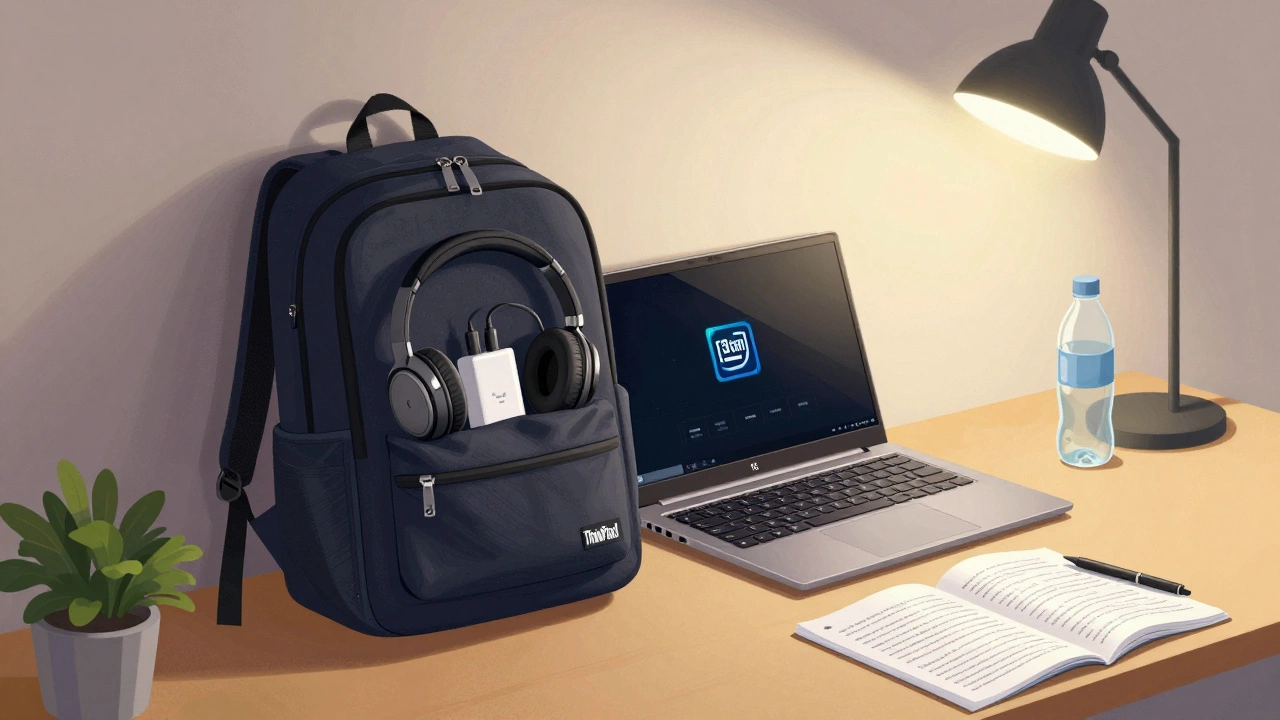
The processor matters, but it’s not the whole story. Here’s what actually affects your day-to-day experience:- Battery life - Aim for at least 8 hours. A laptop that dies after 4 hours means carrying a charger everywhere. That’s not practical.
- Weight - Under 1.4 kg is ideal. If you’re walking across campus with a backpack full of books, every extra gram counts.
- Keyboard - Test it if you can. Thin keys that sink too far or feel mushy will hurt your fingers after two hours of typing.
- Screen - 1080p resolution is fine. Don’t waste money on 4K unless you’re doing design work. Brightness matters more-make sure it’s readable outside or in a sunny lecture hall.
- Ports - At least one USB-C, one USB-A, and a headphone jack. Adapters are annoying. You don’t want to carry a dongle just to plug in your mouse.
For example, the Lenovo ThinkPad E14 is a durable, business-grade laptop with a great keyboard and solid battery life, often found with 13th-gen Intel or Ryzen 5 chips. Or the Apple MacBook Air (M1) is a lightweight, silent, all-day battery laptop that’s been reliable for students since 2020.
What to Avoid
Some laptops look good on paper but fail in real life:- Chromebooks under $300 - They’re cheap, but they can’t run Microsoft Office offline well. If your school uses Google Docs, fine. If you need Word or Excel, skip it.
- Ultra-thin laptops with no ports - If it only has one USB-C port, you’ll be constantly unplugging and replugging things. It’s a hassle.
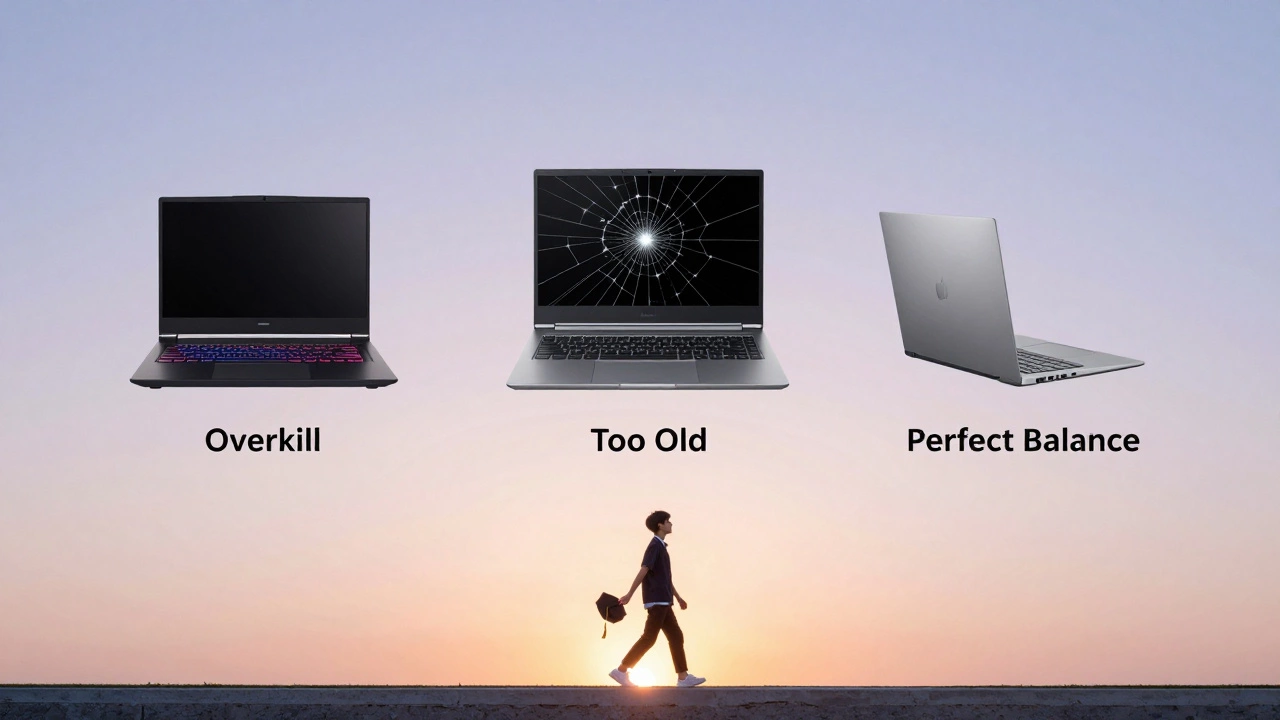
- Older than 2021 - Laptops with 8th-gen Intel or Ryzen 3000 chips are starting to struggle with modern software. Windows 11 runs slower. Updates take longer. Battery life is poor.
- Gaming laptops - They’re heavy, hot, and expensive. Unless you’re studying game design, you don’t need a 3070 GPU. You just need a quiet, cool laptop that doesn’t distract your classmates.
Real Student Scenarios
Let’s say you’re a first-year student in biology. You take notes in OneNote, watch recorded lectures, submit assignments on Canvas, and occasionally use Excel for lab data. You don’t need a fancy chip. A 2023 laptop with an Intel Core i5 or M1 chip, 8GB RAM, and 256GB SSD will handle all of that without blinking.What if you’re studying design? Then you might need more RAM (16GB), a better screen (color accurate), and a faster chip like the M2. But even then, a 2023 M2 MacBook Air is enough. You don’t need the M3.
And if you’re on a tight budget? Look for refurbished models. Universities often sell returned or lightly used laptops at half price. A 2022 MacBook Air with M1 is still a great machine. You’ll save $200-$400 and get the same experience.
Bottom Line: Don’t Chase the Latest
The best laptop for students in 2026 isn’t the newest one. It’s the one that fits your life. For most people, that’s a 2023 or early 2024 model with a mid-range processor, 8GB of RAM, and a solid battery.Save your money. Focus on comfort, durability, and reliability. A $550 laptop from last year will serve you better than a $900 one this year if you’re just trying to get through your degree.
And if you’re still unsure? Ask your school’s tech office. Many universities have laptop loaner programs or discounted deals with manufacturers. You might walk out with a brand-new laptop for way less than retail.
Do I need the latest laptop generation for school?
No. For most students, a 2023 or 2024 laptop with an Intel Core i5, Apple M1, or AMD Ryzen 5 is more than enough. The latest chips offer small speed gains that don’t matter for typical school tasks like writing papers, browsing, or watching videos.
Is an M1 MacBook Air still good in 2026?
Yes. The M1 MacBook Air is still one of the best student laptops. It’s lightweight, has 15-hour battery life, runs silently, and handles all school apps without issue. Many students still use them successfully-even with macOS updates.
Should I buy a Chromebook for college?
Only if your school uses Google Workspace exclusively and you don’t need Microsoft Office. Chromebooks struggle with offline work, file management, and advanced software. Most universities require Word, Excel, or PDF tools that don’t work well on ChromeOS.
How much RAM do I need?
8GB is the minimum for smooth performance. If you’re doing heavy multitasking-like running Zoom, Chrome, and Excel at the same time-16GB is better. But 8GB works fine for most students.
Is it worth buying a refurbished laptop?
Absolutely. Refurbished laptops from university stores or certified sellers (like Apple Certified Refurbished) come with warranties and are tested to work like new. You can save 30-50% on a 2023 model and get the same performance.
Next Steps
Start by checking your school’s recommended specs. Then, look at refurbished or last-year’s models on sites like Best Buy, Amazon Renewed, or your university’s tech shop. Compare battery life, weight, and keyboard feel-not just the chip name.If you’re buying online, read reviews from students-not tech bloggers. Look for comments like, ‘This lasted through finals week’ or ‘The battery didn’t die during back-to-back lectures.’ Those are the real signals.
And remember: your laptop isn’t a status symbol. It’s a tool. The best one is the one that helps you get through your day without stress-not the one with the newest logo on the lid.