
Roku TV Downside Analyzer
You want a TV that just works. You don't want to hunt for apps or fight with a complicated remote. That is exactly why Roku TV has become one of the most popular choices in living rooms across North America. It is simple, it is affordable, and it puts thousands of channels at your fingertips. But nothing is perfect. If you are standing in an electronics store today, wondering if you should pull the trigger on a Hisense, TCL, or Sharp model running Roku OS, you need to know what you are signing up for.
The short answer? The interface can feel cluttered, the ads are aggressive, and the hardware varies wildly depending on the brand making the actual screen. Let’s break down the real downsides so you aren’t caught off guard after unboxing your new set.
1. The Interface Feels Cluttered and Slow
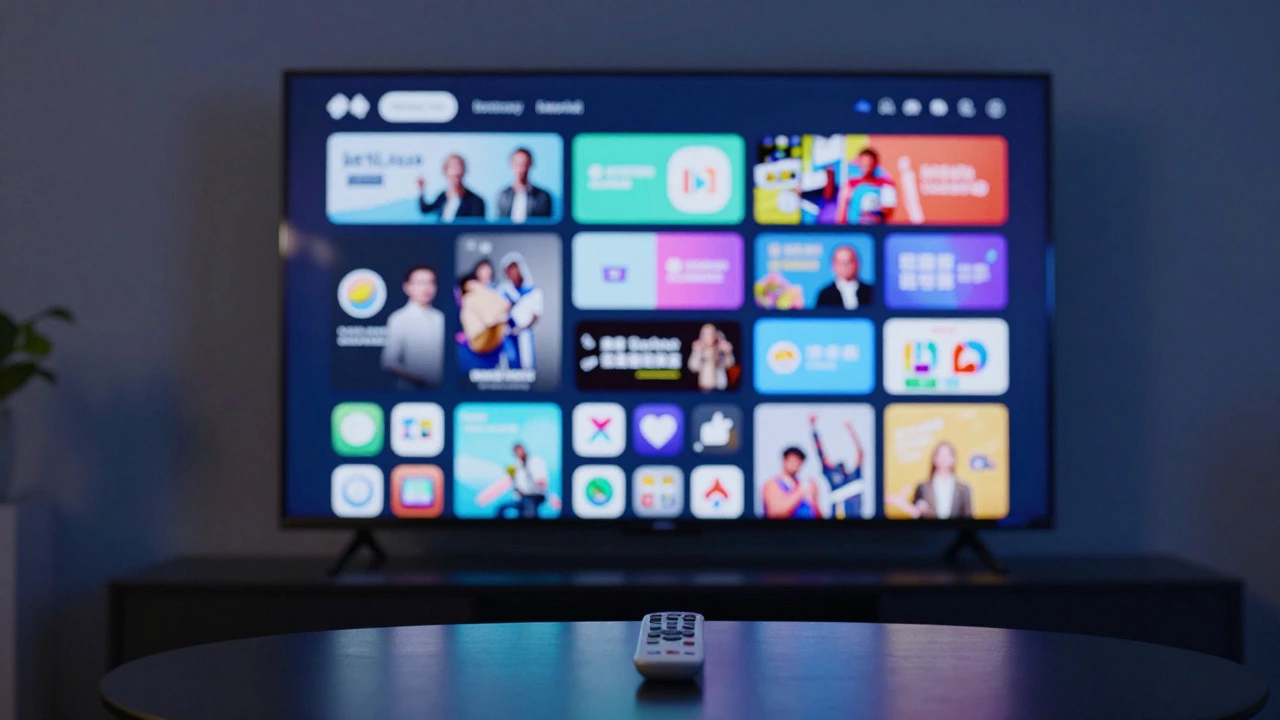
When you first turn on a Roku TV, the home screen looks clean. It’s a grid of icons. Simple enough. But here is the catch: Roku does not prioritize your content based on what you watch. It prioritizes what Roku wants to sell you. Over time, your home screen fills up with "Featured Channels" and promotional banners that have nothing to do with your viewing habits.
Unlike Android TV or Apple TV, which use machine learning to surface relevant shows, Roku treats every app equally. This means if you only watch Netflix and YouTube, you still have to scroll past dozens of other options to get there. For older users or those who want a minimalist experience, this visual noise is frustrating. You end up spending more time navigating menus than watching content.
Then there is the speed issue. While newer models (2024-2026) with the RK3 platform are snappy, many budget-friendly Roku TVs from brands like Insignia or lower-end TCL models run on older processors. Open an app, and you might wait five to ten seconds for it to load. Close it, and it takes another five to return to the home screen. It’s not broken; it’s just sluggish compared to dedicated streaming boxes like the Apple TV 4K.
2. Aggressive Advertising in the UI
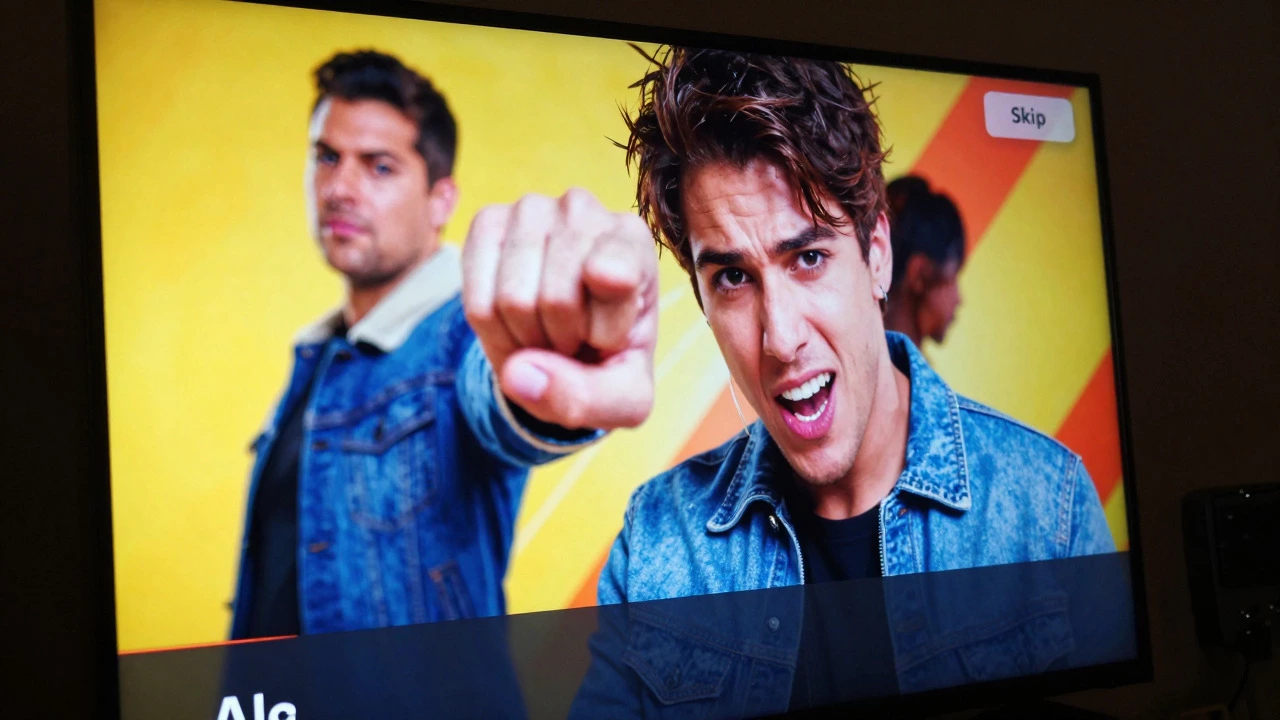
This is the biggest complaint I hear from users. Roku makes money by selling ad space within its operating system. When you press the "Home" button, you are often greeted by full-screen video ads that play automatically. These aren’t subtle banner ads; they are loud, colorful promotions for specific movies or channels.
You can skip them, but you have to wait a few seconds before the "Skip" button appears. If you miss it, you watch a 15-second commercial just to get to your menu. On top of that, search results are mixed with paid placements. If you search for "documentaries," the top results might be sponsored channels rather than the documentary series you actually wanted. It feels less like a personal library and more like a digital billboard.
If you hate ads, this will grate on your nerves daily. There is no way to pay Roku to remove these interface ads. You are stuck with them unless you buy a different brand of TV entirely.
3. Hardware Quality Varies Wildly
Here is a crucial distinction: Roku does not make TVs. They license their software to manufacturers like TCL, Hisense, Sharp, and Insignia. This means "Roku TV" is not a single product with consistent quality. It is a software skin applied to very different hardware.
A $400 TCL Roku TV will have a completely different picture engine, speaker system, and build quality than a $1,200 Hisense U8K Roku TV. The downside? You cannot judge the TV by the "Roku" label alone. You might buy a Roku TV expecting premium performance because you trust the brand, only to find out the panel has poor viewing angles, dim brightness, or weak audio. The software is great, but the underlying hardware can be mediocre, especially in the budget segment where competition is fierce.
| Brand | Price Range | Picture Quality | Build Quality |
|---|---|---|---|
| TCL | Budget to Mid-range | Good value, QLED options | Plastic-heavy, lightweight |
| Hisense | Mid-range to Premium | Excellent brightness, Mini-LED | Solid, better materials |
| Insignia | Budget | Adequate for casual use | Basic, functional |
| Sharp | Premium | High-end Aquos panels | Premium finish |
4. Limited Gaming Features
If you plan to plug in a PlayStation 5 or Xbox Series X, you need to look beyond the Roku logo. Many mid-range Roku TVs lack essential gaming features like Variable Refresh Rate (VRR), Auto Low Latency Mode (ALLM), or even HDMI 2.1 ports. Without HDMI 2.1, you are capped at 4K@60Hz, which is fine for most games but misses out on the smoother 120Hz experience next-gen consoles offer.
Additionally, Roku’s input lag-the delay between pressing a button and seeing the action on screen-is generally higher than dedicated gaming TVs from Samsung or LG. It’s not terrible for casual gaming, but competitive gamers will notice the difference. If gaming is a priority, check the specs of the specific TV model, not just the OS.
5. No Built-in Web Browser
This seems minor until you need it. Roku OS does not have a built-in web browser. If you want to watch a live stream on a website that doesn’t have a dedicated app, you’re out of luck. You’ll have to cast from your phone or laptop, which adds friction. While most major services have apps, niche content often requires a browser. For power users who rely on web-based content, this limitation is annoying.
6. Screen Burn-In Risk on OLED Models
Some high-end Roku TVs, particularly those from Hisense and TCL, use OLED panels. OLED offers perfect blacks and infinite contrast, but it comes with a known risk: burn-in. If you leave static images (like news tickers or game HUDs) on the screen for hours every day, those images can permanently etch into the pixels. Roku’s software includes some mitigation tools, but it’s not as robust as the pixel-shifting technologies found in LG’s OLED TVs. If you are a heavy gamer or news watcher, consider an LCD/LED Roku TV instead.
7. Customer Support Can Be Hit-or-Miss
When something goes wrong, figuring out who to call can be confusing. Is it a Roku problem or a TV manufacturer problem? Roku handles the software, while TCL, Hisense, etc., handle the hardware. If your TV won’t turn on, you contact the manufacturer. If the app crashes, you contact Roku. This split support structure can lead to finger-pointing. Manufacturer support for budget brands is often slow, with long wait times and limited repair centers. Roku’s support is generally decent, but they can’t fix a broken backlight.
Who Should Avoid Roku TV?
- Ad-haters: If you despise seeing commercials in your home screen, look elsewhere.
- Hardcore Gamers: Check for HDMI 2.1 and VRR support; many Roku TVs lack these.
- Minimalists: The cluttered interface may feel overwhelming compared to Apple TV’s curated approach.
- Web Browsers: If you need to access websites directly on your TV, Roku isn’t for you.
Final Thoughts: Is It Still Worth It?
Despite these downsides, Roku TV remains a strong contender for most households. The simplicity of the remote, the vast channel library, and the affordable price point outweigh the frustrations for many users. The key is managing expectations. Don’t expect a premium, ad-free experience. Instead, view it as a cost-effective way to get smart TV functionality without the learning curve.
If you can tolerate the ads and choose a reputable manufacturer like Hisense or TCL for better hardware, you’ll likely be happy. Just remember: you are buying the TV’s picture quality first, and the Roku experience second.
Can you remove ads from Roku TV?
Not entirely. You can reduce some promotional content by adjusting settings, but full-screen video ads on the home screen are currently unavoidable. Roku uses these ads to keep the OS free for manufacturers.
Is Roku TV better than Smart TV?
It depends on what you value. Roku is simpler and more universal, working well for non-tech-savvy users. Traditional Smart TVs (like Samsung Tizen or LG WebOS) often have more integrated features and better gaming support but can be more complex to navigate.
Why is my Roku TV so slow?
Sluggishness is usually due to older hardware processors in budget models. Ensure your TV firmware is updated. If it’s still slow, try restarting the TV (unplug for 10 seconds). Upgrading to a newer model with the RK3 chip can significantly improve speed.
Do all Roku TVs have good picture quality?
No. Picture quality depends on the manufacturer (TCL, Hisense, etc.) and the specific model tier. Budget Roku TVs often have average color accuracy and brightness, while premium models offer excellent HDR performance.
Can I use a Roku TV without an internet connection?
Yes. You can use it as a standard TV with an antenna, cable box, or gaming console. However, you won’t be able to access streaming apps or software updates without Wi-Fi.