
Robot Vacuum Suitability Calculator
Answer these questions to see how well a robot vacuum fits your lifestyle.
Neutral
Proceed with caution
Analysis Breakdown:
You see the ads everywhere. A sleek, disc-shaped device gliding effortlessly across your hardwood floors while you sip coffee in peace. It sounds like the future of cleaning, doesn't it? But here is the reality check that marketing brochures often skip over: robot vacuums are not magic wands. They are imperfect machines with distinct flaws that can turn a chore-saver into a headache-inducer if you aren't prepared for them.
As we move through 2026, these devices are smarter than ever, thanks to advanced LiDAR and AI cameras. Yet, they still struggle with basic physics and human messiness. If you are considering buying one, or if you already own one and feel frustrated, understanding the specific disadvantages is crucial. This isn't about bashing technology; it's about setting realistic expectations so you don't end up with an expensive paperweight that gets stuck under your sofa every Tuesday.
The Navigation Nightmare: Getting Stuck Is Inevitable
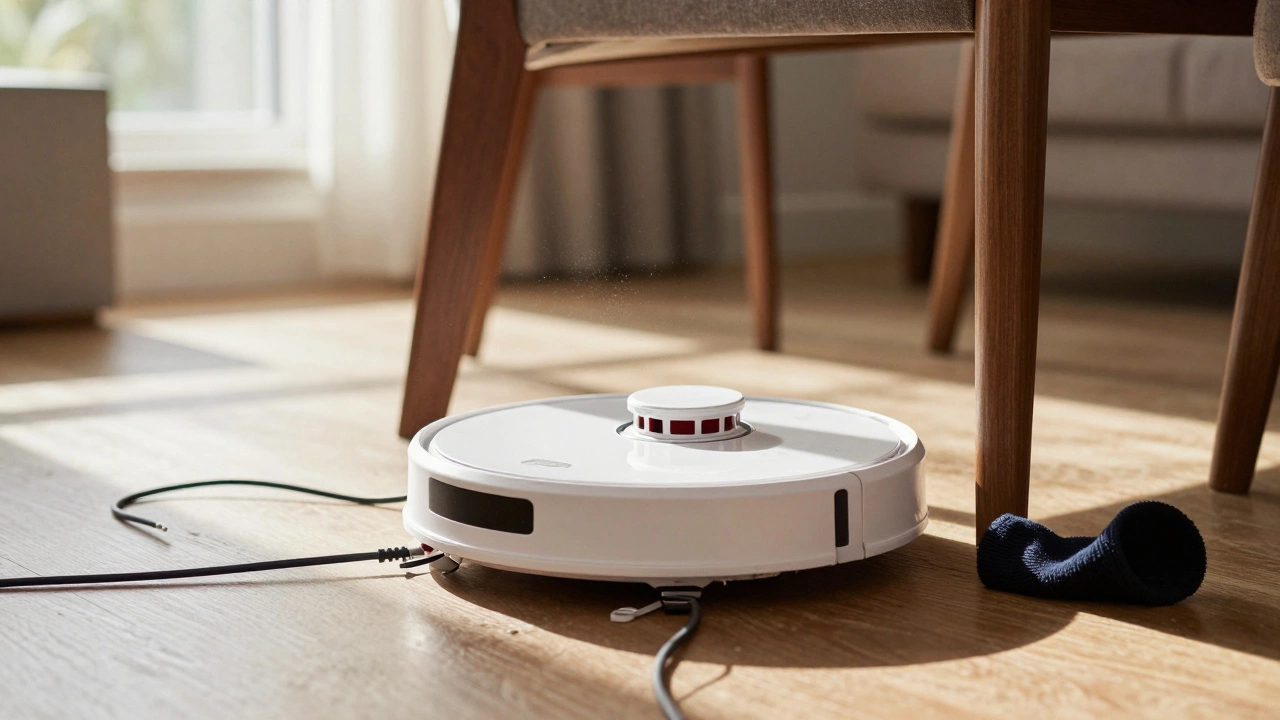
The most common complaint about any robotic cleaner is navigation. Even high-end models costing over $1,000 will get stuck. It happens. The floor of your home is a minefield of obstacles that look simple to us but are complex puzzles for sensors. Charging cables snaking across the rug, loose socks, pet toys, and even dark-colored rugs (which some older sensors mistake for cliffs) can halt a robot in its tracks.
When a robot gets stuck, it usually does one of two things: it spins in circles until its battery dies, or it sends you a notification on your phone asking for help. If you are at work, that notification is useless. You come home to find your robot stranded under the dining table, having cleaned only 20% of the room. While newer models use visual simultaneous localization and mapping (VSLAM) to avoid this better, they are not foolproof. You still need to 'pet-proof' and 'cord-proof' your floors before every run, which defeats the purpose of automation for many people.
Do robot vacuums really get stuck that often?
Yes, especially in cluttered homes. Even with advanced sensors, thin objects like charging cables and small items like Lego bricks remain major challenges. High-end models with structured light or AI object recognition reduce this frequency by about 40-50%, but they do not eliminate it entirely.
Cleaning Power: Good for Maintenance, Bad for Deep Cleaning
Let’s talk about suction power. Most robot vacuums have significantly less suction than a traditional upright or stick vacuum. They are designed for daily maintenance-picking up dust, hair, and crumbs-not for deep cleaning embedded dirt. If you have thick-pile carpets, a robot vacuum might struggle to penetrate deep enough to remove allergens or ground-in debris. You will likely still need a powerful traditional vacuum for weekly or monthly deep cleans.
Mopping functions, which are now standard on mid-to-high-range models, are another area of disappointment. Most robot mops simply drag a damp microfiber cloth across the floor. They do not scrub. They cannot handle dried-on spills, sticky residues, or heavy stains. Think of it as wiping the floor with a slightly damp rag, not washing it. For kitchens or bathrooms where hygiene is critical, a robot mop is insufficient. It works best for lightly refreshing hard floors between proper cleanings.
The Noise Factor: It’s Louder Than You Think
Marketing videos often play soft jazz while the robot cleans, implying silence. In reality, most robot vacuums operate at noise levels between 60 and 75 decibels. That is comparable to a normal conversation or a running dishwasher. While this isn't deafening, it is noticeable. If you try to take a Zoom call, watch a movie, or sleep while the robot runs, the constant whirring and bumping noises can be distracting.
Some premium models offer 'quiet modes,' but these drastically reduce suction power, making the cleaning cycle less effective. You are forced to choose between a quiet environment and a clean floor. There is rarely a middle ground where the robot is both silent and thorough.
Maintenance Burden: Emptying the Bin and Cleaning Brushes
One of the biggest misconceptions is that robot vacuums are 'set it and forget it.' They are not. The dustbins on these devices are tiny compared to traditional vacuums. Depending on your home size and pet ownership, you may need to empty the bin after every single cleaning session. Yes, there are self-emptying docks available, but they add significant cost and require you to replace disposable dust bags regularly, creating ongoing waste and expense.
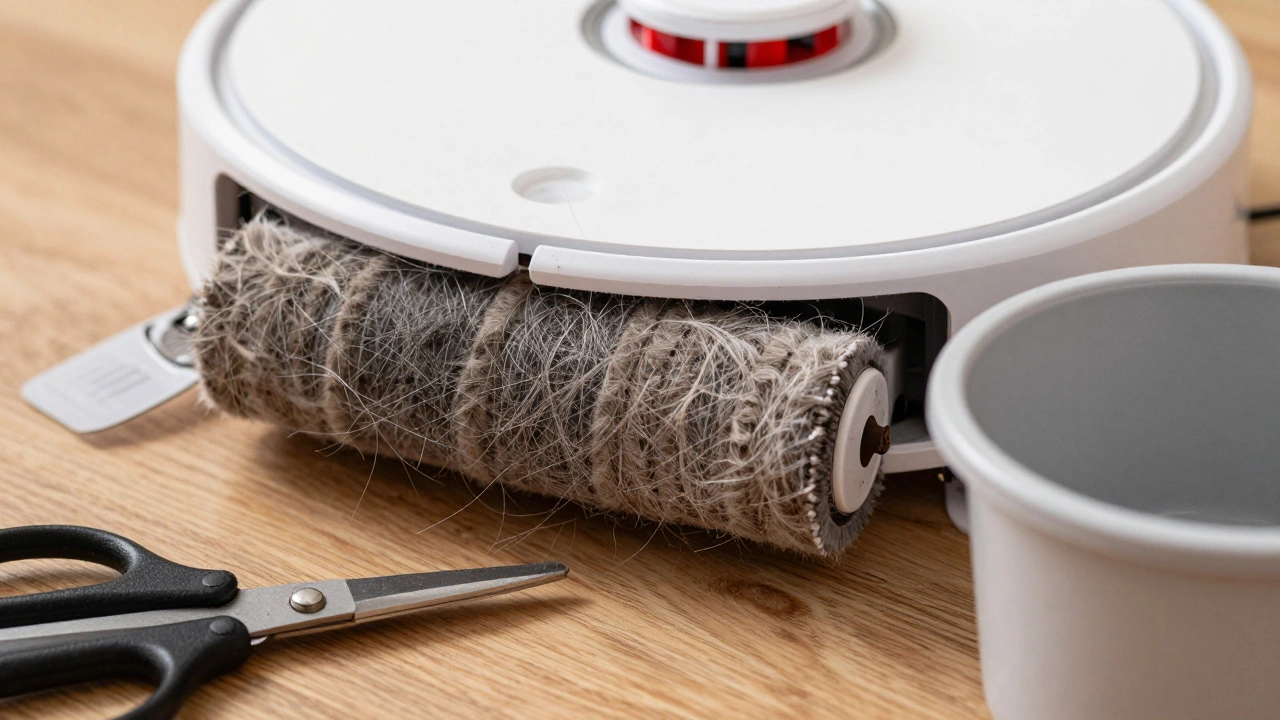
Then there is the brush roll. Hair, threads, and fibers wrap tightly around the main brush and side brushes. If you don't cut and remove this buildup regularly, the brush stops spinning, suction drops, and the motor can burn out. Cleaning the brush roll requires tools (like scissors or a seam ripper) and time. Neglect this maintenance, and your robot’s performance degrades rapidly within months.
| Feature | Robot Vacuum | Traditional Stick Vacuum |
|---|---|---|
| Suction Power | Low to Medium (1500-4000 Pa) | High (10,000+ Pa) |
| Dustbin Capacity | Small (0.3 - 0.6 liters) | Large (0.8 - 1.5 liters) |
| Deep Cleaning Ability | Poor | Excellent |
| Maintenance Frequency | Daily (empty bin), Weekly (brushes) | Weekly (empty bin), Monthly (filters) |
| Edge Cleaning | Poor (round shape misses corners) | Good (with edge brush attachment) |
The Cost of Convenience: High Upfront and Ongoing Expenses
A good robot vacuum is not cheap. Entry-level models start around $200, but they lack reliable navigation and often perform poorly. To get a device that actually maps your home and avoids obstacles effectively, you are looking at $500 to $1,000. Add a self-emptying dock, and the price jumps to $1,000+. That is a significant investment for a machine that still requires manual intervention.
Beyond the initial purchase, consider the recurring costs. Replacement filters, side brushes, and main brushes wear out and need replacing every 6-12 months. Self-emptying docks require proprietary dust bags. These consumables can add up to $50-$100 per year. When you factor in the limited lifespan of the batteries (usually 2-3 years before significant degradation), the total cost of ownership becomes much higher than advertised.
Data Privacy and Smart Home Integration Issues
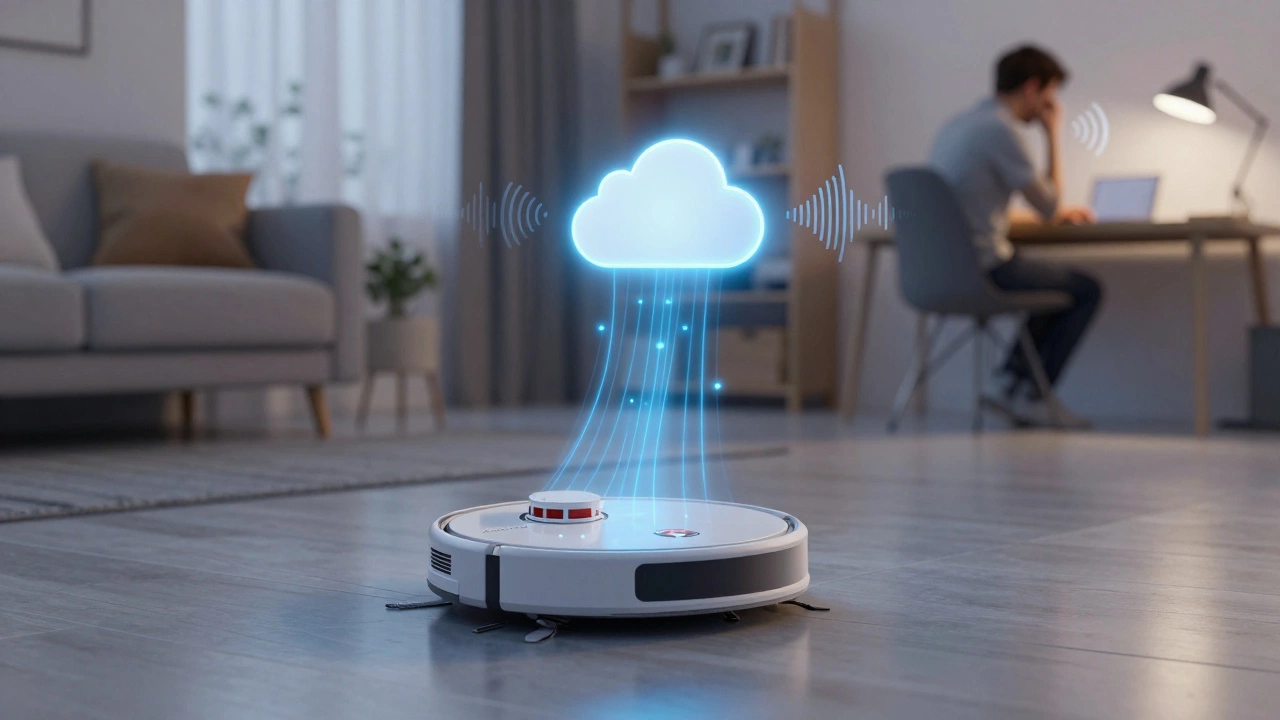
In 2026, almost all robot vacuums are connected to Wi-Fi and companion apps. They map your home, track your movement patterns (if equipped with cameras), and store data in the cloud. While companies claim this data is anonymized, privacy concerns remain. You are inviting a device that sees every corner of your living space into your network. Cybersecurity breaches in smart home devices are not uncommon, and a compromised robot vacuum could theoretically provide intruders with a layout of your home.
Furthermore, app reliability can be spotty. Firmware updates sometimes break existing features, and connectivity issues can prevent you from starting a clean remotely. If the server goes down, your robot might lose its map or fail to report status. You become dependent on a company’s software infrastructure for a basic household task.
Who Should Avoid Robot Vacuums?
Based on these disadvantages, certain households should think twice before buying:
- Homes with heavy clutter: If you live with young children who leave toys everywhere, or pets that scatter food, the robot will spend more time stuck than cleaning.
- Multi-story homes without multiple units: Robots are slow. Running one robot up and down stairs manually negates the convenience. Buying multiple robots is prohibitively expensive for most.
- People seeking deep cleanliness: If you have allergies or demand spotless floors, a robot alone won’t suffice. You’ll still need a traditional vacuum.
- Budget-conscious buyers: Cheap robot vacuums (<$300) often have poor navigation and weak suction, leading to frustration rather than relief.
Final Thoughts: Managing Expectations
Robot vacuums are fantastic tools for maintaining clean floors between deep cleans, but they are not replacements for traditional cleaning methods. Their disadvantages-navigation errors, limited suction, noise, maintenance needs, and high cost-are real and significant. By understanding these limitations upfront, you can decide if the convenience outweighs the drawbacks for your specific lifestyle. For many, the answer is yes, but only if you treat the robot as a helper, not a miracle worker.
Are robot vacuums worth the money in 2026?
For busy professionals or pet owners who want daily maintenance cleaning, yes. However, if you expect a completely hands-off experience or deep cleaning results, they may disappoint. Consider your floor type, clutter level, and budget before deciding.
Can robot vacuums clean carpets effectively?
They can clean low-pile carpets reasonably well, removing surface dust and hair. However, they struggle with high-pile or shag carpets due to limited suction and brush design. For deep carpet cleaning, a traditional vacuum is still necessary.
How often do I need to maintain my robot vacuum?
You should empty the dustbin after each use (or install a self-emptying dock). Clean the side brushes and main brush roll weekly to remove tangled hair. Replace filters every 2-3 months and inspect wheels for debris monthly.
Do robot vacuums damage hardwood floors?
Generally, no. Most modern robot vacuums have soft rubber wheels and gentle brushes designed for hard surfaces. However, if the robot picks up large grit or sand, it could potentially scratch floors over time. Regularly cleaning the brushes helps prevent this.
Is it safe to leave a robot vacuum running when I'm away?
It is generally safe, provided you have cleared the floor of small objects, cords, and pet waste. Ensure your home security system is active, as the robot’s camera (if present) could be accessed via cyberattacks. Most experts recommend scheduling runs while you are home initially to monitor performance.