

Intel Core i5 vs i7 Laptop Advisor
Answer these questions to get a personalized recommendation. Remember: The best laptop isn't always the most expensive one; it's the one that fits your workflow.
Your Recommendation
Why this fits you:
Things to watch out for:
You are standing in an electronics store or scrolling through a checkout page, staring at two nearly identical laptops. One costs $800 with an Intel Core i5 and the other costs $1,200 with an Intel Core i7. The salesperson tells you the i7 is "faster," but does that mean your Excel sheets will open twice as quickly? Will your video render in half the time? Or are you just paying for a marketing badge?
The truth is messy. In 2026, the gap between these processors has narrowed significantly for everyday tasks, yet widened dramatically for heavy workloads. Choosing the wrong one means either wasting money on power you never use or buying a machine that chokes when you try to do something ambitious. Let’s break down exactly where the speed difference lies so you can buy the right laptop without the regret.
The Core Difference: Cores, Threads, and Turbo Boost
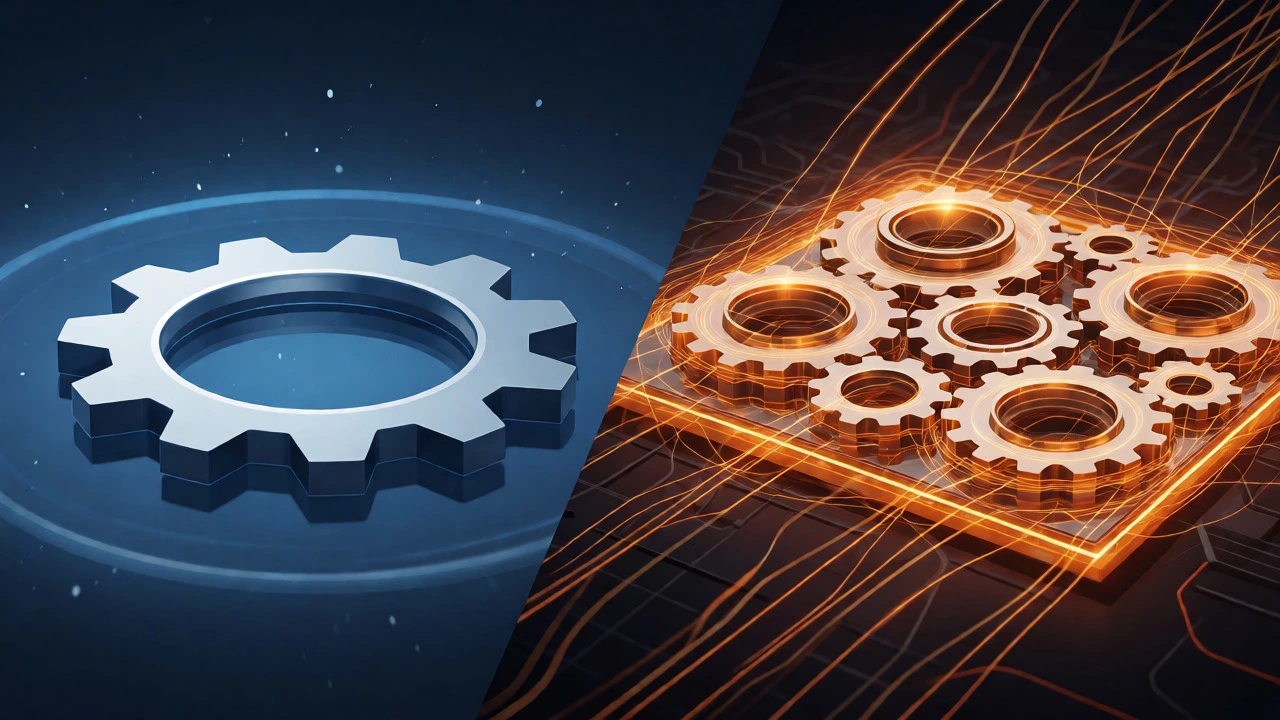
To understand which chip wins, you have to look under the hood. Both Intel Core i5 and Intel Core i7 belong to the same family of CPUs, designed by Intel Corporation. They share the same architecture-meaning they speak the same language to your software. However, they differ in three critical areas: core count, thread availability, and maximum clock speeds.
A core is essentially a brain within the processor. More cores allow the computer to handle more tasks simultaneously. Historically, i5 chips had fewer cores than i7s. Today, many modern i5s (like the 13th and 14th Gen series) actually match i7s in physical core counts, but often lack Hyper-Threading (Intel's technology that allows each core to handle two threads at once). This is where the magic happens. If you run a single application, like opening a web browser, both chips feel snappy. But if you are editing 4K video while streaming music and compiling code, the i7’s ability to juggle more threads prevents stuttering.
Then there is Turbo Boost. This feature allows the processor to temporarily exceed its base frequency when thermal and power limits permit. An i7 usually has a higher ceiling here. It can push itself harder for longer bursts before throttling down due to heat. For short, intense tasks-like unzipping a large file or launching Photoshop-the i7 finishes faster because it runs at a higher GHz for those few seconds.
Real-World Performance: Where Does Speed Actually Matter?
Let’s move away from benchmarks and talk about what you actually do. If your daily routine involves browsing Chrome, checking email, writing documents, and watching Netflix, an i5 is not just "good enough"-it is arguably better value. Modern i5 processors are incredibly efficient. You will rarely notice a lag unless you have fifty tabs open and a dozen background apps running.
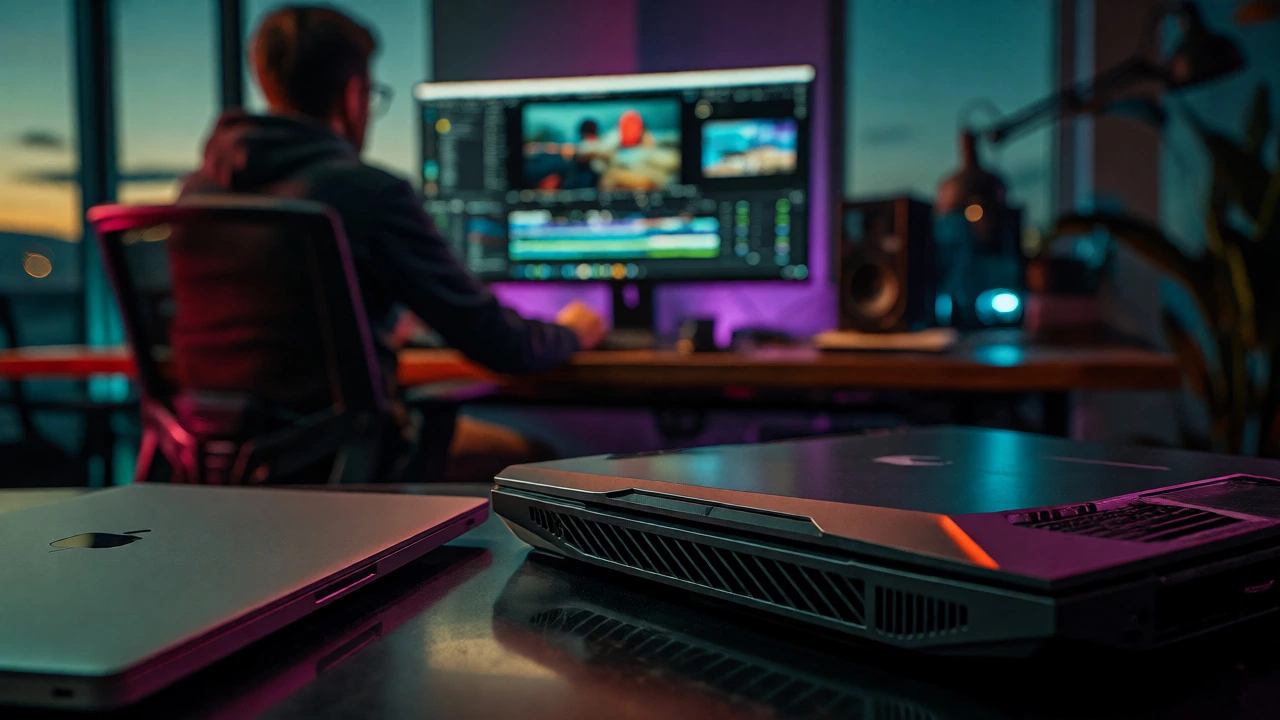
However, the story changes when you step into creative or technical territory. Consider video editing in Adobe Premiere Pro or DaVinci Resolve. These applications rely heavily on multi-threaded performance. A test conducted by Puget Systems showed that for timeline playback and rendering, an i7 consistently outperformed equivalent i5 models by 15-25%. Why? Because the extra threads keep the pipeline full. If you are a student editing class projects, an i5 handles 1080p fine. But if you are a freelance videographer handling 4K footage, the i7 saves you hours every week.
Gaming is another tricky area. Many gamers assume they need an i7. In reality, most games rely on the graphics card (GPU), not the CPU. Unless you are playing CPU-intensive titles like *Cyberpunk 2077* or *Microsoft Flight Simulator* at low resolutions to maximize frame rates, an i5 paired with a strong GPU will give you the same gaming experience as an i7. Saving that $300-$400 difference to upgrade your GPU from an RTX 4050 to an RTX 4060 will boost your frames far more than upgrading the CPU.
| Feature | Intel Core i5 (Mid-Range) | Intel Core i7 (High-End) | Impact on User |
|---|---|---|---|
| Core Count | Typically 6-10 Cores | Typically 10-16 Cores | i7 handles multitasking better |
| Hyper-Threading | Often Disabled (P-Cores only) | Enabled on all P-Cores | i7 is smoother in heavy loads |
| Max Turbo Frequency | ~4.5 - 4.9 GHz | ~5.0 - 5.5+ GHz | i7 renders files faster |
| Cache Size | Smaller L3 Cache | Larger L3 Cache | i7 accesses frequent data quicker |
| Power Consumption | Lower TDP (Heat/Battery) | Higher TDP (Heat/Battery) | i5 offers better battery life |
The Hidden Factor: RAM and Thermal Design
Here is a secret that manufacturers don’t shout about: the chassis matters as much as the chip. You can buy a laptop with a top-tier i7, but if it is thin and light with poor cooling, that i7 will throttle. Throttling means the CPU slows down to prevent overheating. In this scenario, a well-cooled i5 might actually perform better than a poorly cooled i7 during sustained loads.
This is why you should look at reviews that mention "sustained performance" rather than just peak scores. A thick gaming laptop with an i5 and robust fans will often beat a ultrabook with an i7 and tiny fans. Additionally, check the RAM configuration. An i7 with 8GB of RAM will bottleneck faster than an i5 with 16GB. If you are choosing between an i5 with 16GB RAM and an i7 with 8GB RAM, pick the i5. Memory capacity is a hard limit; CPU speed is flexible.
Battery Life and Portability Trade-offs
If you live in Vancouver like me and spend your days moving between coffee shops and co-working spaces, battery life is non-negotiable. Higher-performance i7 chips generally consume more power, even when idle, compared to their i5 counterparts. While efficiency improvements in recent generations (like the Meteor Lake and Arrow Lake architectures) have closed this gap, the physics of higher transistor activity still apply.
An i5-based ultrabook might last 10-12 hours on a charge, whereas a comparable i7 model might drop to 7-8 hours. That sounds small until you realize you forgot your charger. For students and writers who prioritize mobility over raw power, the i5 is the smarter choice. You gain longevity and portability without sacrificing responsiveness for standard tasks.
Future-Proofing: How Long Will It Last?
How long do you plan to keep this laptop? Three years? Five? Software updates tend to become more demanding over time. Windows 11 and upcoming versions of macOS require more resources. An i7 provides a larger buffer against obsolescence. If you buy an i5 today, it will likely remain fast for basic tasks for four years. An i7 might stay comfortable for five or six, especially if you start using heavier applications later in its lifecycle.
Consider your upgrade path. Most modern laptops have soldered RAM and non-upgradable CPUs. You cannot swap an i5 for an i7 later. Therefore, if you anticipate needing more power in year three, buying the i7 now is cheaper than replacing the whole machine later. Conversely, if you know you will sell the laptop after two years, the i5 retains decent resale value and meets current needs perfectly.
Verdict: Who Should Buy What?
So, which laptop is faster? Technically, the i7. But practically, the answer depends on your workflow.
- Buy an Intel Core i5 if: You are a student, writer, office worker, or casual gamer. You value battery life and lower cost. Your tasks involve web browsing, Office suites, light photo editing, and streaming.
- Buy an Intel Core i7 if: You are a video editor, programmer, data scientist, or heavy multitasker. You run virtual machines, compile large codebases, or edit 4K/8K video. You need the laptop to remain powerful for 5+ years.
Don't fall for the trap of thinking "more numbers equals better." An older generation i7 can be slower than a new generation i5. Always compare the specific model number (e.g., i5-1340P vs i7-1360P) rather than just the brand name. Check the release date and benchmark comparisons for that specific silicon. Sometimes, the sweet spot isn't the cheapest i5 or the most expensive i7-it's the previous-generation i7 on sale, which often matches the current-gen i5 in performance but costs less.
Is an i7 always faster than an i5?
No. A newer generation i5 (like the 14th Gen) can outperform an older generation i7 (like the 10th or 11th Gen). Architecture improvements matter more than the tier label alone. Always compare specific model numbers and release years.
Does an i7 make my laptop run hotter?
Generally, yes. i7 processors draw more power and generate more heat, especially under load. However, this depends heavily on the laptop's cooling system. A well-designed chassis can keep an i7 cool, while a bad design can throttle an i5.
Do I need an i7 for gaming?
Rarely. Gaming performance is mostly determined by the Graphics Card (GPU). An i5 combined with a good GPU will provide similar frame rates to an i7 with the same GPU in most AAA titles. Spend the saved money on a better GPU instead.
Will an i5 slow down my internet browsing?
No. Web browsing relies more on RAM and network speed than CPU power. Any modern i5 will handle dozens of browser tabs without issue. The bottleneck is usually memory capacity, not processing speed.
Is the price difference worth it for video editing?
Yes, if you edit professionally. The i7's extra cores and threads significantly reduce render times and improve timeline scrubbing smoothness. For hobbyist editing of short clips, an i5 is sufficient, but for professional workflows, the i7 pays for itself in time saved.