
Broadcast Network Cost & Setup Advisor
Answer three quick questions to find out if you should buy an antenna or subscribe to a streaming service for local broadcast channels.
Select your preferences and click "Analyze My Options" to see your recommendation.
There is a common misconception that if you don't have a cable box, you can't watch the major broadcast networks. The reality? You can absolutely get Roku, along with ABC, NBC, and CBS, but it depends entirely on your location and whether you want to pay for it or not.
If you are sitting in Vancouver, Canada, right now, the answer is slightly different than if you were in New York or Los Angeles. In the US, these networks are 'over-the-air' (OTA) signals. In Canada, they operate as regional feeds that often require a subscription or a specific antenna setup depending on where you are geographically located relative to the border.
The Two Ways to Get Broadcast Networks on Roku
Before you start downloading apps, you need to understand the two distinct methods for accessing ABC, NBC, and CBS. Mixing these up leads to frustration and wasted money.
- Digital Antenna (Free): This method captures local broadcast signals directly from towers. It costs nothing monthly after the hardware purchase. However, signal strength varies wildly by city and apartment building.
- Live TV Streaming Service (Paid): Apps like YouTube TV, Hulu + Live TV, or Sling TV bundle these networks into a subscription. This works anywhere with internet but requires a monthly fee.
Most people think they need both. Usually, you only need one. If you live near a major market, an antenna might work perfectly. If you live in a rural area or a high-rise with poor reception, a streaming service is your safety net.
Step-by-Step: Setting Up Free Over-the-Air Channels
This is the most cost-effective route. Here is how you do it without buying unnecessary gear.
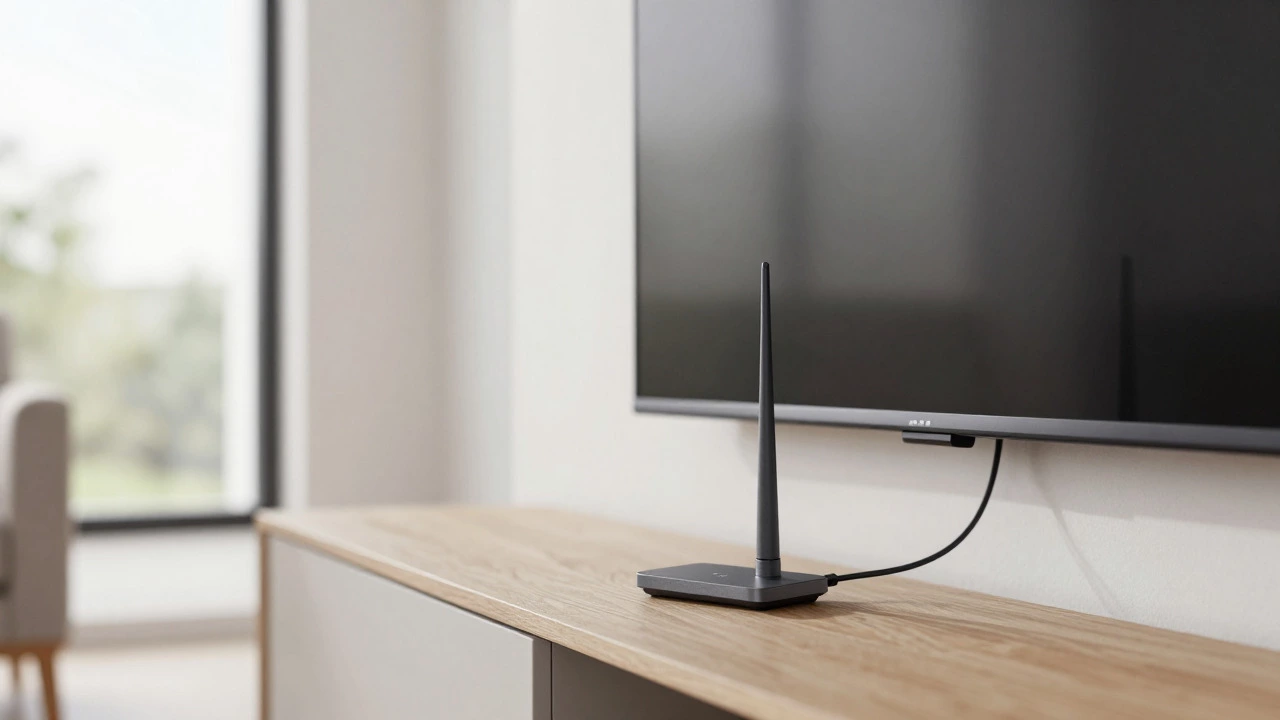
- Buy a Digital Antenna: You don't need a fancy $100 model. A simple indoor HDTV antenna from brands like Mohu or Channel Master usually works within 30-40 miles of a transmitter tower. If you are further out, consider an outdoor directional antenna.
- Connect to Your TV: Plug the antenna's coaxial cable into the 'Antenna/Cable' input on your smart TV. Note: This connects to the TV itself, not the Roku stick. The Roku device does not have an RF input.
- Scan for Channels: Go to your TV's settings menu. Look for 'Channel Scan' or 'Auto-Tune.' Run the scan. Your TV will find available digital stations.
- Switch Inputs: Once scanned, switch your TV input to 'Antenna' or 'TV' to watch the content. The Roku remote is not used here; you use your TV remote.
Digital Antennas are hardware devices that receive terrestrial television signals transmitted via radio waves. They rely on line-of-sight to transmission towers. Factors like weather, buildings, and distance significantly impact signal quality. Unlike streaming sticks, antennas provide a direct, uncompressed feed, resulting in higher picture quality if the signal is strong.
When to Use Roku Apps Instead
So, when do you actually use the Roku interface for these networks? When you want convenience, cloud DVR, or if your antenna signal is weak.
Here is the catch: There are no official, standalone free apps for ABC, NBC, or CBS that give you full live access without a login or a subscription. The apps exist, but they often act as portals to their respective websites or require a provider login.
- ABC App: Offers news clips and some live streams, but full local programming usually requires a login from a participating provider or a subscription to a service like Hulu + Live TV.
- NBC App: Similar structure. Local station content is often gated behind a paywall unless you subscribe to a carrier bundle.
- CBS All Access (now Paramount+ With Showtime): This is different. CBS moved its live local feed into its paid streaming tier. To watch live local CBS on Roku, you generally need a Paramount+ subscription with the 'With Showtime' add-on, which includes live local channels in many markets.
If you want the seamless experience where you press a button and watch without fiddling with inputs, a live TV streaming app is the way to go. Services like YouTube TV is a live television streaming service that offers over 85 channels including all major broadcast networks. It provides a cloud-based DVR that stores shows for 9 months, allowing you to watch at your own pace. This contrasts with traditional cable DVRs which typically only store 7-14 days.
Comparison: Antenna vs. Streaming Service
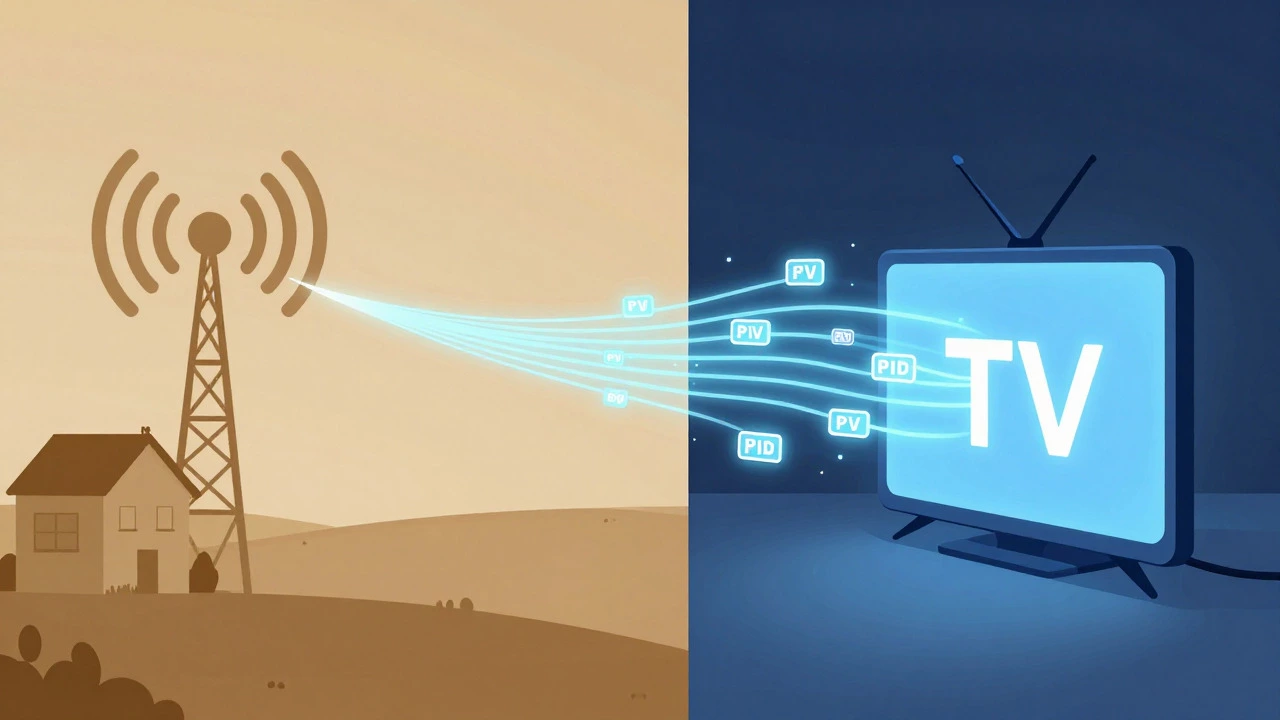
To help you decide, here is a breakdown of the pros and cons for each method in 2026.
| Feature | Digital Antenna (OTA) | Live TV Streaming (e.g., YouTube TV) |
|---|---|---|
| Monthly Cost | $0 | $65 - $85 USD |
| Initial Hardware Cost | $20 - $100 | $0 (if you already have Roku) |
| Picture Quality | Excellent (Uncompressed) | Good (Compressed/Adaptive Bitrate) |
| Reliability | Depends on weather/location | Depends on internet speed |
| DVR Capability | None (unless you add external recorder) | Cloud DVR included |
| Channel Selection | Local stations only | Local + National Cable/Sports |
If you only care about watching the evening news and Sunday football, the antenna saves you hundreds of dollars a year. But if you want ESPN, CNN, and HBO on the same screen as your local news, you need the streaming bundle.
Special Considerations for Canadian Viewers
Since we are talking about this from a North American perspective, let's address the border issue. If you live in Southern Ontario or British Columbia, you can pick up US signals from Detroit or Seattle using a good antenna. These are considered 'foreign' broadcasts in Canada but are legally viewable.
However, if you live further north, those signals fade. In that case, you cannot get ABC, NBC, or CBS locally via antenna. You would need to stream them. Keep in mind that some US streaming services restrict content based on IP address. While YouTube TV and Hulu + Live TV currently allow international viewing in some cases, others may block you. Always check the terms of service before subscribing if you are outside the contiguous US.
Troubleshooting Common Issues
Even with the right setup, things go wrong. Here are the three most common problems and how to fix them.
- Pixilation or Static: This means your signal is weak. Move your antenna closer to a window facing the direction of the nearest city tower. Check tools like AntennaWeb.org to see exactly where the transmitters are located.
- No Sound, Only Video: This often happens when the audio format isn't supported by your TV or soundbar. Go into your TV's audio settings and change the output from 'Dolby Digital' to 'PCM' or 'Stereo.'
- App Not Loading on Roku: Ensure your Roku device is updated to the latest software version. Sometimes, deleting and re-adding the channel fixes corrupted cache files.
Frequently Asked Questions
Do I need a separate antenna for my Roku?
No. Roku devices do not have antenna ports. You connect the antenna directly to your Smart TV. Then, you simply switch your TV input between 'Roku' and 'Antenna' depending on what you want to watch.
Is there a free app for NBC on Roku?
The NBC app exists on Roku, but it primarily serves as a companion to their website. For live local NBC programming, you usually need to log in with credentials from a cable provider or subscribe to a live TV streaming service like Hulu + Live TV or FuboTV.
Can I watch ABC, NBC, and CBS in Canada on Roku?
Yes, but it depends on your location. Near the border, a digital antenna can pick up US signals for free. Further inland, you will likely need a streaming service. Be aware that some US streaming platforms may geo-block certain content for Canadian users, though major services like YouTube TV are increasingly accessible.
Which is better for sports: Antenna or Streaming?
Streaming is better for sports. Most major sports leagues (NFL, NBA, MLB) air on national cable channels (ESPN, Fox Sports, TBS) rather than just local broadcast networks. An antenna will only get you the games airing on local ABC/NBC/CBS affiliates. A streaming service gives you both local and national sports coverage.
Does Roku charge extra for these channels?
Roku itself does not charge for the apps. The cost comes from the content provider. If you use an antenna, it's free. If you use a streaming app like YouTube TV, you pay the subscription fee directly to that service, not to Roku.