
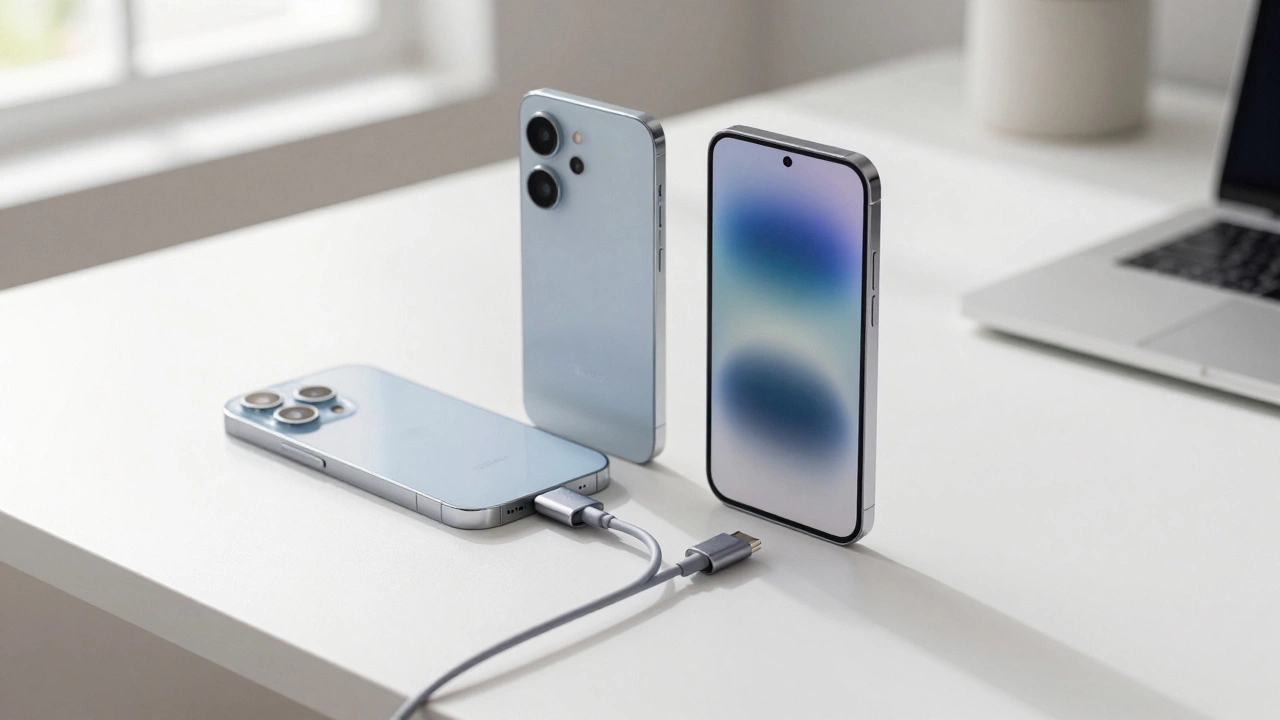
iPhone to Android Switch Difficulty Calculator
Answer these questions to get a personalized difficulty assessment for your switch.
What is your primary concern?
How much data do you need to transfer?
Are you tied to Apple ecosystem features?
Which Android phone are you getting?
Your technical comfort level?
There is a lingering myth that leaving the Apple ecosystem is like trying to move house while blindfolded. You worry about losing your photos, breaking your banking apps, or getting lost in a sea of settings you don’t understand. The reality in 2026 is vastly different. Switching from iPhone to Android is a streamlined process supported by official tools and mature cross-platform services. Most of the friction you hear about comes from outdated advice or specific edge cases, not the average user experience.
If you are holding an iPhone running iOS 18 and eyeing a new Android smartphone, the difficulty level depends entirely on what you value most. Are you worried about your WhatsApp chat history? Your iMessage blue bubbles? Or just getting your contacts over? Let’s break down the actual hurdles, the tools that solve them, and what your daily life looks like after the switch.
The Big Move: Transferring Your Data
The biggest fear for any iPhone user is data loss. Will my five years of photos vanish? In the past, this required computers, cables, and third-party software that often failed. Today, major Android manufacturers have built dedicated bridges to make this seamless.
When you unbox a new Samsung Galaxy S25 or Google Pixel 9 Pro, the setup wizard asks if you are coming from an iPhone. You scan a QR code with your iPhone, which installs a temporary transfer app. This app connects your two devices via a secure Wi-Fi Direct connection. No internet bandwidth is used; the data moves directly from phone to phone.
| Data Type | Transfer Success Rate | Notes |
|---|---|---|
| Contacts & Calendar | Near 100% | Syncs perfectly via Google Account integration. |
| Photos & Videos | High (with caveats) | HEIC images may convert to JPG during transfer. |
| App List | High | Installs Android equivalents automatically. |
| WhatsApp Chats | Medium-High | Requires specific cable or cloud method; see below. |
| iMessage History | Low | No direct transfer option exists. |
Samsung Smart Switch and Google Data Transfer handle contacts, calendar events, and installed apps with impressive accuracy. If you use iCloud Photos, you can simply log into iCloud.com on your new Android device and download everything, though this is slower than the direct transfer method.
The Messaging Hurdle: WhatsApp and iMessage
This is where most people hit a wall. WhatsApp has improved its migration tool significantly. If you are moving to a Samsung or Google Pixel, you can transfer your WhatsApp chat history and media during the initial setup. However, there are strict rules:
- You must start with a factory-reset Android phone.
- You need a USB-C to Lightning cable (or USB-C to USB-C for iPhone 15/16).
- The process is one-way only. If you go back to iPhone, you lose the chats again unless you backed them up separately.
iMessage is the bigger problem. Apple does not allow iMessage histories to be exported to Android. Your old blue bubble conversations stay on your iPhone. The good news? In 2026, Apple Messages for Web still exists, but more importantly, RCS (Rich Communication Services) is now standard on both platforms. When you send a message to an iPhone user from your Android, it will likely appear as a green bubble, but with read receipts and high-quality media if they have updated their iOS. The social pressure of "green bubbles" has diminished considerably as RCS adoption nears universal coverage.
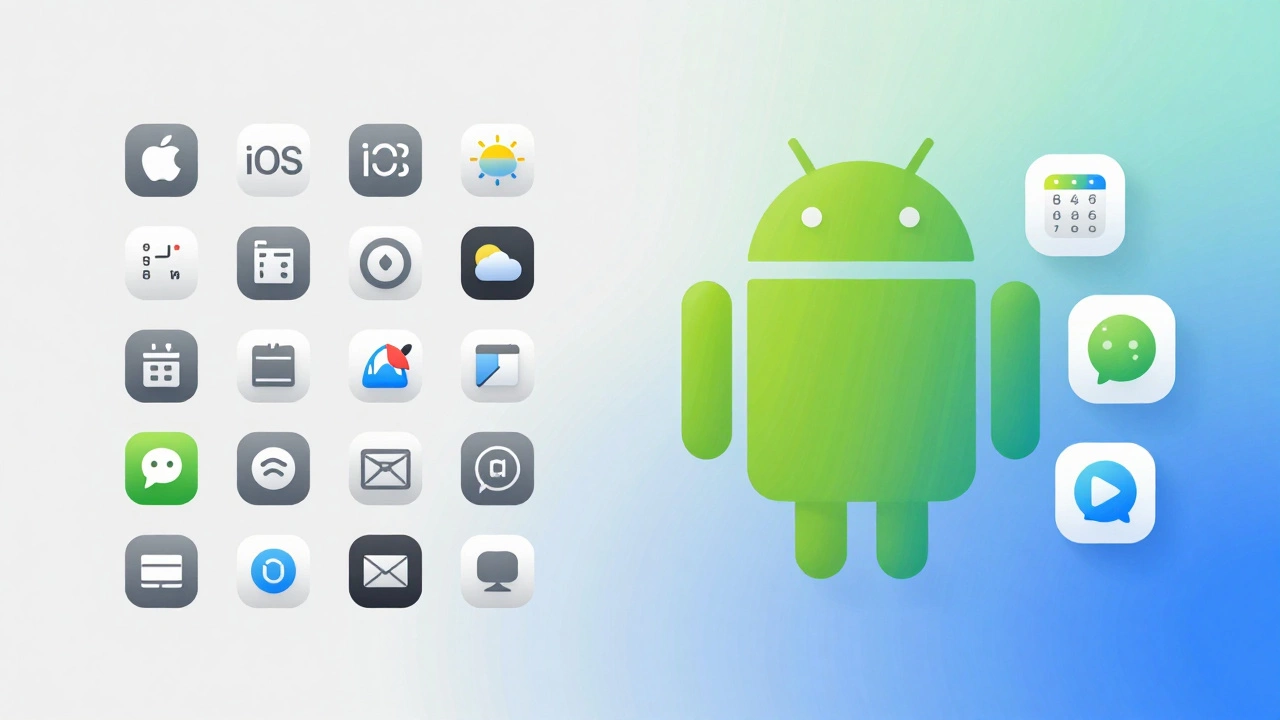
App Ecosystem: What Works and What Doesn't
Most popular apps-Instagram, TikTok, Spotify, Netflix-are identical on both platforms. The differences lie in productivity and niche tools.
If you rely heavily on Final Cut Pro or Logic Pro, you are out of luck on Android. These are Mac/iOS exclusive. However, alternatives like CapCut or BandLab offer robust mobile editing features. For banking and security, most major banks have fully featured Android apps. Two-factor authentication (2FA) apps like Authy or Microsoft Authenticator allow you to export your codes from Google Authenticator (if you were using that) or import them manually, ensuring you don't get locked out of your accounts.
A key advantage of Android is file management. On iPhone, accessing files downloaded from email or web requires digging through the Files app. On Android, you have a true file system. You can plug your phone into a computer and drag-and-drop folders. For creative professionals or students who share large files frequently, this freedom is a game-changer.
Hardware Adjustments: Charging and Accessories
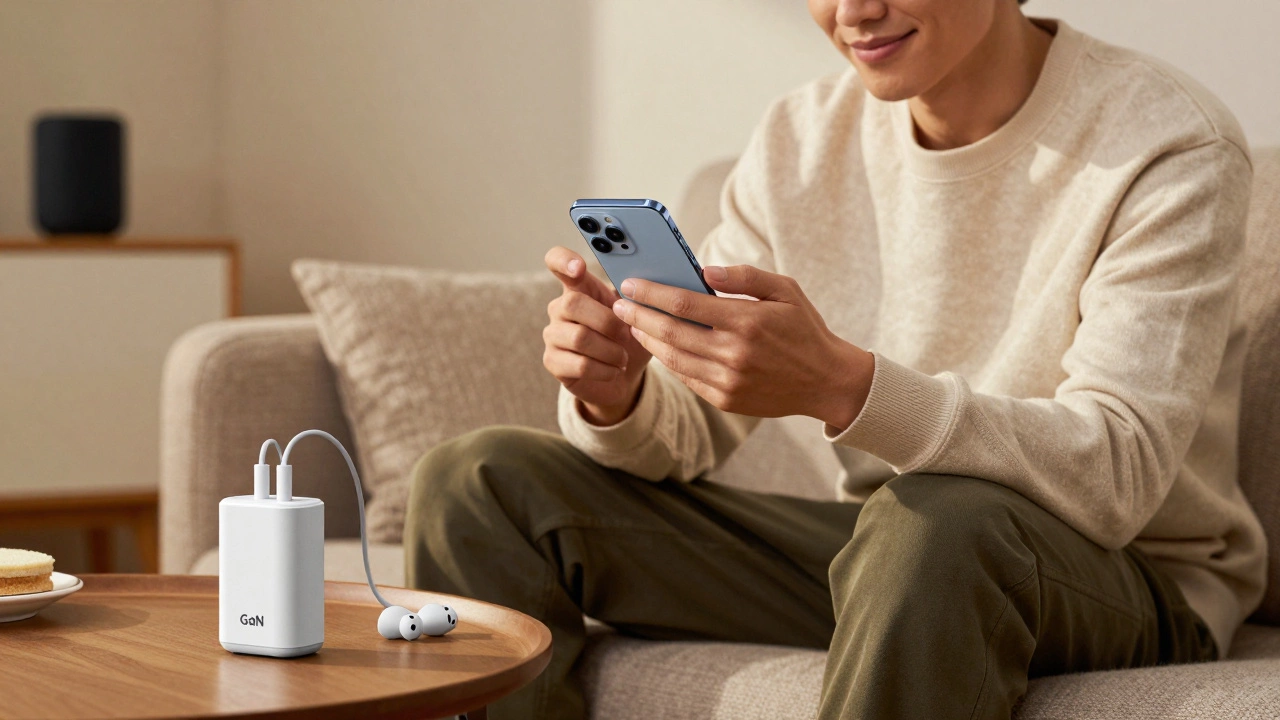
By 2026, almost all flagship Android phones and iPhones use USB-C. This means your existing chargers, headphones, and car mounts will likely work without adapters. The last major hardware hurdle-the Lightning port-is effectively dead for new devices.
However, charging speeds differ. An iPhone typically charges at 20-30W. Many Android flagships charge at 45W to 120W. You might find yourself frustrated if you try to charge your fast-charging Android phone with an old iPhone brick. Invest in a proper GaN charger that supports the wattage of your new Android device to take full advantage of quick charge technology.
The Learning Curve: Interface and Gestures
iOS and Android both use gesture-based navigation now. Swiping up to go home, swiping up and hold to switch apps-these are nearly identical. The real difference is customization.
iOS is rigid. You place icons in a grid, and that’s it. Android allows you to resize widgets, change icon packs, and create custom launch pages. If you love tweaking your home screen to show weather, calendar events, or smart home controls without opening apps, Android feels liberating. If you prefer simplicity and consistency, you might find the sheer number of settings overwhelming at first.
One specific adjustment is the notification shade. On iPhone, notifications stack neatly. On Android, they can expand, group, or be sorted by priority. Take ten minutes to configure your notification channels in Settings > Apps. Disable notifications for low-priority apps to avoid the "notification spam" many new Android users complain about.
Should You Switch? A Decision Checklist
Before you commit, ask yourself these questions:
- Do I use iMessage exclusively? If your entire social circle uses iMessage and refuses RCS, switching might cause communication friction. Check if your friends have updated their iOS versions.
- Am I tied to the Apple ecosystem? Do you use an Apple Watch, AirPods, and HomePod? While AirPods work fine with Android, features like automatic switching and spatial audio calibration won’t function. You may want to consider Android-compatible earbuds like Galaxy Buds or Pixel Buds.
- Do I need file flexibility? If you frequently transfer large video files or manage complex folder structures, Android’s open file system is superior.
- Is battery life a concern? Modern Android flagships often offer larger batteries and faster charging than iPhones, providing longer daily endurance for heavy users.
Switching from iPhone to Android is no longer a technical nightmare. It is a lifestyle choice. The tools exist to move your data safely, the messaging gaps are closing, and the hardware is universally compatible. The only thing you truly leave behind is the walled garden-and for many, that’s exactly the point.
Can I keep my iPhone number when switching to Android?
Yes. Simply remove your SIM card from your iPhone and insert it into your new Android phone. Your number stays with the SIM, not the device. Ensure your carrier plan is active before making the switch.
Will my Apple Pay work on Android?
No, Apple Pay is exclusive to Apple devices. However, you can set up Google Wallet or Samsung Pay on your Android phone. You will need to re-add your credit and debit cards manually to the new digital wallet.
How do I transfer my WhatsApp chats from iPhone to Android?
Use the official "Move to Android" app (by Google) or Samsung Smart Switch. Connect your iPhone and Android phone with a USB cable during the initial setup of the Android device. Follow the prompts to select WhatsApp for transfer. Note that this only works once during setup.
Can I use my AirPods with an Android phone?
Yes, AirPods connect via Bluetooth and work for calls and music. However, you lose features like automatic pairing, battery status pop-ups, and Find My integration. Third-party apps can restore some functionality, but it is not seamless.
Is it safe to delete my iPhone immediately after switching?
It is recommended to wait 30 days. Keep your iPhone charged and connected to Wi-Fi. This ensures you notice any missing apps, data issues, or account login problems that require access to your old device for verification codes.