
Dell vs Lenovo: Laptop Decision Tool
What matters most to you?
Select the features that are critical for your next laptop.
Dell
Latitude / XPS / AlienwareLenovo
ThinkPad / Yoga / LegionRecommendation:
Select your preferences and click Analyze to see which brand suits your needs in 2026.
Choosing between Dell and Lenovo often feels like picking a side in a tech war that has no clear winner. Both companies dominate the global PC market, holding roughly 70% of the combined share. But for you, sitting at your desk or working from a coffee shop, the "best" brand depends entirely on what you do with your machine. Are you a creative professional needing screen accuracy? A business traveler who types all day? Or a student on a tight budget?
In 2026, the gap between these two giants is narrowing. Dell has improved its build quality across the board, while Lenovo has become more aggressive with its consumer designs. To help you decide, we need to look past the marketing hype and examine real-world performance, durability, and support.
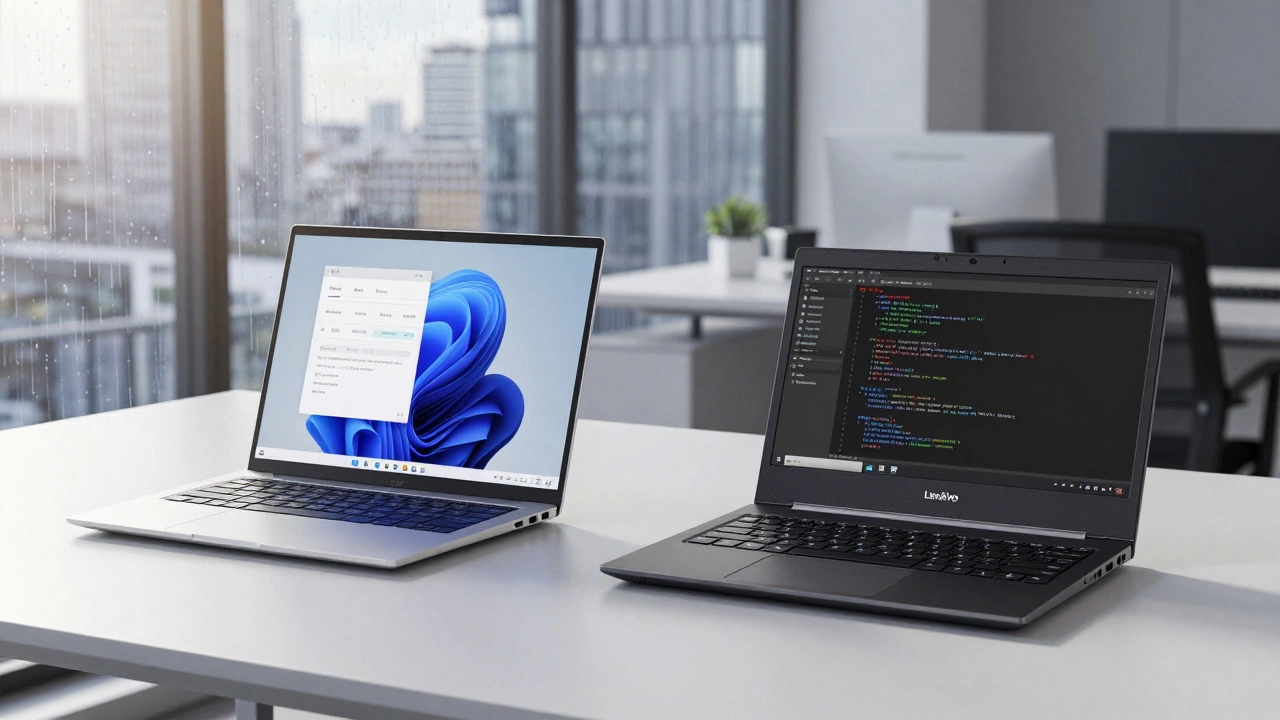
The Business Battlefield: XPS vs. ThinkPad
If you are buying a laptop for work, this is where the rivalry gets intense. Dell’s flagship business line is the Latitude series, but their premium creative line, the XPS, often crosses over into prosumer territory. Lenovo, on the other hand, owns the corporate world with the ThinkPad series.
The ThinkPad is legendary for a reason. Its keyboard remains the gold standard for typing comfort. The key travel is deep, the feedback is tactile, and the spill-resistant design actually works. If you write code, draft reports, or type emails for eight hours a day, your fingers will thank you. The iconic black boxy design might not win fashion awards, but it signals professionalism and durability. ThinkPads are MIL-STD-810H tested, meaning they can survive drops, extreme temperatures, and humidity better than most competitors.
Dell’s Latitude series is catching up fast. In 2026, the Latitude 9440 and 5440 models offer excellent build quality with aluminum chassis that feel lighter than older ThinkPads. Dell’s advantage here is often the display. Their InfinityEdge screens provide higher brightness levels and better color accuracy out of the box, which matters if you present slides or edit photos. Additionally, Dell’s Command | Configure software suite allows IT departments to manage devices more granularly, a feature many enterprise users prefer over Lenovo’s Vantage system.
| Feature | Dell Latitude (e.g., 9440) | Lenovo ThinkPad (e.g., T14 Gen 5) |
|---|---|---|
| Keyboard Quality | Very Good (shallow travel) | Excellent (deep, tactile) |
| Build Material | Magnesium-Aluminum Alloy | Carbon Fiber / Magnesium |
| Display Options | Up to 4K OLED, 600 nits | Up to 2.8K OLED, 500 nits |
| Portability | Lighter (~1.3 kg) | Slightly Heavier (~1.4 kg) |
| Repairability | Moderate (soldered RAM common) | High (user-replaceable parts) |
Creative Pros and Students: Inspiron vs. Yoga
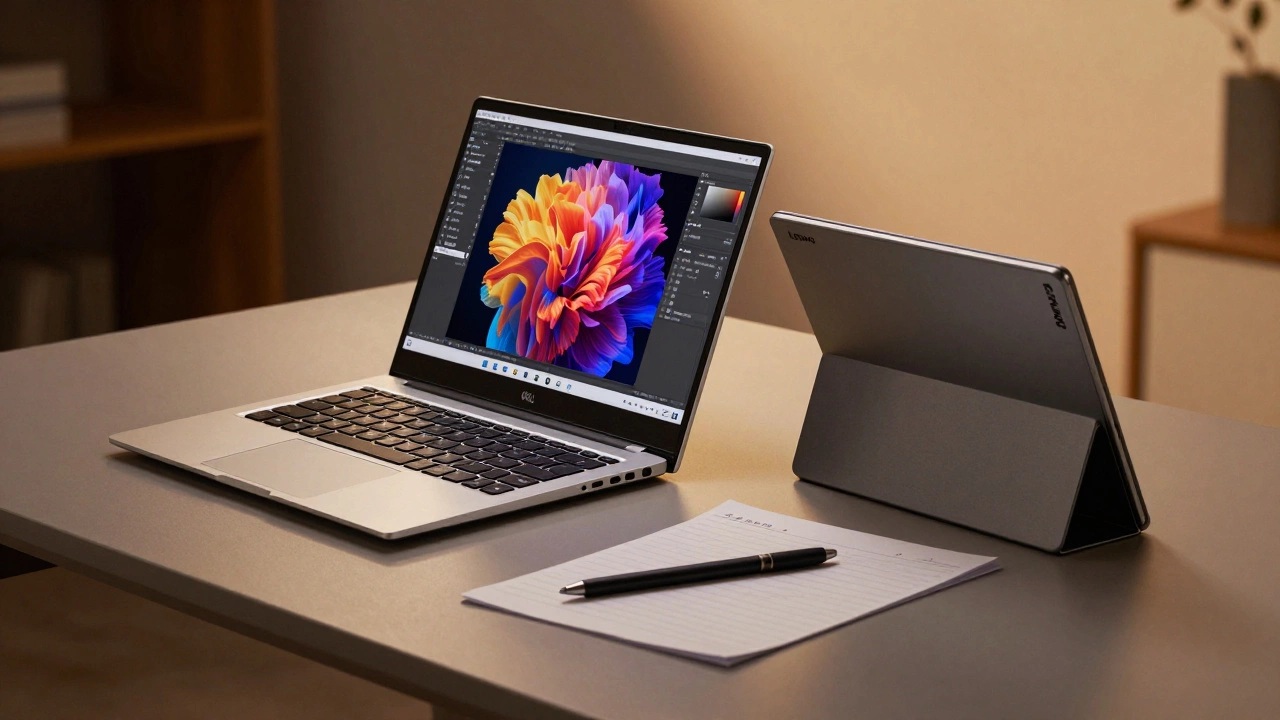
For consumers who want style and performance without the enterprise price tag, Dell offers the Inspiron and XPS lines, while Lenovo counters with the Yoga and IdeaPad series.
The Dell XPS line is arguably the most beautiful Windows laptop on the market. With nearly bezel-less displays and CNC-machined aluminum bodies, it competes directly with the MacBook Air. In 2026, the XPS 13 and 16 models feature Intel Core Ultra processors that deliver strong AI-assisted performance and excellent battery life. However, Dell has faced criticism for thermal throttling in compact chassis. If you render 4K video, the XPS 16 handles heat better than the 13-inch model, but it still runs warmer than larger rivals.
Lenovo’s Yoga series focuses on versatility. The Yoga Slim 7i and Yoga Pro 9 offer fantastic value. They often come with high-refresh-rate screens (120Hz) as standard, which makes scrolling and general UI interaction feel smoother. The Yoga’s 2-in-1 convertible options are also superior to Dell’s. While Dell has the XPS 13 2-in-1, Lenovo has refined the hinge mechanism over years, making the tablet mode more stable and usable. For students who take handwritten notes or watch lectures in various positions, the Yoga’s flexibility is a significant advantage.
IdeaPad vs. Inspiron is a closer race. The IdeaPad Slim 5 often beats the Inspiron 14 on price-to-performance ratio. Lenovo tends to pack more ports (including HDMI 2.1 and SD card readers) into mid-range models, whereas Dell sometimes requires dongles for basic connectivity. This matters for students who don’t want to carry extra accessories.
Gaming: Alienware vs. Legion
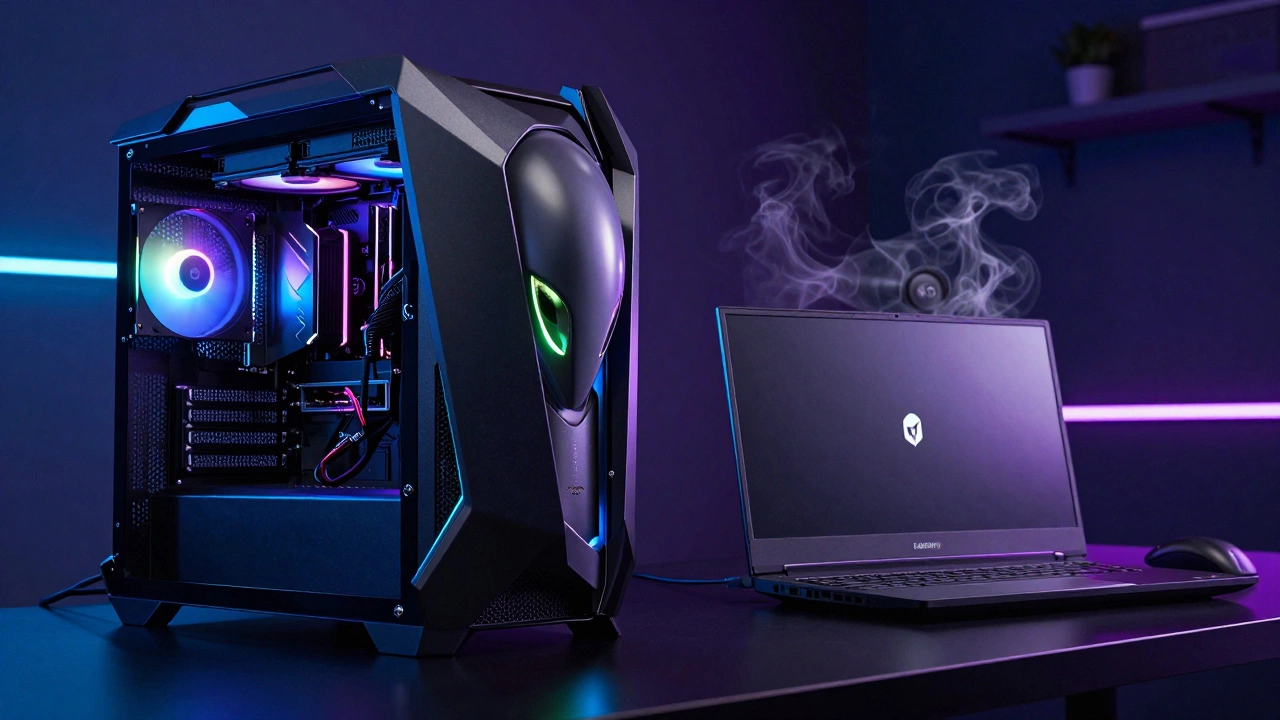
If gaming is your priority, the sub-brands take center stage. Dell’s Alienware targets enthusiasts willing to pay a premium for aesthetics and cooling. Lenovo’s Legion series aims for the sweet spot of performance per dollar.
Alienware machines, like the m18 R2, are engineering marvels. Their Cryo-Tech cooling system uses vapor chambers and liquid metal thermal compound to keep NVIDIA RTX 40-series GPUs running at peak clocks for longer periods. The downside? They are heavy, bulky, and expensive. You are paying for the RGB lighting, the angular design, and the brand prestige.
Legion, particularly the Legion Pro 7i and Slim 5, has disrupted the market by offering near-Alienware performance at a lower price point. In 2026, Legion laptops consistently rank among the top performers in thermals benchmarks. They use a dual-fan setup with large exhaust vents that keep noise levels manageable. The keyboards on Legion models are also highly rated for gaming, with good actuation points and N-key rollover. Unless you specifically want the Alienware aesthetic, Legion usually provides better value.
Support and Warranty: Who Cares More?
A laptop is only as good as its support when things break. Here, Dell has a historical edge. Dell’s ProSupport and Premium Support services include next-business-day onsite repair for business clients. If your Latitude dies, a technician comes to your office. For consumers, Dell’s online chat support is generally faster and more effective than Lenovo’s tiered system.
Lenovo has improved significantly with their Premier Support, but experiences vary by region. In North America and Europe, Lenovo’s support is decent, but in other regions, you might face longer wait times. One area where Lenovo shines is documentation. Their repair manuals and parts availability for ThinkPads are exceptional, encouraging user-led repairs. Dell has made strides with their Self-Service Repair program, but it is still less comprehensive than Lenovo’s ecosystem for enthusiast tinkerers.
Verdict: Which Should You Buy?
There is no single "best" brand. Your choice should align with your primary use case:
- Choose Dell if: You prioritize display quality, sleek design, and reliable enterprise support. The XPS line is ideal for creatives, and the Latitude series is perfect for corporate environments where uptime is critical.
- Choose Lenovo if: Typing comfort is paramount, you need a durable workhorse, or you want the best bang for your buck. ThinkPads are unbeatable for writers and coders, while Legion offers superior gaming value.
Before buying, check specific model reviews. A bad batch of batteries in one year’s model can ruin the reputation of an otherwise great line. Look for recent benchmarks on thermal performance and battery life, as these vary significantly even within the same product family.
Is Dell or Lenovo better for students?
For most students, Lenovo's IdeaPad or Yoga series offers better value. They typically include more ports and have competitive pricing without sacrificing performance. Dell's Inspiron line is a close second, but often costs more for similar specs.
Which brand has better battery life in 2026?
It depends on the processor. Both brands use Intel Core Ultra and AMD Ryzen AI chips. Generally, Dell's XPS 13 and Lenovo's Yoga Slim 7i both achieve 10-12 hours of mixed usage. Lenovo often edges out Dell in pure web-browsing efficiency due to slightly better power management in their BIOS settings.
Are ThinkPads worth the extra cost?
If you type frequently, yes. The keyboard quality and durability justify the premium. For casual users who mostly browse the web, a cheaper IdeaPad or Dell Inspiron may be sufficient.
Can I upgrade the RAM in Dell and Lenovo laptops?
In 2026, most ultrabooks from both brands solder the RAM to the motherboard. However, Lenovo's ThinkPad T-series and P-series, as well as Dell's Precision workstations, often retain SO-DIMM slots for user-upgradable memory. Always check the specific model's specifications before buying.
Which is better for gaming: Alienware or Legion?
Legion offers better value. It provides similar GPU performance to Alienware at a lower price point with excellent cooling. Choose Alienware only if you prefer its distinctive design and are willing to pay a premium for brand aesthetics.