

4K Upscaling Visualizer
85%
Perceived Sharpness Score
Excellent Clarity
At this distance, 1080p content is indistinguishable from native 4K on most modern TVs.
You just bought a shiny new 4K TV, and the picture looks incredible. But then you switch to your local news channel or an old DVD, and suddenly things look... soft. Maybe even blurry. It’s a common panic moment: did you waste money on a high-resolution screen because most of what you watch isn't actually in 4K?
The short answer is yes, absolutely. You can watch standard definition (SD), High Definition (HD), and Full HD content on a 4K television without any special adapters or settings changes. Your TV doesn't reject lower resolutions; it simply takes that smaller image and stretches it to fill the screen. But here is where it gets interesting: how good that stretched image looks depends entirely on a process called upscaling. If your TV does this well, regular cable TV can look surprisingly sharp. If it does it poorly, you might see jagged edges and noise that make you miss your old 1080p set.
| Content Type | Native Resolution | Pixel Count | Visual Result on 4K TV |
|---|---|---|---|
| Standard Definition (SD) | 480i / 480p | ~307,200 pixels | Heavily upscaled. Often looks soft or blocky unless the TV has excellent processing. |
| High Definition (HD) | 720p | ~921,600 pixels | Moderate upscale. Usually acceptable for casual viewing. |
| Full HD | 1080p | ~2,073,600 pixels | Excellent upscale. On many modern TVs, this looks nearly as sharp as native 4K. |
| Ultra HD (4K) | 2160p | ~8,294,400 pixels | Native resolution. Crisp, detailed, and pixel-perfect. |
How Your 4K Screen Handles Lower Resolutions
Think of your 4K screen as a grid with roughly 8.3 million tiny dots. When you feed it a signal from a standard HD channel, which only has about 2 million dots, the TV has to figure out how to fill the remaining 6.3 million empty spots. It cannot just leave them black, nor can it simply duplicate every pixel four times over, which would result in a blocky, mosaic-like mess.
Instead, the TV's internal processor analyzes the incoming image. It looks at the colors and shapes around each existing pixel and predicts what should go in the gaps. This is digital interpolation. A basic TV might just average the colors of neighboring pixels, leading to a muddy appearance. A better TV uses sophisticated algorithms to detect edges and textures, sharpening lines so they don't look like staircases. This is why two different 4K TVs can display the same cable news broadcast with vastly different levels of clarity.
The Magic of Upscaling Technology
Upscaling is not a new invention, but it has become the primary reason people buy premium televisions. Since true 4K content is still limited compared to the vast library of HD material, manufacturers invest heavily in their upscaling engines. Brands like Sony, Samsung, and LG market these processors under names like "Reality Creation," "Quantum Processor," or "Alpha 9."
These chips do more than just stretch the image. They perform noise reduction to clean up grainy analog signals, motion smoothing to reduce judder in sports broadcasts, and color enhancement to make dull SD footage pop. For example, if you are watching an older sitcom filmed in 1080i, a high-end processor will de-interlace the image (separating the interlaced fields into full frames) before scaling it up. This step alone can double the perceived sharpness. Without it, fast-moving objects look like they have ghost trails behind them.
However, there is a limit to physics. No amount of clever math can create detail that wasn't captured by the camera. If a scene was shot in low light with a cheap lens, the resulting blur is baked into the source. The TV tries its best, but it cannot invent texture that isn't there. This is why some viewers feel that 4K TVs make bad sources look worse-they highlight the flaws in the original recording rather than hiding them.
Why Cable and Broadcast TV Still Matters
Despite the streaming boom, traditional broadcast television remains a staple in many households. In Canada and the US, major networks transmit in 720p or 1080i. While this sounds outdated compared to 4K Blu-rays, it is perfectly compatible with your new setup. You don't need a separate antenna tuner or converter box for modern HDMI-ready TVs; they handle these frequencies natively.
The real issue with broadcast TV isn't resolution-it's compression. To fit multiple channels into limited bandwidth, broadcasters compress video aggressively. This introduces artifacts, such as macro-blocking (where squares appear in dark scenes) or mosquito noise (flickering around text). A 4K TV's upscaler often struggles with these digital errors. It tries to sharpen the blocks, sometimes making them more noticeable. If you notice square-ish glitches during a stormy night scene on the news, that's not your TV failing; it's the broadcast signal hitting its limit.
Optimizing Picture Settings for Non-4K Content
If you find that regular TV looks too soft or unnatural on your 4K set, you probably need to tweak your settings. Most TVs ship with "Vivid" or "Dynamic" modes enabled by default. These modes crank up brightness and saturation to grab attention in bright showrooms, but they often destroy the nuance of upscaled HD content. Switch to a "Movie," "Cinema," or "Filmmaker Mode" setting. These profiles usually disable artificial sharpening and motion smoothing, providing a more natural representation of the upscaled image.
- Reduce Sharpness: Counter-intuitively, turning the sharpness slider down can help. Many TVs apply aggressive edge enhancement by default, which creates white halos around objects in lower-resolution content. Dial it back until faces look natural.
- Enable Noise Reduction: Look for a setting labeled "MPEG Noise Reduction" or "Digital Noise Reduction." This helps smooth out the compression artifacts common in cable and satellite feeds.
- Check Motion Smoothing: If soap-opera effect bothers you when watching live sports, turn off "Motion Interpolation" or "Auto Motion Plus." This feature tries to insert fake frames between real ones, which can look bizarre on lower-frame-rate broadcast content.
When Does It Actually Look Bad?
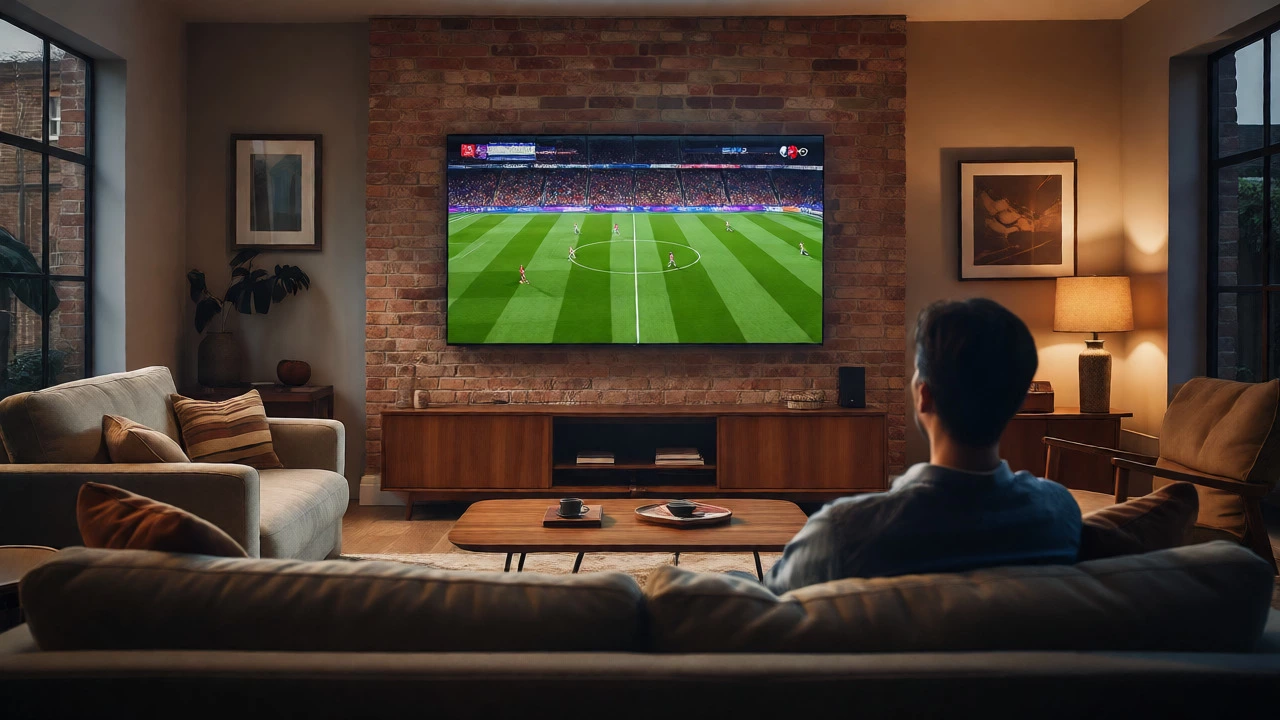
There are specific scenarios where using a 4K TV for standard content feels disappointing. The first is distance. If you sit very close to a large 65-inch or 75-inch screen, the limitations of 1080p or 720p sources become obvious. You start seeing individual pixels or soft edges that were invisible on a smaller 50-inch HD TV. At typical living room distances (6-8 feet), however, most people cannot distinguish between a well-upscaled 1080p signal and native 4K.
The second scenario involves poor-quality source devices. Using an old DVD player connected via composite cables (the red, white, and yellow plugs) yields a much weaker signal than using an HDMI-connected Blu-ray player or streaming stick. Analog signals degrade over length and interference. If you are still using component or composite connections for your cable box, consider upgrading to HDMI. Even if the content is still HD, the digital transmission preserves the integrity of the signal, giving your TV's processor cleaner data to work with.
Is It Worth Buying a 4K TV If You Mostly Watch Regular TV?
Yes, and here is why. First, 4K TVs are now the standard. Finding high-quality 1080p-only models is becoming difficult, and they often lack the advanced HDR (High Dynamic Range) capabilities found in 4K sets. HDR improves contrast and color depth, making even standard definition content look richer and more vibrant. A black-and-white movie from the 1950s can look surprisingly deep and textured on a modern OLED 4K TV due to perfect blacks and precise color mapping.
Second, future-proofing matters. As streaming services continue to push higher bitrates and resolutions, having a capable panel ensures you aren't left behind. Moreover, the processing power inside 4K TVs continues to improve year over year. A mid-range 4K TV from 2026 likely has better upscaling than a flagship model from five years ago. So, while you may not watch native 4K content daily, the technology surrounding it elevates everything else you watch.
Does a 4K TV make standard TV look blurry?
Not necessarily. If the TV has a good upscaling engine, standard TV can look quite sharp. However, if you sit too close to the screen or use a budget TV with poor processing, the lack of native detail may appear as softness or blurriness compared to native 4K content.
Do I need a 4K cable box to watch regular TV?
No. A standard HD cable box works perfectly fine. It outputs an HD signal (usually 720p or 1080i), which your 4K TV will automatically upscale to fit the screen. You do not need to upgrade your service provider equipment solely for resolution reasons.
Why does my 4K TV look worse than my old HD TV?
This is often due to incorrect picture settings. New 4K TVs frequently have excessive sharpening or motion smoothing enabled by default, which can distort lower-resolution content. Switching to "Movie" or "Cinema" mode and reducing sharpness settings usually resolves this issue.
Is 1080p content really bad on a 4K screen?
No, 1080p content generally looks excellent on 4K TVs. Because 1080p is exactly one-quarter the pixel count of 4K, the upscaling ratio is 2x horizontally and vertically, which is mathematically clean and easy for processors to handle without introducing significant artifacts.
Can I watch DVDs on a 4K TV?
Yes. DVDs output a standard definition signal (480p). Your 4K TV will upscale this significantly. While it won't look like a 4K Blu-ray, modern upscalers can make DVDs look surprisingly decent, especially if you use a high-quality external upscaling DVD player rather than relying solely on the TV's internal scaler.