
Roku TV Matchmaker
Answer a few questions to find out which Roku TV technology fits your needs and budget best.
1. Where will the TV be placed?
2. How much does picture quality matter to you?
3. What is your primary budget priority?
Your Ideal Match:
- Price:
- Contrast:
- Best Use:
- Brightness:
The Quick Verdict: Who is this for?
- The Non-Techie: If you just want to turn on the TV and see Netflix, Hulu, or Disney+ without a manual, this is your best bet.
- The Budget Hunter: You can find these in brands like TCL and Hisense, making them a steal for guest rooms or kids' bedrooms.
- The Minimalist: No extra boxes, no HDMI cables cluttering the back of the stand.
How the Roku OS Actually Feels in Daily Use
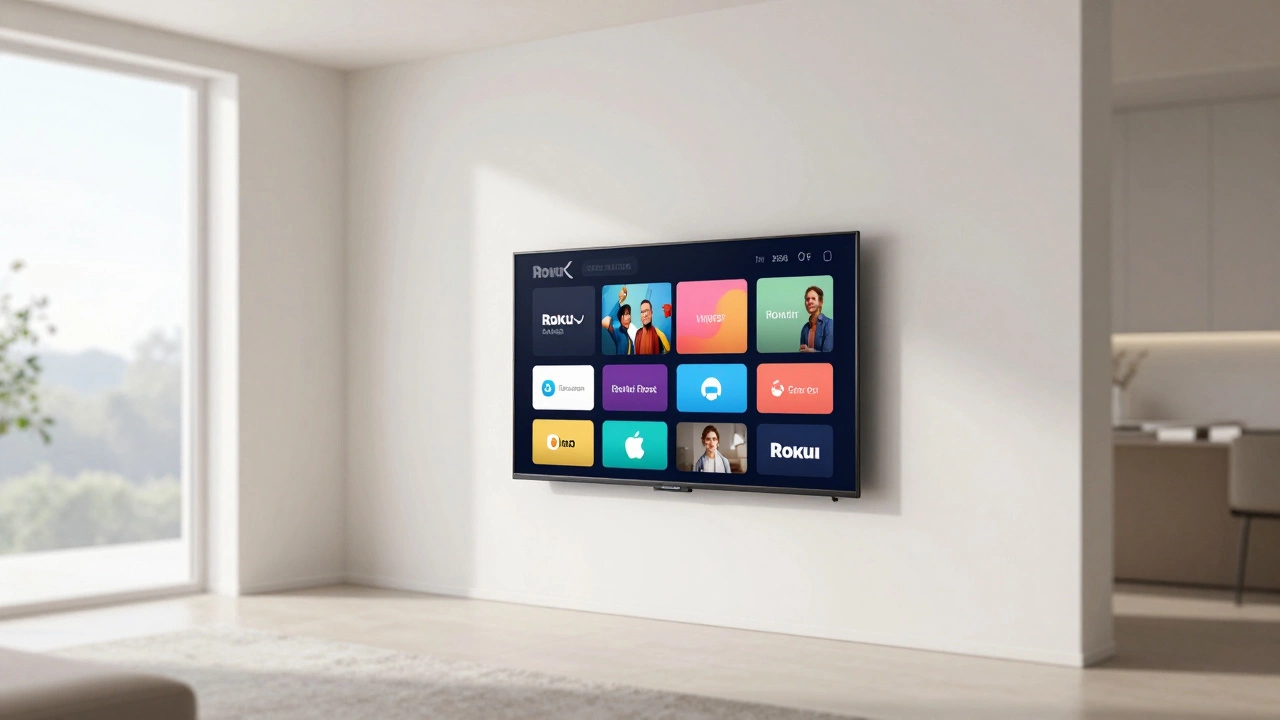
Most smart TVs today suffer from "bloatware." You turn them on, and they try to sell you a subscription to a news service you've never heard of. Roku OS is different because it treats everything as a "channel." Whether it's a streaming app, a live TV input, or a game console, it all looks the same on the home screen.
Think about the last time you tried to find an app on a generic smart TV. You probably had to scroll through a row of suggested content that you didn't ask for. Roku keeps it grid-based. It's a bit old-school, like a smartphone from 2012, but that's exactly why it works. There's no guesswork. If you want YouTube, you click the YouTube square. That's it.
The speed of the interface is generally snappy. Even on the cheaper models, the navigation doesn't lag as much as some of the heavy, ad-filled interfaces found on other platforms. However, if you're looking for a high-end cinematic experience with a "gaming hub" that tells you your exact frame rate and input lag, you might find the simplicity of Roku a bit limiting.
Picture Quality: The Hardware Reality
Here is the thing you need to understand: Roku doesn't actually manufacture the screens. They provide the "brains" (the OS), and companies like TCL or Hisense build the actual glass and LED panels. This means the "goodness" of a Roku TV depends heavily on which brand you buy.
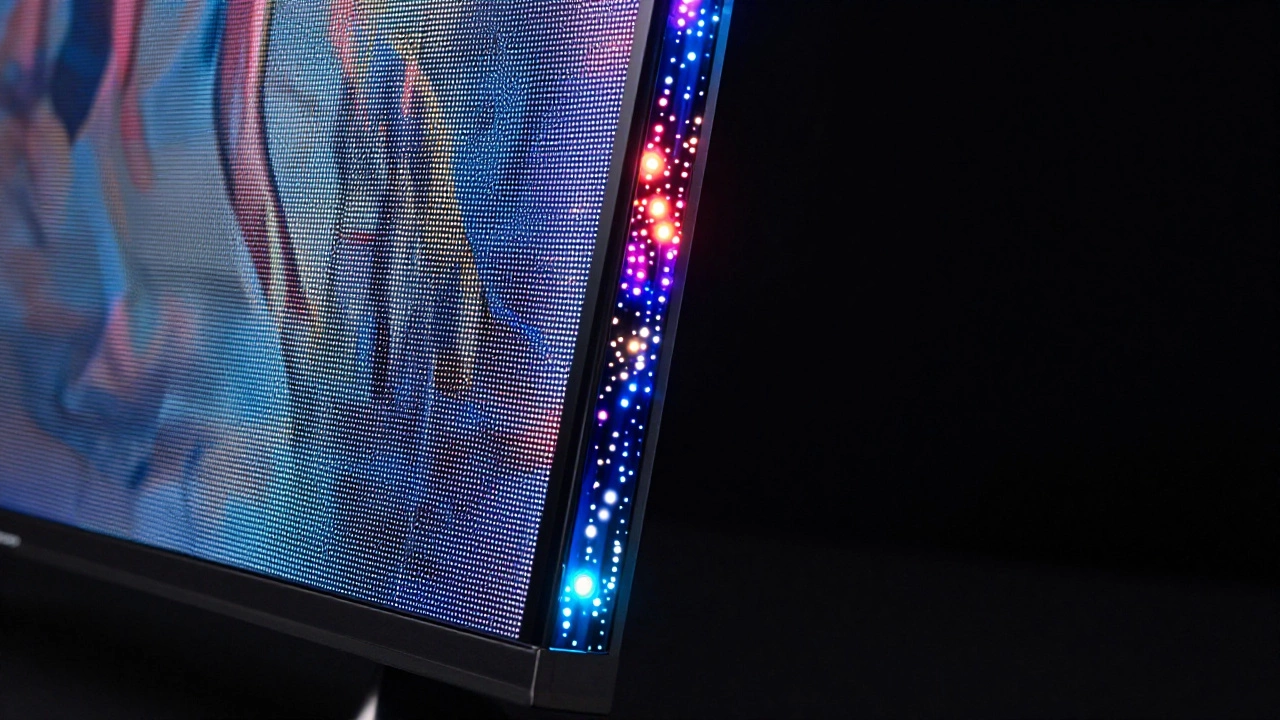
If you go for a budget 4K model, you're getting a solid image for movies and sports. But if you're a cinephile who cares about perfect black levels and infinite contrast, a basic LED Roku TV won't cut it. You'll want to look for models that specifically mention QLED (Quantum Dot) or Mini-LED technology. These use smaller lights to create a more precise image, which is a huge jump in quality over standard LED screens.
| Feature | Budget LED | Mid-Range QLED | High-End Mini-LED |
|---|---|---|---|
| Price | Very Low | Moderate | Premium |
| Contrast | Average | Good | Excellent |
| Best Use | Bedroom/Kitchen | Living Room | Home Theater |
| Brightness | Standard | High | Very High (HDR) |
The Remote Control Experience
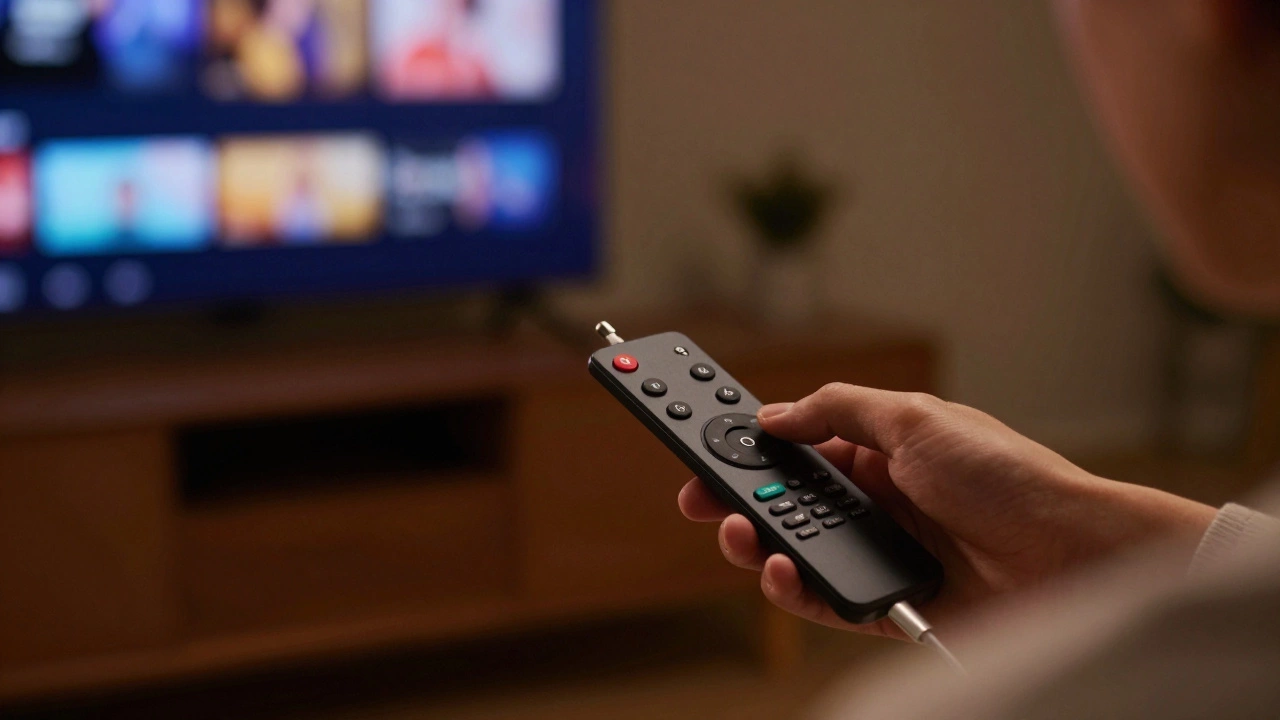
The remote is where Roku wins. Most smart TV remotes are oversized bricks with 50 buttons you'll never touch. The Roku remote is tiny, intuitive, and often has a built-in headphone jack. This is a lifesaver for anyone who wants to watch a movie at 2 AM without waking up their partner or roommates. You just plug your earbuds into the remote, and you're set.
Then there's the mobile app. Instead of fighting with an on-screen keyboard to type in your email for a new app, you just use the Roku App on your phone. You type on your phone's keyboard, and it magically appears on the TV. It's a small detail, but it removes a massive point of friction that usually makes people hate their smart TVs.
Gaming and Connectivity
If you're a hardcore gamer with a PlayStation 5 or Xbox Series X, you need to check the HDMI ports. Most modern Roku TVs come with HDMI 2.1, which allows for 4K gaming at 120Hz. Without this, your expensive console is basically being throttled by your TV.
In terms of smart home integration, Roku plays well with others. You can link it to Amazon Alexa or Google Assistant. This means you can say, "Hey Google, turn on the living room TV," and it actually happens. It's not mind-blowing technology, but it works reliably, which is all that really matters.
Common Pitfalls and Things to Watch Out For
It's not all sunshine and rainbows. One common complaint is the "ad-heavy" home screen. While the menu is easy to use, the right side of the screen is basically a giant billboard for a show Roku wants you to watch. You can't turn this off entirely, and for some, it's a deal-breaker.
Another issue is the lack of some niche apps. While they have all the giants (Netflix, Prime, YouTube), some smaller, regional streaming services might be missing. If you rely on a very specific, obscure app for international news or niche hobbies, check the Roku channel store before you buy the hardware.
Lastly, be careful with "budget" models. Because the software is so light and efficient, some manufacturers put it on really cheap hardware. You might find a TV that is incredibly cheap, but the speakers sound like a tin can and the screen washes out if there's a window open in the room. Always check the brightness (nits) rating if you're putting the TV in a bright room.
The Final Weigh-In
So, are Roku TVs good? Yes, if your goal is convenience and value. They take the stress out of the "smart" part of the TV. You aren't fighting an OS that feels like a confusing computer; you're using a dedicated streaming machine that happens to have a screen attached to it.
If you are a professional colorist or someone who spends $3,000 on a TV for the absolute best HDR performance, you'll likely prefer an OLED panel from a premium brand. But for 90% of people, a mid-range Roku TV provides exactly what you need: a clear picture, an interface that doesn't make you angry, and a price tag that doesn't break the bank.
Do I need a separate Roku stick if I buy a Roku TV?
No, you don't. The Roku software is built directly into the TV's hardware. It does everything a Roku stick does, but you don't have to plug anything into the HDMI ports or manage an extra power cable.
Which brand of Roku TV is the best?
TCL and Hisense are the most popular. TCL is often praised for having a great balance of price and reliability, while Hisense often pushes the envelope with better brightness and contrast in their higher-end ULED models.
Can I update the Roku OS on my TV?
Yes, Roku TVs update automatically over the internet. You'll get the same interface updates and new features that Roku stick users get, usually without having to do anything manually.
Is Roku TV better than Android TV or Google TV?
It depends on what you value. Android/Google TV has more apps and deeper customization. However, Roku is generally faster, simpler to navigate, and less prone to lagging on cheaper hardware.
Does a Roku TV support 4K and HDR?
Most modern Roku TVs support 4K resolution and various forms of HDR (High Dynamic Range). Just be sure to check the specific model specs, as the very cheapest "entry-level" models might only be 1080p.
Next Steps for Your Setup
If you've decided to pull the trigger on a Roku TV, start by checking your room's lighting. If you have a lot of sunlight, prioritize a QLED model to combat glare. Once it's plugged in, the first thing you should do is download the mobile app; it makes the initial account setup 10x faster.
For those who already own a TV they love but hate the software, you don't actually need to buy a new television. You can just buy a Roku Streaming Stick and plug it into your current HDMI port. You'll get the exact same interface and experience, while keeping your existing screen quality.