

TV Technology & Resolution Advisor
Recommended Configuration
Explanation goes here.
Explanation goes here.
Explanation goes here.
Key Features to Look For:
Why this works for you:
Summary text goes here.
You’re standing in the electronics aisle, staring at two massive screens. One box screams "4K Ultra HD." The other says "UHD Ready." Your brain short-circuits. Are they different? Is one a scam? Do you need to pay extra for the label that sounds fancier?
Here is the short answer: 4K and UHD (Ultra High Definition) are essentially the same thing when it comes to resolution. They both refer to a screen with approximately four million pixels arranged in a grid of 3840 x 2160. If you buy a UHD TV, you are buying a 4K TV. The confusion exists because marketing departments love to use technical terms interchangeably to sound more premium.
However, just because the resolution is the same doesn’t mean every TV performs the same. There are subtle differences in how these terms are used in professional contexts versus consumer marketing, and there are other factors-like HDR and refresh rate-that actually determine picture quality far more than the pixel count alone. Let’s clear up the fog so you don’t waste money on empty labels.
The Resolution Reality Check
To understand why these terms get mixed up, we have to look at the numbers. Standard definition (SD) was 480p. High definition (HD) jumped to 720p or 1080p. Then came the leap to UHD, which stands for Ultra High Definition. This term describes the specific pixel dimensions: 3840 horizontal pixels by 2160 vertical pixels.
4K, on the other hand, originates from the digital cinema industry. In movie theaters, DCI-P3 standard defines 4K as slightly wider: 4096 x 2160 pixels. But consumer TVs never adopted this exact width. Instead, they stuck with the 3840-pixel width. So, while a true cinema 4K projector has about 8.8 million pixels, your living room TV has about 8.3 million. For all practical purposes, the human eye cannot distinguish the difference on a home screen.
Manufacturers use "UHD" to describe the consumer specification (3840x2160) and "4K" as a catchy shorthand. When you see a TV labeled "UHD," it means it meets the consumer standard. When you see "4K," it usually means the same thing, but the brand is leaning into the cinematic association. Neither is better; they are twins wearing different hats.
Why Resolution Isn’t the Only Game in Town
If 4K and UHD are identical in pixel count, why do some TVs look stunning while others look flat? The answer lies in what happens *between* those pixels. Resolution is just the canvas; the paint is made of color accuracy, contrast, and brightness.
This is where HDR (High Dynamic Range) comes into play. A standard SDR (Standard Dynamic Range) TV displays colors within a limited spectrum. HDR expands this range, allowing for deeper blacks, brighter whites, and more vibrant colors. You can have a 4K/UHD TV without good HDR support, and it will look worse than an older 1080p TV with excellent contrast processing.
Not all HDR is created equal. You’ll see three main formats:
- HDR10: The baseline standard. It’s static, meaning the TV applies one brightness level to the whole scene. Most modern 4K TVs include this.
- HDR10+: Adds dynamic metadata, adjusting brightness scene-by-scene or even frame-by-frame. This is common in Samsung and Panasonic models.
- Dolby Vision: The most advanced format, also using dynamic metadata. It’s found in LG, Sony, and Vizio sets. It generally offers the best image fidelity if your content source supports it.
When shopping, ignore the "4K" vs "UHD" debate. Look for Dolby Vision or HDR10+ support instead. That’s where the real visual upgrade lives.
Panel Technology: The Hidden Driver of Quality
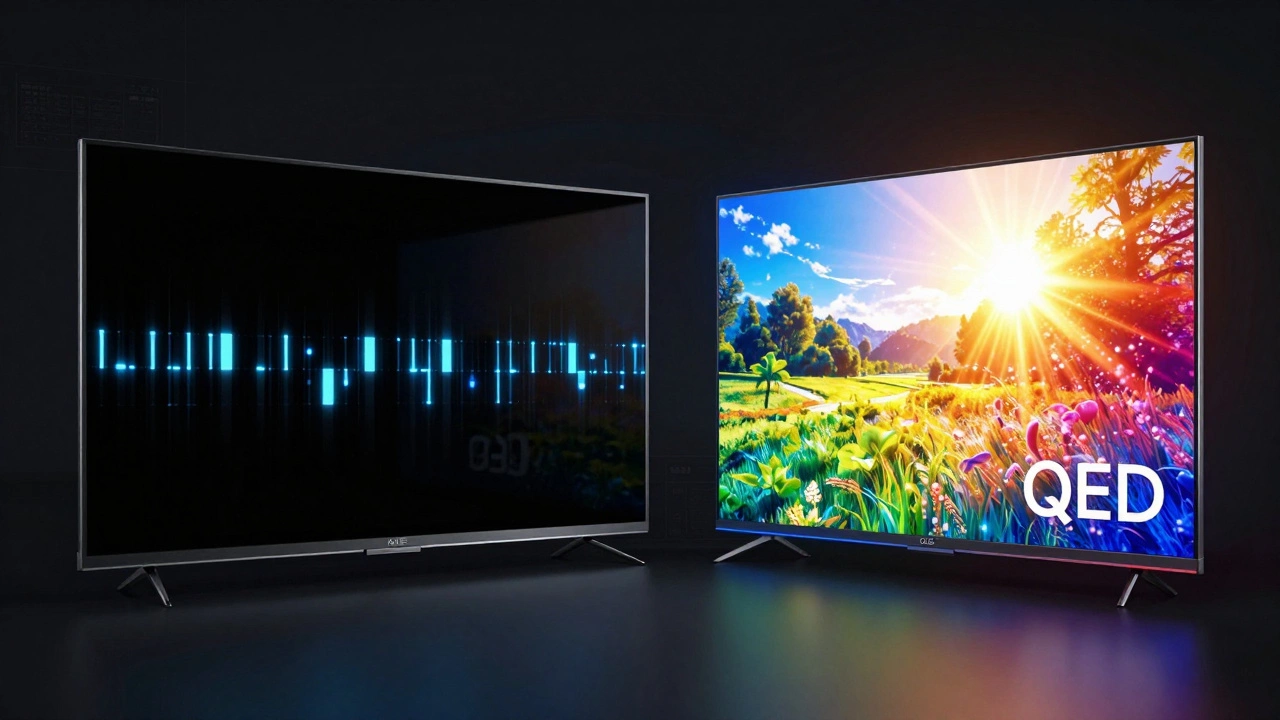
The type of panel inside the TV matters more than the resolution label. Currently, the market is split between LCD/LED, OLED, and the newer QD-OLED technology.
OLED (Organic Light-Emitting Diode) panels generate their own light per pixel. This means perfect blacks because a black pixel is simply turned off. OLED TVs offer infinite contrast ratios, making them ideal for dark rooms and movie watching. Brands like LG dominate this space. However, OLEDs can suffer from burn-in if you leave static images (like news tickers) on screen for hours daily, though modern mitigation techniques have reduced this risk significantly.
QLED (Quantum Dot LED) is Samsung’s answer to OLED. These are LCD panels enhanced with a layer of quantum dots to boost color volume and brightness. QLEDs are much brighter than OLEDs, making them better for bright living rooms with lots of windows. They don’t risk burn-in. Recent advancements, like Neo QLED, use mini-LED backlights to improve contrast, narrowing the gap with OLED.
Then there is QD-OLED, a hybrid technology. It combines the self-emissive benefits of OLED with the color brightness of quantum dots. Found in high-end Samsung and Sony models, it currently offers the best of both worlds but comes at a premium price point.
Refresh Rate and Motion Handling
If you watch sports or play video games, resolution takes a backseat to motion handling. A standard TV has a 60Hz refresh rate, meaning it updates the image 60 times per second. Many mid-range 4K/UHD TVs now offer 120Hz panels.
A 120Hz panel provides smoother motion, reducing blur during fast-paced scenes. This is critical for gaming consoles like the PlayStation 5 or Xbox Series X, which can output games at 120 frames per second. If you plan to game competitively or watch football without motion smear, ensure your 4K/UHD TV has a native 120Hz panel and HDMI 2.1 ports.
Note the distinction between "native" 120Hz and "motion smoothing" features. Some cheaper TVs claim 120Hz but use software interpolation to fake smoothness, often resulting in the "soap opera effect" where movies look like low-budget daytime TV. Stick to native 120Hz hardware for genuine performance gains.
| Feature | OLED | QLED (LCD) | QD-OLED |
|---|---|---|---|
| Contrast | Infinite (Perfect Blacks) | Good (Depends on backlighting) | Infinite (Perfect Blacks) |
| Brightness | Moderate | Very High | High |
| Burn-in Risk | Low (but present) | None | Very Low |
| Best For | Dark rooms, Movies | Bright rooms, Sports | Gaming, Mixed Use |
Smart Features and Operating Systems
Your TV is no longer just a display; it’s a computer. The operating system determines how easy it is to find content, install apps, and control your smart home. Since 4K and UHD are resolution standards, they don’t dictate the software experience, but budget constraints might.
Cheaper UHD TVs often run proprietary, ad-supported interfaces that feel sluggish. Mid-to-high-end 4K sets typically feature polished platforms like webOS (LG), LG's interface, known for its intuitive magic remote navigation. Or Tizen (Samsung), which integrates well with other Samsung ecosystem devices. Google TV and Roku TV are also popular choices, offering vast app libraries and voice search capabilities.
If you already own a streaming stick like Apple TV or Amazon Fire Stick, the built-in smart features matter less. You can treat the TV as a dumb display and let your external device handle the computing. This approach often results in a faster, more reliable user experience since the TV’s processor isn’t bogged down by background tasks.
Size Matters More Than Labels
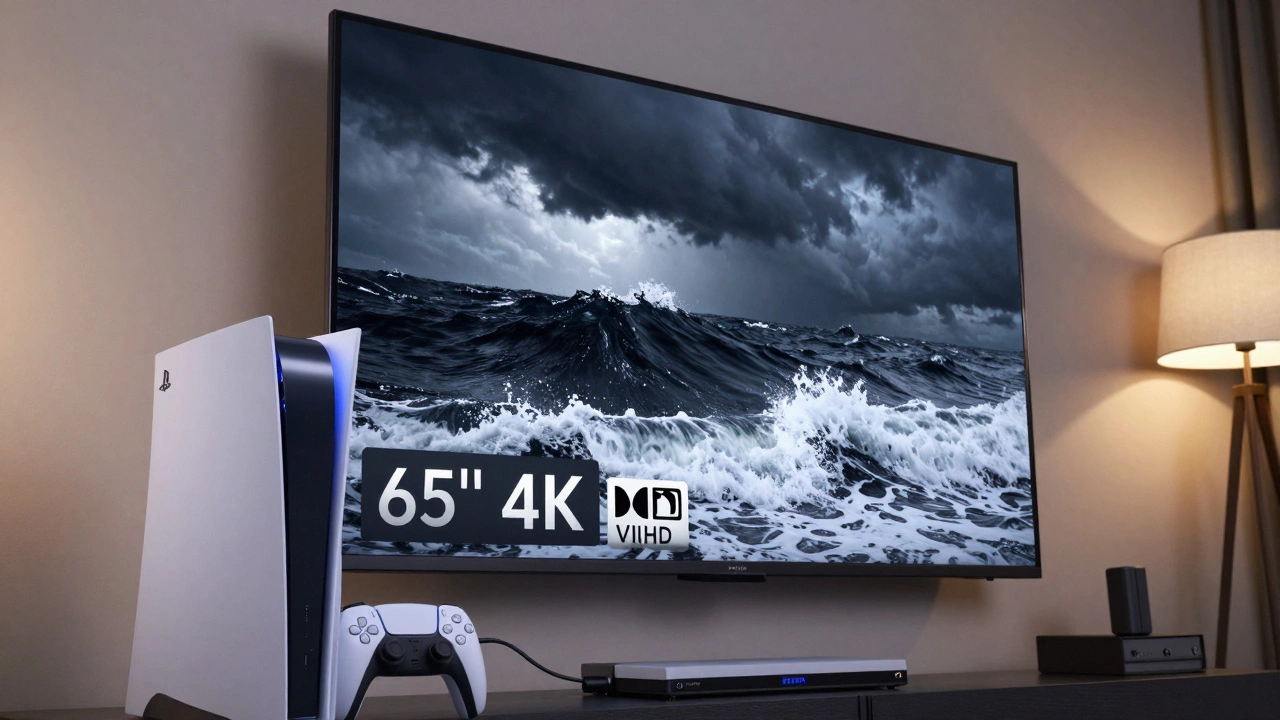
Pixel density decreases as screen size increases. On a 40-inch TV, 4K/UHD resolution is overkill; your eyes won’t notice the difference from 1080p unless you sit inches away. The sweet spot for 4K visibility starts around 50 inches, assuming a viewing distance of 6 to 8 feet.
For larger screens-65 inches and above-4K/UHD becomes essential. Without it, individual pixels become visible, creating a grainy image. If you’re buying a 75-inch or 85-inch model, do not settle for anything less than 4K/UHD resolution. At those sizes, the lack of detail is glaringly obvious.
Content Availability in 2026
By 2026, 4K content is ubiquitous. Netflix, Disney+, Amazon Prime Video, and YouTube all stream in 4K. Broadcast television in many regions, including Canada and the US, has largely transitioned to ATSC 3.0, which supports 4K broadcast signals. Blu-ray discs are almost exclusively 4K UHD.
However, internet bandwidth is still a bottleneck. Streaming true 4K HDR requires a stable connection of at least 25 Mbps, ideally higher for uncompressed streams. If your Wi-Fi is spotty, consider a wired Ethernet connection or a mesh network system to ensure your 4K/UHD TV receives data without buffering or dropping to lower resolutions.
So, Which Should You Buy?
Stop worrying about whether to choose "4K" or "UHD." They are the same resolution. Instead, focus on your environment and usage habits.
If you watch mostly movies in a dimly lit room, prioritize an OLED panel with Dolby Vision support. The deep blacks and accurate colors will transform your viewing experience more than any resolution label could. If you have a bright living room filled with natural light, go for a QLED or Mini-LED TV. The high brightness levels will cut through glare, ensuring the image remains vibrant.
For gamers, look for a 120Hz panel with HDMI 2.1 ports and VRR (Variable Refresh Rate) support. This ensures smooth gameplay without screen tearing. For casual viewers who primarily watch cable TV or standard streaming, a mid-range QLED with good upscaling technology will suffice. Upscaling converts lower-resolution content (like 1080p broadcasts) to fit your 4K screen, and better processors do this job seamlessly.
Remember, the best TV is the one that fits your budget, your room, and your content habits. Don’t let marketing jargon confuse you. 4K and UHD are just the entry ticket. The real show is in the panel technology, HDR support, and motion handling.
Is 4K better than UHD?
No, 4K and UHD are effectively the same resolution for consumer TVs. Both refer to a 3840x2160 pixel grid. The terms are used interchangeably by manufacturers, with "4K" often borrowed from cinema standards and "UHD" describing the consumer specification.
Do I need a 4K/UHD TV if I only watch Netflix?
Yes, if you have a screen larger than 50 inches. Netflix offers extensive 4K content, and the increased detail is noticeable on larger displays. Additionally, 4K TVs often come with better HDR support, which improves color and contrast even for non-4K content.
What is the difference between OLED and QLED?
OLED panels produce light per pixel, offering perfect blacks and infinite contrast, ideal for dark rooms. QLED panels use an LED backlight with quantum dots, providing higher brightness levels and resistance to burn-in, making them better for bright rooms.
Does HDR make a difference on 4K TVs?
Absolutely. HDR (High Dynamic Range) enhances color volume, brightness, and contrast. A 4K TV with good HDR support (like Dolby Vision or HDR10+) will look significantly better than a 4K TV with only basic HDR10 or no HDR at all.
Should I buy a 60Hz or 120Hz 4K TV?
If you play video games on PS5 or Xbox Series X, or watch fast-paced sports, a 120Hz TV is worth the investment for smoother motion. For general movie and TV watching, a 60Hz TV is sufficient and more affordable.