
When you buy a smart lock, a keyless door locking system controlled via smartphone, voice, or code. Also known as connected lock, it lets you lock and unlock your door remotely—but it also opens a backdoor for hackers if not set up right. These devices are popular because they’re convenient: no more fumbling for keys, guest access without physical copies, and alerts when someone enters. But convenience doesn’t mean security. Many smart locks have flaws that make them easier to break into than a traditional lock.
One major issue is Bluetooth, a wireless connection often used by smart locks to communicate with phones. If your phone is within range, the lock unlocks automatically. Sounds cool—until a hacker uses a device to intercept that signal from across the street. Some models even let attackers brute-force PIN codes through repeated attempts, especially if the lock doesn’t lock out after three wrong tries. Then there’s Wi-Fi connectivity, the link between your lock and your home network. If your router is weak or uses default passwords, a hacker can slip into your network and take control of the lock. It’s not science fiction—it’s happened to real people who trusted their locks without checking the basics.
And it’s not just about the lock itself. Your whole smart home ecosystem, the collection of connected devices like cameras, speakers, and thermostats matters. A compromised smart speaker or camera can become a gateway to your lock. Many users don’t realize that their smart lock shares a network with other gadgets—and if one is poorly secured, they’re all at risk. Even software updates matter. Brands that stop supporting older models leave them exposed to known bugs. You might think your lock is safe because it’s new, but if the company doesn’t patch vulnerabilities, it’s just a ticking time bomb.
So what’s the fix? Start with strong passwords and two-factor authentication. Never use the default PIN or factory settings. Make sure your Wi-Fi network is encrypted with WPA3. Check if your lock has a physical key backup—because if the battery dies or the app crashes, you shouldn’t be locked out. And don’t ignore firmware updates. Turn on auto-updates if they’re available. The best smart lock isn’t the one with the most features—it’s the one that keeps your home safe without asking you to be a cybersecurity expert.
Below, you’ll find real-world guides that break down exactly how smart locks fail, which models have been hacked, and how to lock down your home network so your devices work for you—not against you. No theory. No fluff. Just what works.
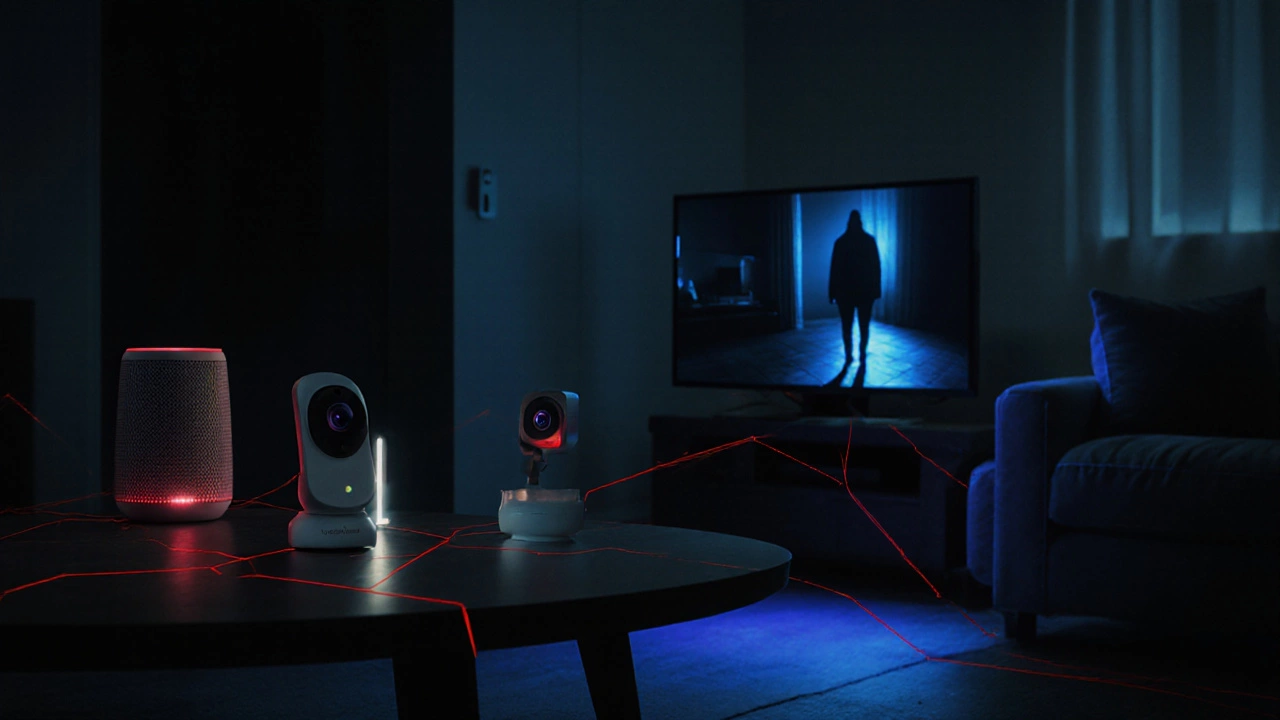
Smart homes offer convenience but come with real security risks. Learn how hackers target devices, what vulnerabilities to fix, and simple steps to protect your family and data today.